Getting started
BTD 600 | 7
Getting started
1. Connecting the dongle to a computer (PC/
Mac)
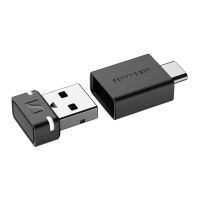
The dongle is compatible with PC and Mac. You can either connect
the dongle to a USB-A socket or to a USB-C socket using the sup
-
plied USB-C adapter.
No driver installation is required to connect to a PC/Mac. The dongle
is automatically recognized as an external sound card.
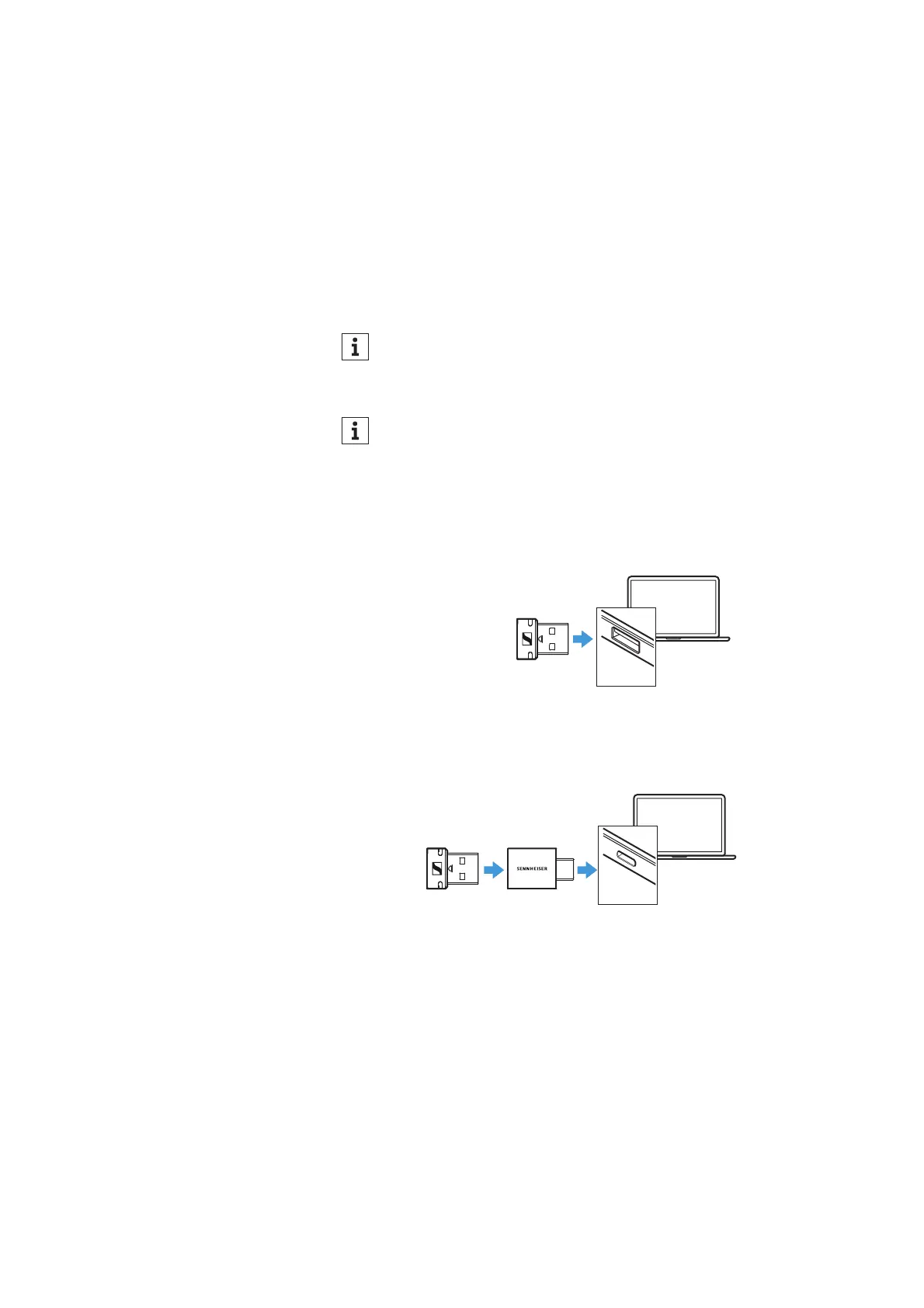
Connecting the dongle to a USB-A socket
É Connect the dongle to a USB-A socket of your PC/Mac.
Connecting the dongle to a USB-C socket
É Connect the dongle to the supplied USB-C adapter.
É Connect the USB adapter to a USB-C socket of your PC/Mac.
The dongle is intended for connection to a PC/Mac. It cannot
be used with TV or hi-fi devices.
If you connect the dongle to a mobile device, there is a risk that
the protruding dongle and/or the USB socket can be damaged
if the dongle is subjected to mechanical stress.
Connect the dongle to mobile devices using an extension cable
to reduce the mechanical stress


 To Next Page