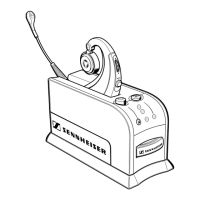
Button overview
8
Button overview
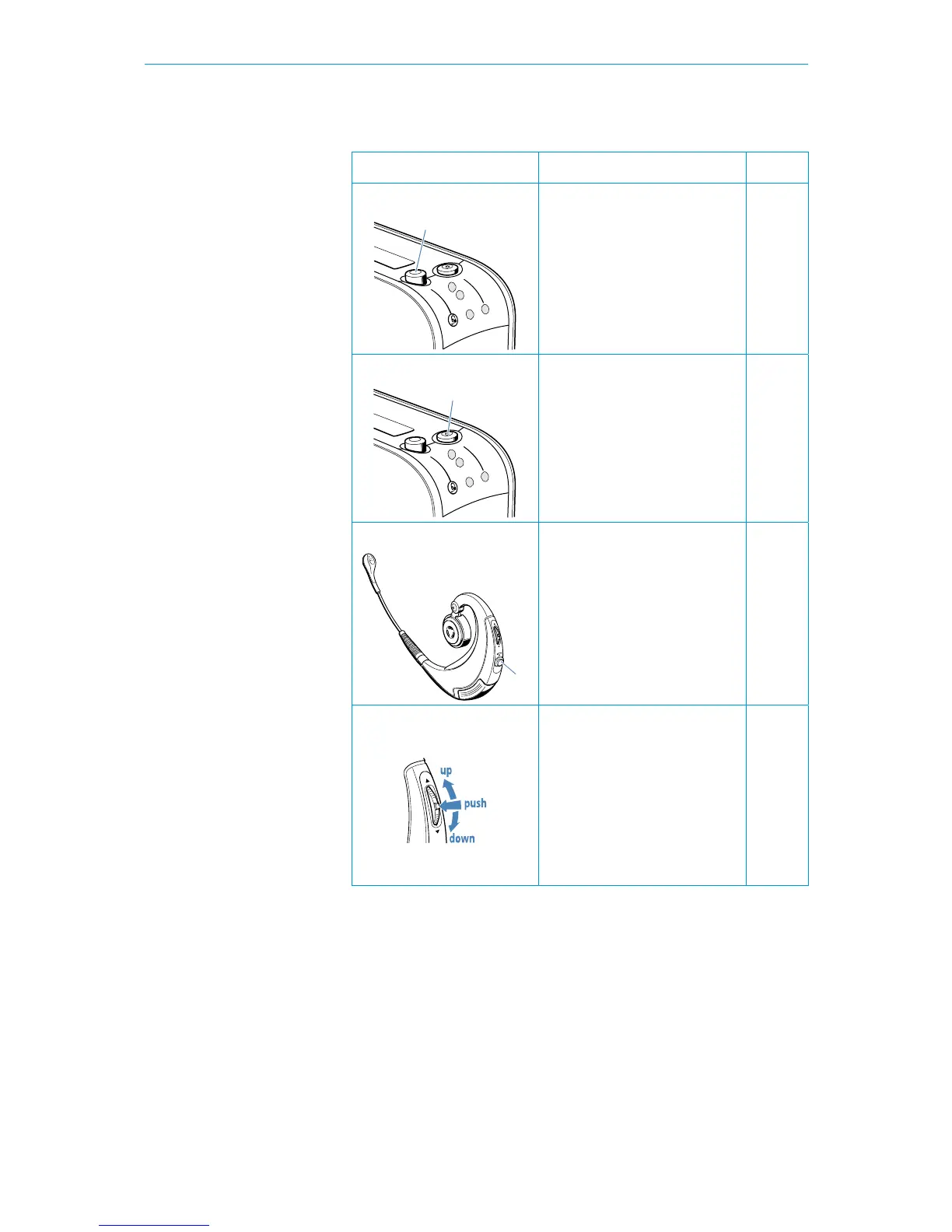
Button Function See
Headset/handset switch
• toggle between the office
phone handset (up position)
and the BW 900 headset
(down position)
page 14
Base station hook button
• accept an incoming call
• end a call
page 15
page 16
Headset hook button
• accept a call
• end a call
• toggle between Bluetooth
device and office phone
• redial with Bluetooth device
• activate voice dialling
page 14
page 16
page 22
page 22
page 15
Multi switch
• adjust the volume (up/down)
• mute the headset micro-
phone or acoustic signals
(push)
• reject calls from the Blue-
tooth device (push)
• switch on/off (push until LED
flashes 3 x blue: on – red:
off)
page 17
page 23
page 23
page 14



 To Next Page