Using the earbuds
22 | CX Plus True Wireless
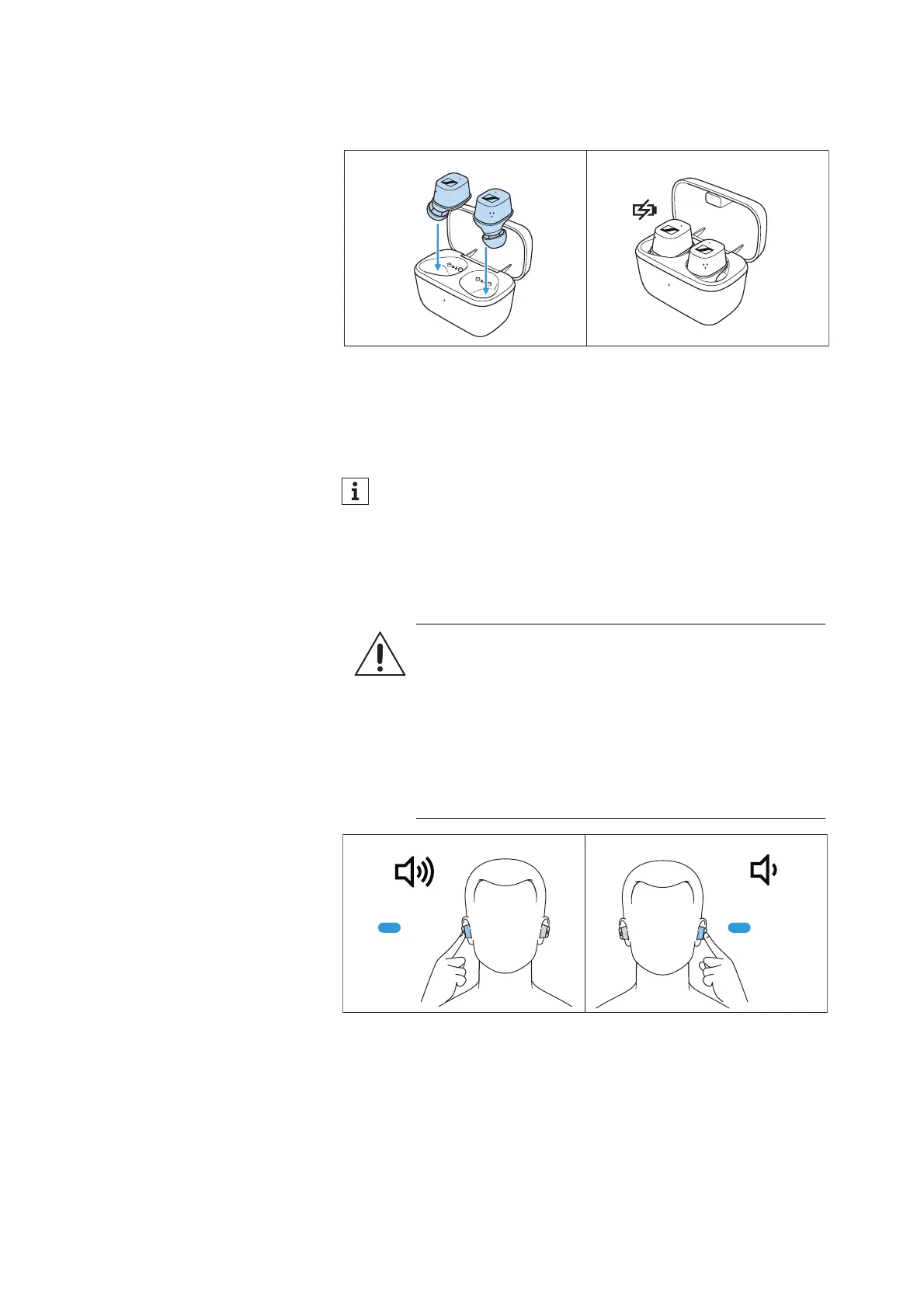
Switching the earbuds off
The earbuds do not have to be switched off explicitly.
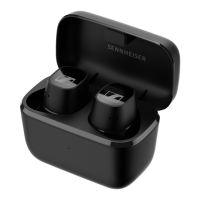
▷ Insert the earbuds into the charging case to switch them off.
As soon as the earbuds are inserted into the charging case, they
switch off and are being charged (>
14).
Adjusting the volume
To increase the volume:
▷ Touch and hold the touch control panel of the right earbud until
the volume is increased.
To reduce the volume:
▷ Touch and hold the touch control panel of the left earbud until the
volume is reduced.
When the maximum or minimum volume is reached, you hear the
voice prompt “Volume max” or “Volume min”.
The earbuds automatically switch to idle mode if no paired
Bluetooth device can be found within 15 minutes. You can wake
up the earbuds from idle mode by touching their touch control
panels 1x or by briefly inserting them into the charging case.
WARNING
Danger of hearing damage due to high volume levels!
Listening at high volume levels can lead to permanent
hearing defects.
▷ Before putting the headphones on and before toggling
between audio sources, adjust the volume to a low
level.
▷ Do not continuously expose yourself to high volume
levels.




 To Next Page