EasyManua.ls Logo

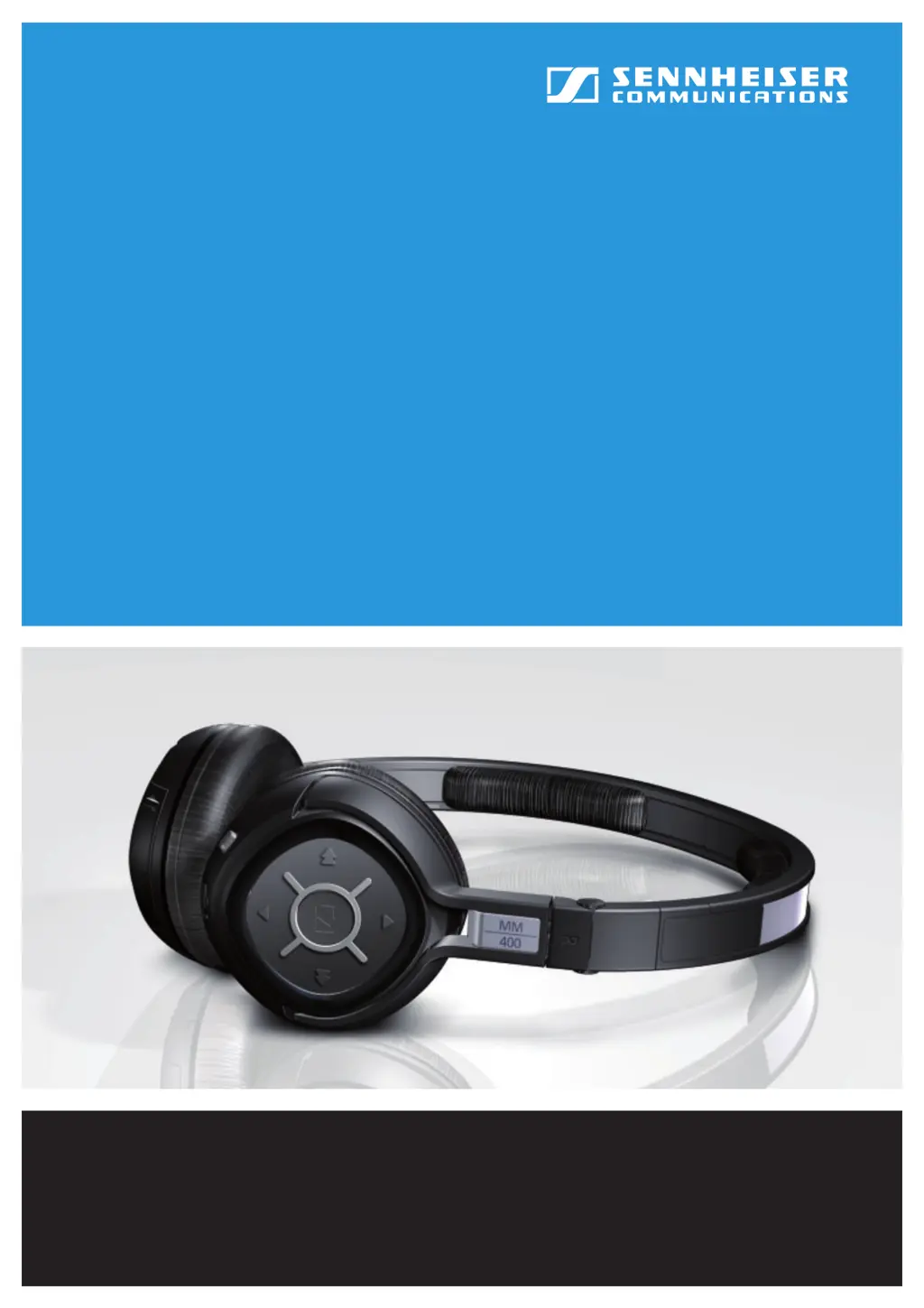
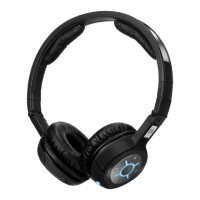
Sennheiser MM 400 - User Manual

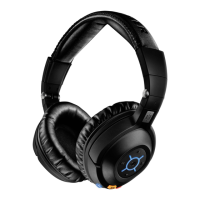
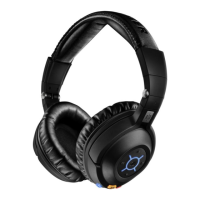
Sennheiser MM 400
29 pages
Print Icon
To Next Page IconTo Next Page
Loading...
MM 400
Instruction manual
Give Your Phone
the Sound it Deserves

Other manuals for Sennheiser MM 400

Questions and Answers

  • A
    Andrew WilkersonAug 9, 2025
    What to do if there is no audio signal during Bluetooth connection on Sennheiser MM 400?
    • K
      Kristen TranAug 9, 2025
      If you're not getting any sound through your Sennheiser Headphone via Bluetooth, here are a few things to check: * Make sure your headset is powered on. * Verify that your headset is properly paired with your audio source; re-pair if necessary. * Ensure Bluetooth is enabled on the headset. * Disconnect any audio cables, as they automatically disable the Bluetooth connection; then, re-enable Bluetooth. * Increase the volume, as it may be set too low.
  • L
    Lindsey JohnstonAug 14, 2025
    Why Sennheiser Headphone cannot be paired?
    • A
      Alan ShawAug 14, 2025
      If your Sennheiser Headphone isn't pairing, it could be due to a couple of reasons: * The audio source might not support the A2DP profile. If this is the case, consider using one of the optional dongles. * The audio source might be switched off. Try switching it on.
  • M
    Mrs. Jessica CamposAug 25, 2025
    How to fix no operation indicator on Sennheiser MM 400?
    • M
      makayla54Aug 25, 2025
      If your Sennheiser Headphone won't switch on and the operation indicator isn't lighting up, the battery pack is likely flat. Recharge the battery pack.
  • T
    teresaturnerAug 29, 2025
    What to do if there is no audio signal when the audio cable is connected to Sennheiser MM 400 Headphone?
    • V
      Valerie SpenceAug 29, 2025
      If you're not getting any audio signal through your Sennheiser Headphone when the audio cable is connected, the jack plug of the audio cable might not be properly connected. Check the connection to your audio source.
  • B
    Brooke AdamsSep 3, 2025
    What to do if Sennheiser MM 400 Headphone does not react to any button press?
    • A
      Ashley JohnsonSep 3, 2025
      If your Sennheiser Headphone isn't responding when you press any buttons, the operation of the headset might be faulty. To resolve this, remove the battery pack from the headset, then reinsert it, and switch the headset on again.
  • A
    alvarezjeremySep 10, 2025
    Why is Bluetooth connection suddenly interrupted on Sennheiser Headphone?
    • D
      Dale BridgesSep 12, 2025
      If the Bluetooth connection on your Sennheiser Headphone is suddenly interrupted, it might be because the Bluetooth button was pressed too long. Try switching the Bluetooth function on again.

Sennheiser MM 400 Specifications

General IconGeneral
TypeOver-ear
Frequency response18 - 22000 Hz
Sound pressure level (SPL)110 dB
THD, total harmonic distortion< 0.5%
Bluetooth Version2.1 + EDR
Supported ProfilesA2DP, AVRCP, HSP, HFP
Charging time3 hours
Weight180 g
DriverDynamic
Connector3.5mm
FoldableYes
Noise IsolationPassive
Ear couplingSupraaural
Talk timeUp to 10 hours
Cable Length1.2 m (detachable)

Related product manuals