Configuring the TVS 200 Earbuds
Sennheiser TVS 200 Earbuds | 13
Configuring the TVS 200 Earbuds
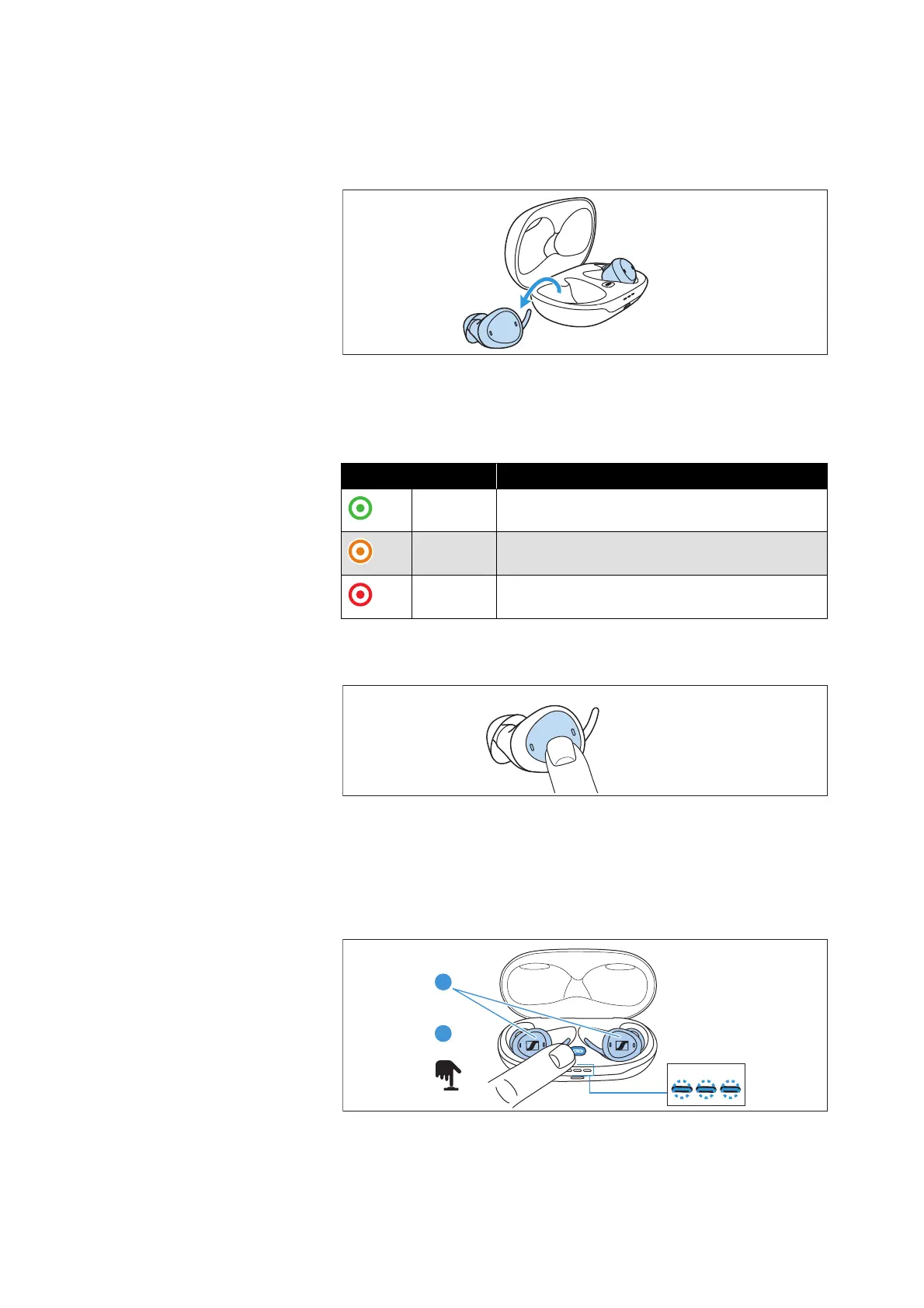
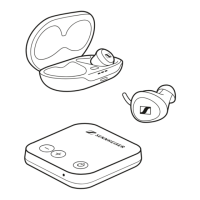
Switching the earbuds on and off
The earbuds switch on automatically when they are taken out of the
charging case. They switch off when they are reinserted into the
charging case and are fully charged.
The light indicators light up:
If an earbud has switched off, it can be switched on again by briefly
pressing the button.
Setting the earbuds to pairing mode
1. Make sure that both earbuds are properly inserted into the
charging case.
2. Press the pairing button for 2 seconds until the light indicator
starts flashing blue.
3. Wait until all 3 light indicators flash blue (this can take up to
10
seconds). Pairing mode ends after 8 minutes or when pairing
was successful.
Light indicator Meaning
green Battery charge status ok (> 50 %)
orange Battery charge status 20 – 50 %
red
Battery charge status < 20 %, charge the
rechargeable battery




 To Next Page