FRESNL DE ENIT
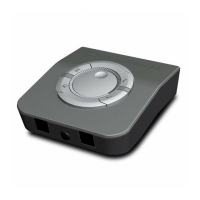
Putting the UI 770 into operation
UI 770 | 5
Connection possibilities
An overview of the connection possibilities can be found on the
fold-out page.
Connecting the headset to the UI 770
Connecting the dictaphone to the UI 770
Connecting the handset to the UI 770
Peripheral
device
Connection on the
UI 770
Connection on the
peripheral device
A
Headset Modular (RJ9) Sennheiser Communications
Easy Disconnect
B Dictaphone
3.5 mm jack
3.5 mm jack,
cable depends on dictaphone
socket
C Handset Modular (RJ9) Modular (RJ9)
D Phone Modular (RJ9) Depending on phone
E Aux/PC Modular (RJ9) 3.5 mm jack
A Connect the modular plug of the adapter cable to the headset
socket on the UI 770 until it locks in place.
B Connect the 3.5 mm jack plug of the dictaphone connecting
cable to the dictaphone socket on the UI 770 until it locks into
place. Connect the 3.5 mm jack plug to your dictaphone.
C Pull the modular plug of the handset cable out of the telephone
and connect it to the handset socket on the UI 770 until it locks
into place.
UI_770_EN.fm Seite 5 Freitag, 15. Januar 2016 11:11 11


 To Next Page