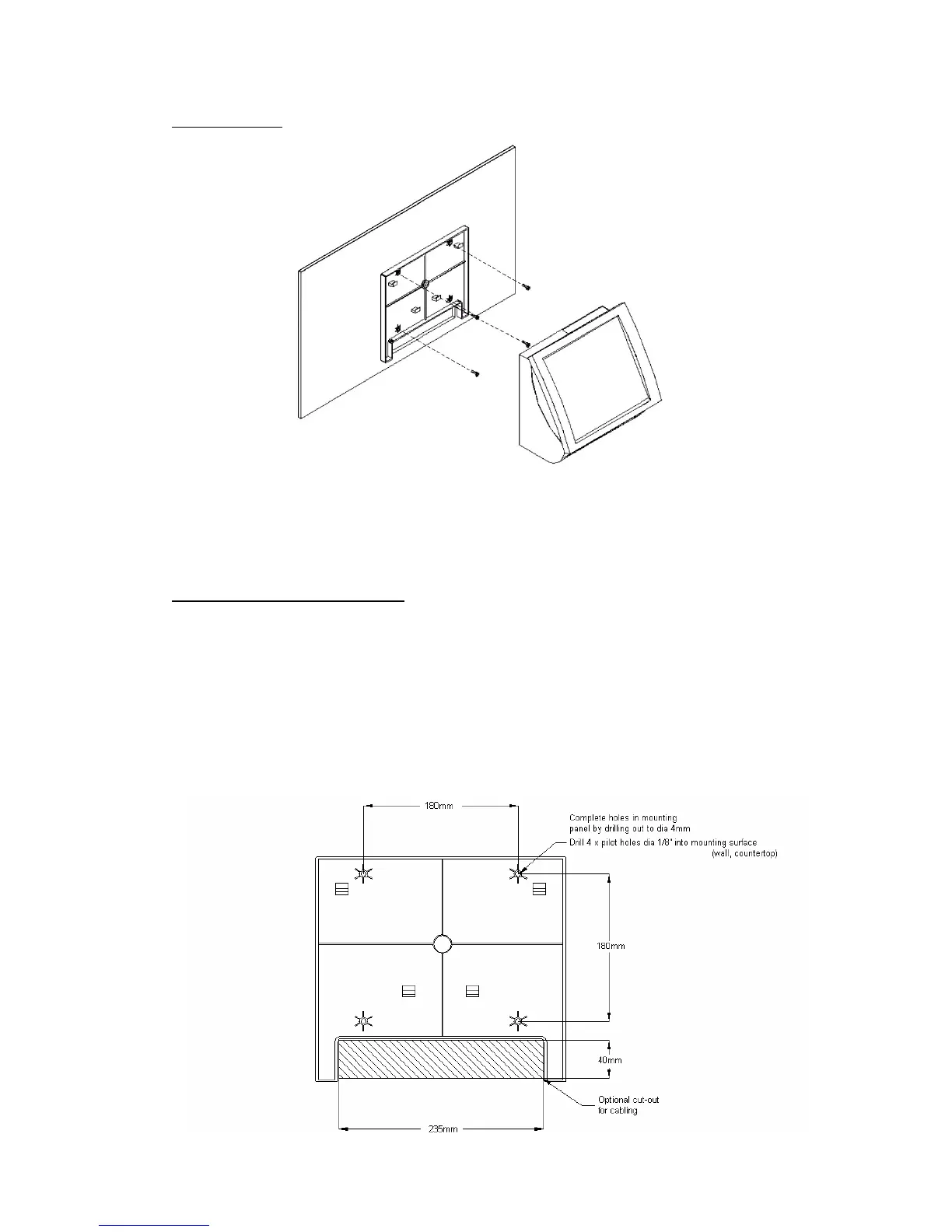
Wall Mounting
3. Reposition the ROBOT/SHOP/SCAN POS 3/4/5/6/7 onto the mounting
panel and ensure the locking tabs are pressed fully home (flush with the edge
of the mounting panel).
Mounting Panel Drilling Guide
The mounting panel has 4 holes for mounting screws, these holes do not
penetrate through the panel so must be completed by drilling through.
Using the mounting panel as a drilling guide, place it in the desired position
and drill pilot holes through the 4 holes in the positions indicated.
A cut-out or holes for cabling can be installed if required
19


 To Next Page