EasyManua.ls Logo

Senor Tech SHOP POS - User Manual

Default Icon
27 pages
Print Icon
To Next Page IconTo Next Page
Loading...
ROBOT/SHOP/SCAN POS
3/4/5/6/7
User’s Manual
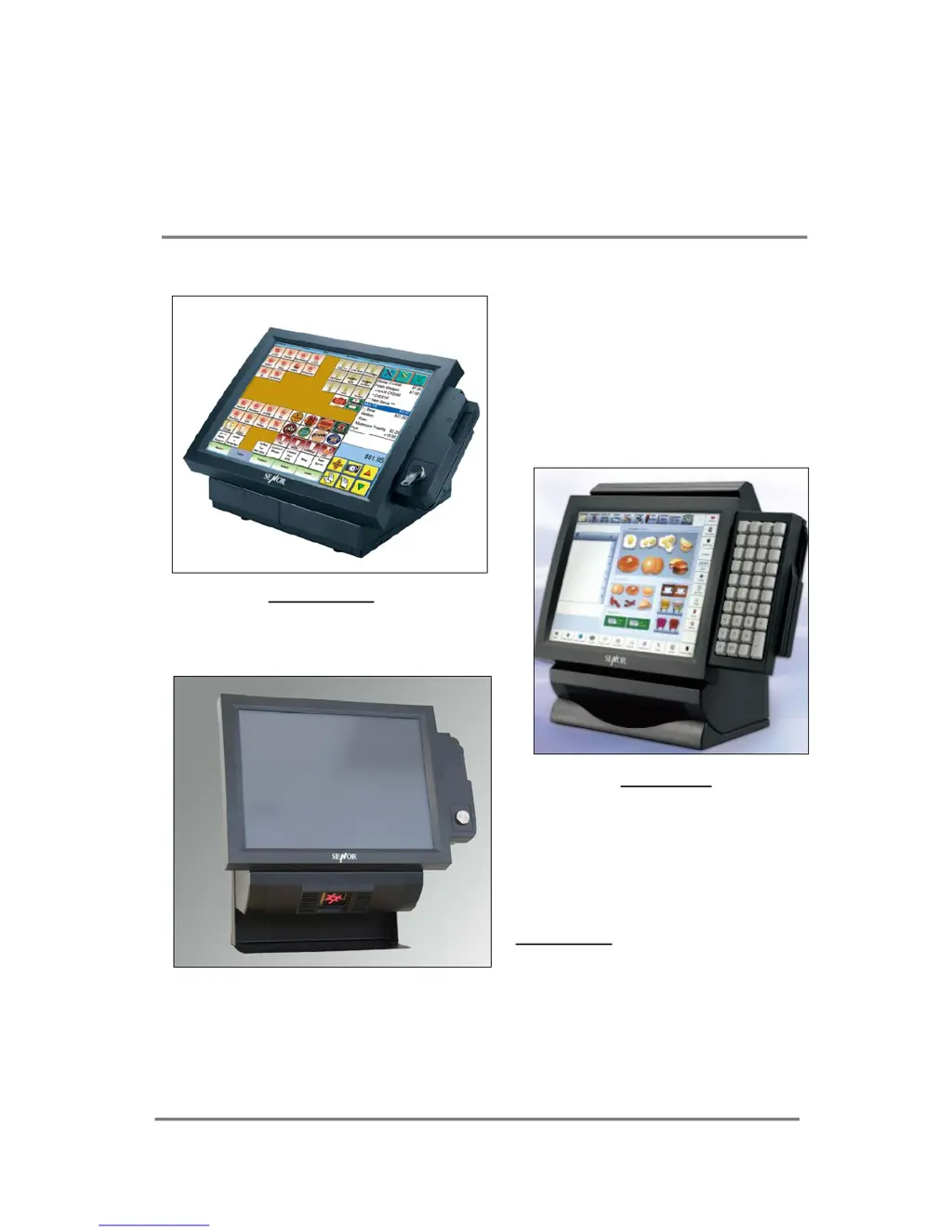
ROBOT POS
SHOP POS
SCAN POS
SENOR TECH CO., LTD.
http://www.senortech.com

Questions and Answers

Summary

Specification Details

Overall Dimensions and Physical Specs

Provides dimensional data for different POS models and general physical attributes.

Core System Components

Details CPU, Chipset, BIOS, Memory, and I/O ports.

Display and Interface Features

Covers operator display, customer display, and touch screen technologies.

Peripheral and Power Details

Details barcode scanner capabilities and power supply specifications.

Terminal Overview and Operation

Key Features and Model Overviews

Lists main features and provides diagrams for ROBOT, SHOP, and SCAN POS models.

Operator Display and Touchscreen

Covers LCD angle adjustment and touch screen technologies.

Internal Components and Storage

Details removable HDD and CD ROM drive installation and operation.

External Connectivity

Identifies the location of all external connectors on the unit.

Installation Guide

Pre-installation Considerations

Discusses location, operator comfort, safety, clearances, and cable routing.

Mounting Procedures

Explains how to mount the POS terminal to a wall or countertop using the provided panel.

Regular Maintenance Procedures

Cleaning Guidelines

Provides instructions for cleaning the POS terminal and its touch screen.

Touch Screen Care

Offers advice on using and caring for the touch screen to maintain functionality.

Troubleshooting Common Issues

General and Component Issues

Covers power-on failures, external device problems, and general system responsiveness.

Display, Disk, and RAM Problems

Addresses blank LCDs, hard disk failures, and RAM-related errors or beeps.

Port and Error Message Resolution

Provides solutions for port connectivity issues and specific error messages.

Important Cautions and Warnings

Senor Tech SHOP POS Specifications

General IconGeneral
BrandSenor Tech
ModelSHOP POS
CategoryTouch terminals
LanguageEnglish

Related product manuals