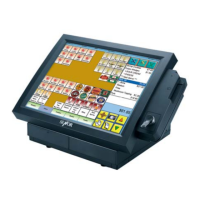
touch screen and regularly clean with a soft slightly damp cloth. The activation
pressure for the touch screen is 5.5 grams therefore only a light touch is
required, never hit the screen or apply excessive pressure or permanent
damage will occur. If there is difficulty activating the on screen buttons, the
touch screen may need calibrating.
Cleaning
Clean with a soft, slightly damp cloth, wipe gently in a circular motion from the
center of the screen to the outside edges. Do not use solvents or abrasives.
21


 To Next Page