the lower status LED blinks the last 4 digits can be set.
The setting is identical as described in point 1. The posi-
tion of the decimal point depends on the output pulse
value ( see point 4)
3. Pulser
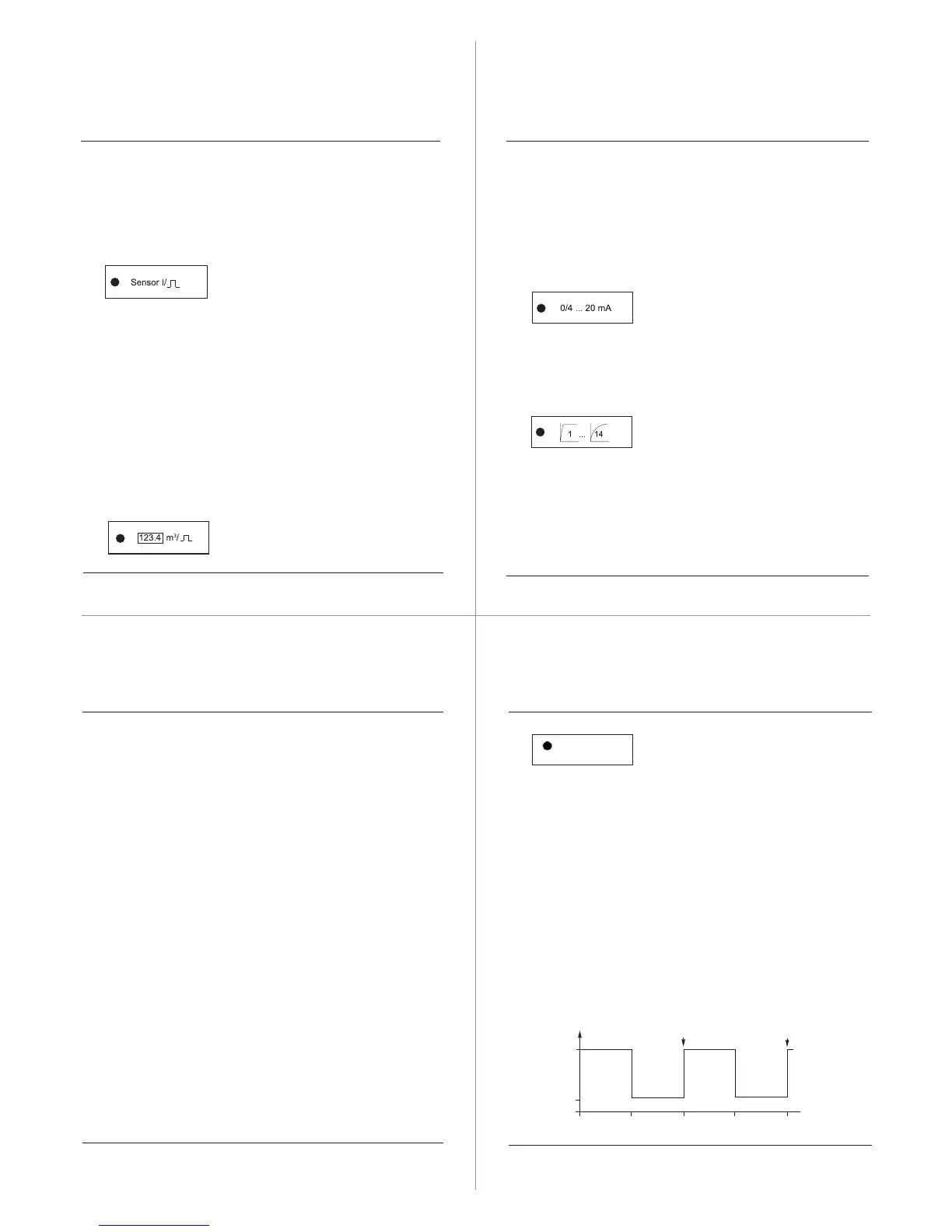
The setting of the pulse value of the sensor in litre per
pulse. In this example with 1 litre per pulse the display is
to be set to ”0001.”. The possible input pulse range is
0.001 ... 9999. litres/pulse. After the pulse value pro-
gramm the signal mode suitable for the connected pulser.
InPu= Opto OD 01-04 without evaluation of the direction
signal
InPb= Opto OD 01-04 with evaluation of the direction sig-
nal
InPr= Opto OD 01-04 without direction signal
4. Pulse output
For example to set 1 pulse per m
3
, the display must indi-
cate ”0001.”. The setting is identical as described in
point 1. The possible output pulse value is 0.001 ...
9999.m
3
. Note ! The output pulse value has to be > to the
input pulse value. At max. flowrate the output pulse rate
must not exceed 1 Hz.
5. Current output
The actual current output range will be indicated at the
display. With the (+) or (-)-button it can be toggled
between 0...20mA and 4...20mA. Pressing the SELECT
button saves the setting.
6. Damping
The damping determines the response time of the cur-
rent output and the flowrate indication.
If there are no special requirements for the response
time please set damping value ”0004”.
Setting 1 - no damping Setting 14 - max. damping
*) from serial no. 105.000
5. Protection
The FM-1D/K can be protected against unintentional
changes to the setting. In the protect-mode all settings
and measuring values can be displayed. Changing the
values is not possible.
Simultaneously by pressing (+) and (-)-buttons and the
SELECT-button, the present mode will be displayed.
display ”LOC 6”
- device in programming mode,
display ”LOC 8”
- device protected.
With the (+) or (-)-buttons modes can be toggled
between ”LOC 6” and ”LOC 8”. Pressing the SELECT
button saves the setting.
6. Test mode
In the test-mode the digital and ana-
logue output of the FM-1D/K can be
checked on the integral counter and flowrate indicator,
without having a pulser connected to the pulse input.
First the firmware revision will be indicated.
By pressing the (+) or (-)-buttons the test mode starts:
The current output toggles, as indicated on the display,
in a 30 second interval between 0(4) und 20 mA. The
flowrate indicator should alternate between ”0” and full
scale.
At the pulse output terminals a pulse will be generated
every 60 seconds. These pulses will be indicated on
the pulse counter.
Pressing the SELECT-button leaves the test mode and
changes into the standard mode.
Test



 To Next Page
 Loading...