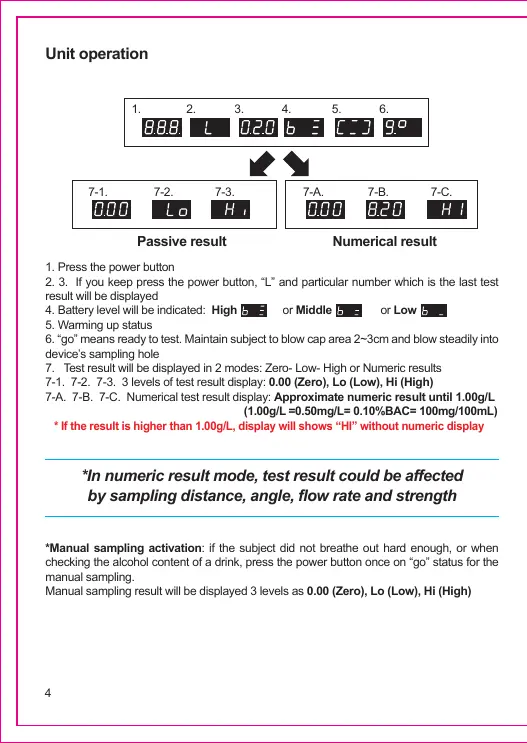
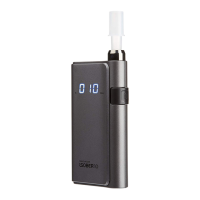
*Manual sampling activation: if the subject did not breathe out hard enough, or when
checking the alcohol content of a drink, press the power button once on “go” status for the
manual sampling.
Manual sampling result will be displayed 3 levels as 0.00 (Zero), Lo (Low), Hi (High)
*In numeric result mode, test result could be affected
by sampling distance, angle, flow rate and strength
Unit operation
1. Press the power button
2. 3. If you keep press the power button, “L” and particular number which is the last test
result will be displayed
4. Battery level will be indicated: High or Middle or Low
5. Warming up status
6. “go” means ready to test. Maintain subject to blow cap area 2~3cm and blow steadily into
device’s sampling hole
7. Test result will be displayed in 2 modes: Zero- Low- High or Numeric results
7-1. 7-2. 7-3. 3 levels of test result display: 0.00 (Zero), Lo (Low), Hi (High)
7-A. 7-B. 7-C. Numerical test result display: Approximate numeric result until 1.00g/L
(1.00g/L =0.50mg/L= 0.10%BAC= 100mg/100mL)
* If the result is higher than 1.00g/L, display will shows “HI” without numeric display
4
1.
7-1. 7-2.
Passive result Numerical result
7-A. 7-B. 7-C.7-3.
2. 3. 4. 5. 6.


 To Next Page