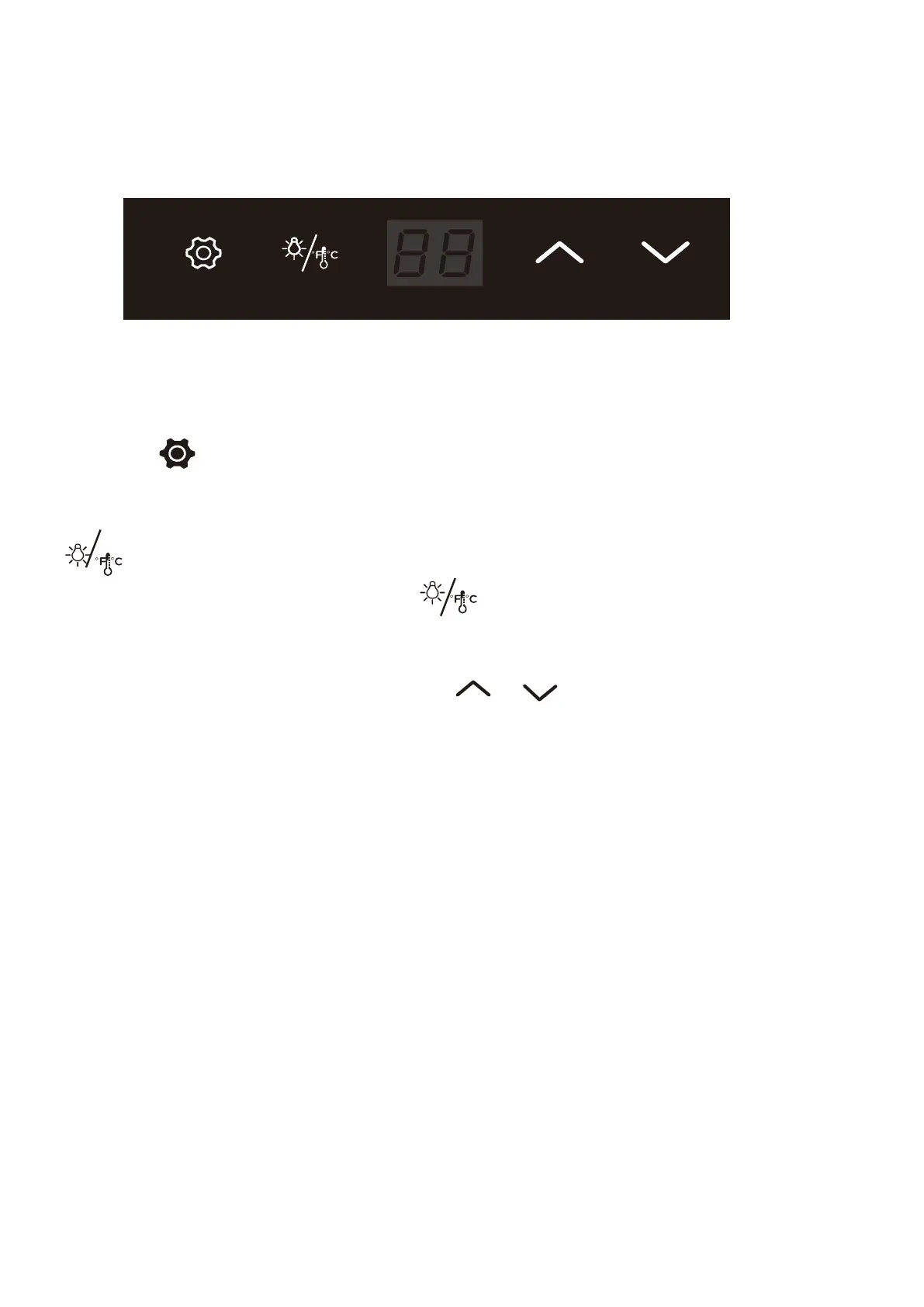
paenl is activated.
You can select temperature display setting from Fahrenheit to Celsius degree by pushing button
for 2 second.
The degrees will appear in blue color in the temperature display window.
When the control panel is active, push button and the LED temperature display will be off;
You have to push the button again and the LED temperature display will turn back on.
You can set desired temperature by pushing button
. The temperature increases or decrease
1℉or 1℃ each time you press the button.
Energy Saving Tips
The unit should be located in the coolest area of the room. Keep it away from heat
producing appliances and out of direct sunlight.
Aluminum foil, wax paper or paper toweling should not be stored in the unit, which are
possible to block the air vent and increase the energy consumption.
or
OPERATING YOUR UNIT
Setting the Temperature Control
Your wine cooler has been equipped with an "automatic" control panel lock, that will activate
20 seconds after the last time a button has been touched.
Push button
for 2 seconds to unlock the control panel. You will hear a beep sound if the control


 To Next Page