EasyManua.ls Logo

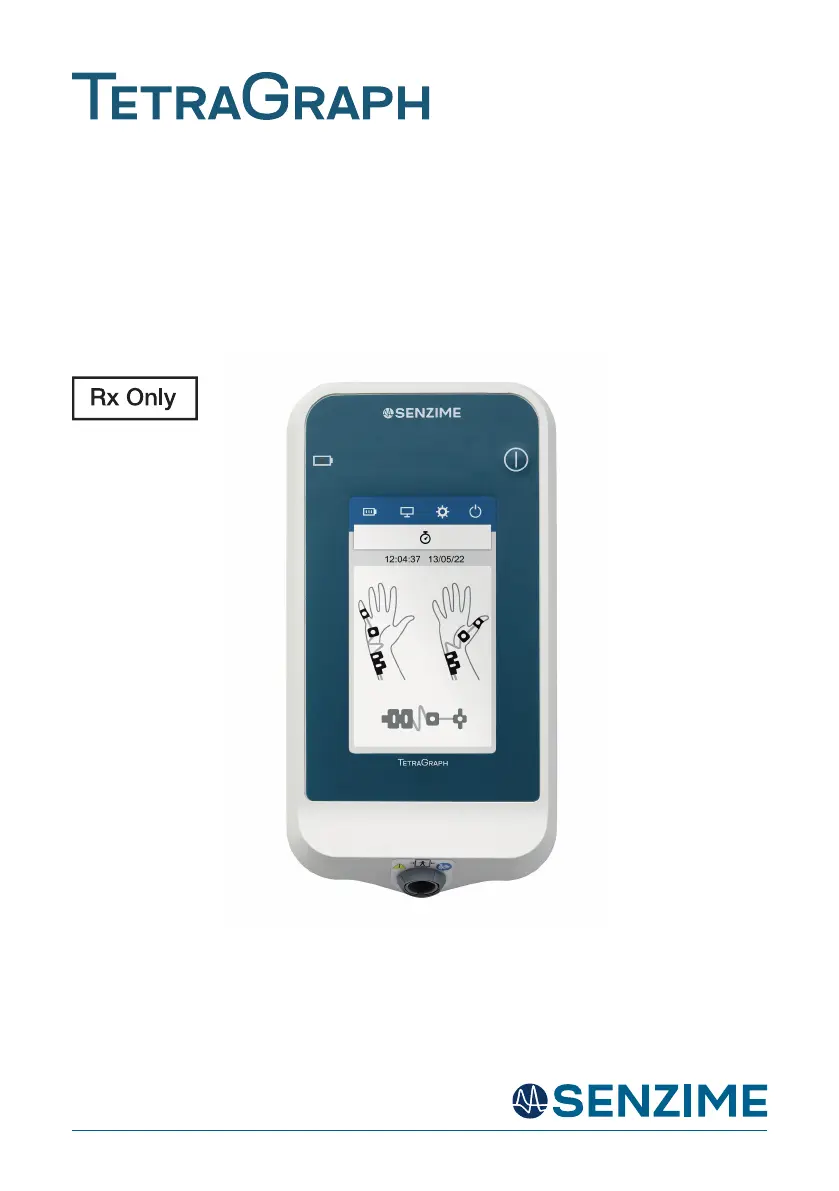
SENZIME TetraGraph SEN 2001 - User Manual

SENZIME TetraGraph SEN 2001
40 pages
Print Icon
To Next Page IconTo Next Page
Loading...
INSTRUCTIONS FOR USE TetraGraph Model SEN 2001, SEN 008, Issue 14.0, 2023-11-07
Neuromuscular Transmission Monitor
Operang Instrucons
TetraGraph Model SEN 2001

Questions and Answers

  • R
    Rachel MyersAug 3, 2025
    What to do if SENZIME Monitor screen is not responsive to touch?
    • T
      Tony AndersonAug 3, 2025
      If the screen of your SENZIME Monitor is not responding to touch, first check the screen calibration as described in Section 15. If calibrating the screen doesn't fix the problem, the TetraGraph should be removed from service, and you should seek assistance from an authorized service center.
  • H
    handersonAug 8, 2025
    Why does the SENZIME TetraGraph SEN 2001 Monitor device turn off?
    • K
      Kimberly TurnerAug 8, 2025
      The SENZIME Monitor device may turn off because the battery is exhausted. To resolve this, remove the TetraGraph from service and recharge it as per Section 17.
  • A
    Andrew GoodwinAug 12, 2025
    What to do if automatic setup fails on SENZIME TetraGraph SEN 2001?
    • W
      Wendy DukeAug 12, 2025
      If the automatic setup fails on the SENZIME Monitor, make sure that neuromuscular blocking agents haven't been given. Also, check the sensor indicator on the screen as per Section 11. Ensure the electrodes have been applied correctly as per Section 14 and that the Patient Cable is correctly connected to both the TetraGraph and Electrodes as per Section 14.
  • D
    donald39Aug 18, 2025
    What to do if SENZIME TetraGraph SEN 2001 device performance changes?
    • S
      suzanne27Aug 18, 2025
      If you observe changes in the performance of the SENZIME Monitor device, remove the TetraGraph from service and seek assistance from the authorised service centre.
  • B
    benjaminleeAug 23, 2025
    What to do if the electrode symbol is yellow on SENZIME TetraGraph SEN 2001?
    • B
      Bryan WilliamsAug 23, 2025
      If the electrode symbol is yellow on the SENZIME Monitor, make sure that the indicated electrode is making good contact with the skin.
  • E
    Emily HowellAug 28, 2025
    What to do if the electrode symbol is partially grey on SENZIME TetraGraph SEN 2001 Monitor?
    • B
      Brian Yang PhDAug 28, 2025
      If the electrode symbol is partially grey on the SENZIME Monitor, ensure that the indicated electrode is making good contact with the skin.

Summary

1. Introduction

2. Warnings and Cautions

General Safety Information

Explains the meaning of 'WARNING' and 'CAUTION' symbols and their implications for safe use.

3. Scope of Use and Contraindications

Indications for Use Statement

Specifies the medical conditions for which the NMT monitor is indicated.

Clinical Benefits

Outlines the advantages and benefits of using the TetraGraph for patient monitoring.

4. Intended Users

5. Modes of Operation

6. Train of Four (TOF), TOF Ratio (TOFR) and TOF Count (TOFC)

7. Post-Tetanic Count (PTC)

8. Single Twitch (ST)

9. Associated Devices and Accessories

10. Summary of Warnings, Cautions and Side-Effects

11. Symbols and Icons

12. Getting Started

13. Setting Up

14. TetraSens Electrodes

15. Operation

16. Data output and cybersecurity controls

17. Troubleshooting

18. Maintenance and Battery Charging

19. Cleaning and Disinfecting

20. Performance and Technical Specifications

21. Environment

22. Electromagnetic Compatibility Information

23. Product Warranty

24. Disposal of Waste Electrical and Electronic Equipment

SENZIME TetraGraph SEN 2001 Specifications

General IconGeneral
ModelTetraGraph SEN 2001
ManufacturerSenzime
Measurement PrincipleAcceleromyography (AMG)
Power SourceRechargeable battery
Battery LifeUp to 8 hours
Stimulation ModesTOF, PTC, DBS
Measurement ParameterTrain-of-four (TOF) ratio
DisplayColor touchscreen LCD
ConnectivityUSB, Bluetooth
Data storageInternal memory
CertificationsCE marked