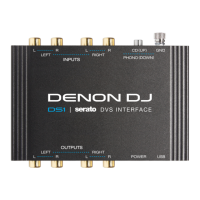
ADDITIONAL DECK CONTROLS: SLICER, CUE,
HOT LOOP, PAD FX AND HOT FLIP MODES
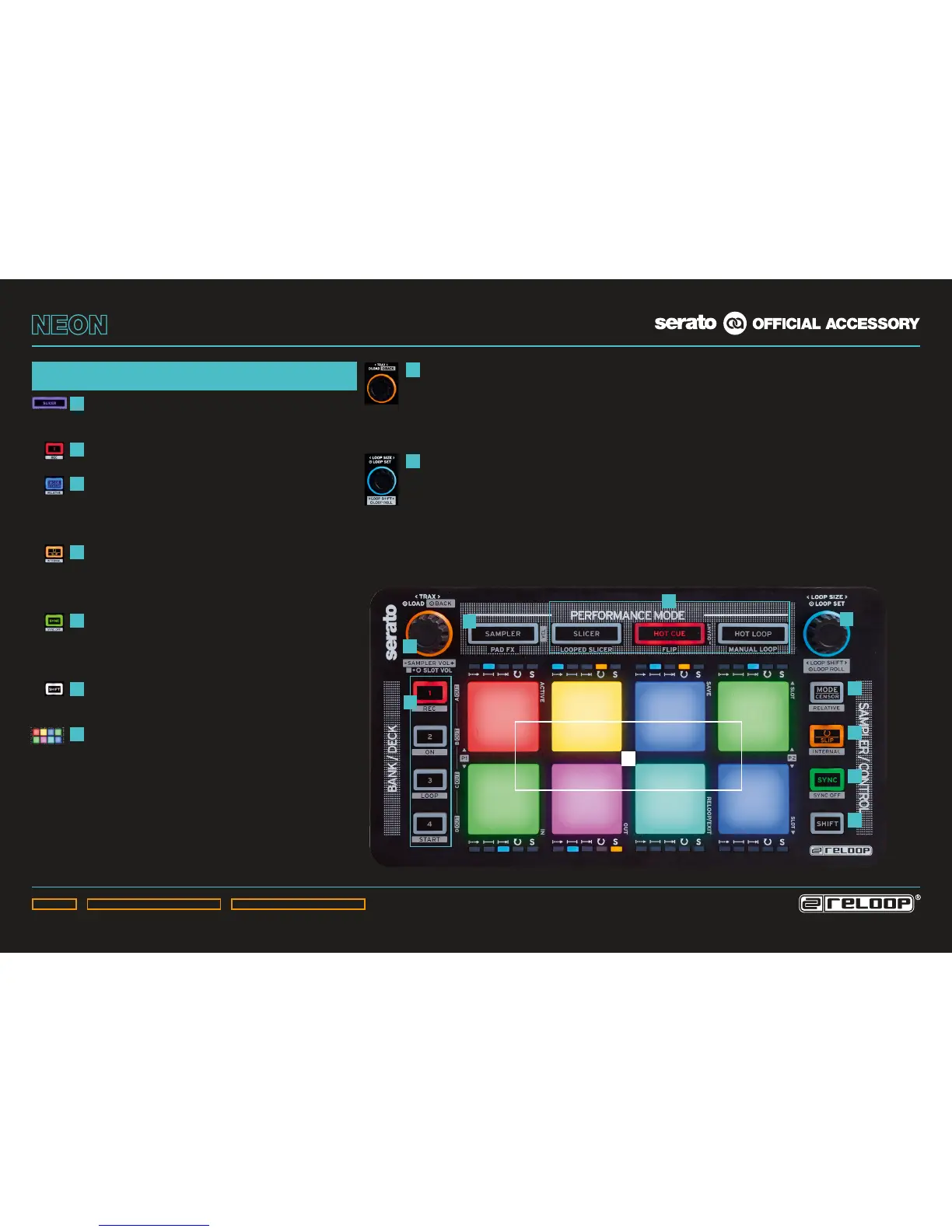
PERFORMANCE MODE BUTTONS:
Select the active performance mode. Pressing a button
twice activates secondary mode (Mode Button ashes).
DECK BUTTONS:
Selects the active deck 1 – 4 for the performance section.
CENSOR BUTTON:
Activates Censor mode (reverse mode).
SHIFT+CENSOR BUTTON:
Activates Relative DVS mode.
SLIP BUTTON:
Activates Slip mode.
SHIFT+SLIP BUTTON:
Activates Internal DVS mode.
SYNC BUTTON:
Activates Deck Sync.
SHIFT+SYNC BUTTON:
Deactivates Deck Sync.
SHIFT BUTTON:
Holding the Shift Button activates secondary functions
(marked by gray frame).
DRUM PADS:
8 touch-sensitive RGB colour drum pads for the
respecitvely activated performance mode.
TRAX NAVIGATION:
By turning the encoder it is possible to browse your
track library.
Pushing the encoder loads a track into the active deck.
Shift+pressing the encoder takes you back one folder layer.
LOOP ENCODER:
Turning the encoder selects the loop size.
Pushing the encoder activates a loop.
Shift+turning the encoder shifts the whole set loop.
Shift+pressing the encoder activates the loop roll function.
1
7
8
9
2
3
4
5
6
3
4
5
6
1
8
2
7
9
1



 To Next Page