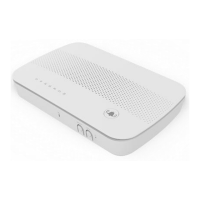
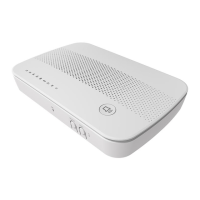
DG4244 User Guide
DG4244 User Gude_rev01 Sercomm copyright
SAFETY NOTICE
Device Grounding: The cable distribution system under consideration is a
TNV-1 circuit. The common sides or earthed side of the circuit are connected
to the screen of the coaxial cable through an antenna connector of tuner and
to all accessible parts and circuits (SELV, LCC and accessible metal parts). The
screen of the coaxial cable is intended to be connected to earth in the building
installation.
Install the cable modem to include grounding the coaxial cable to the earth
as close as practical to the building entrance per ANSI/NFPA 70 and the
National Electrical Code (NEC section 820.93, Grounding of the Outer
Conductive Shield of a Coaxial Cable). The device is designed for IT power
systems with phase-to-phase voltage at 120V.
This unit requires a 100-240V, 50-60Hz power adapter. The power adapter
must be keyed for proper polarization and must be fully inserted to contact
the back of the power connector port to ensure snug connection. Use only
the supplied power adapter.
Disconnecting the Device: If the cable modem becomes damaged or
encounters some other abnormality, disconnect the power adapter from the
AC wall outlet immediately.
Temperature and Altitude: Install the device in a location not to exceed the
maximum operating temperature of 104˚F (40˚C). Maximum operating
altitude is 5000 m (16,404 ft.).
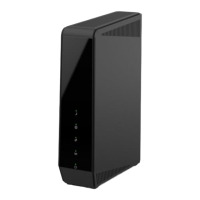
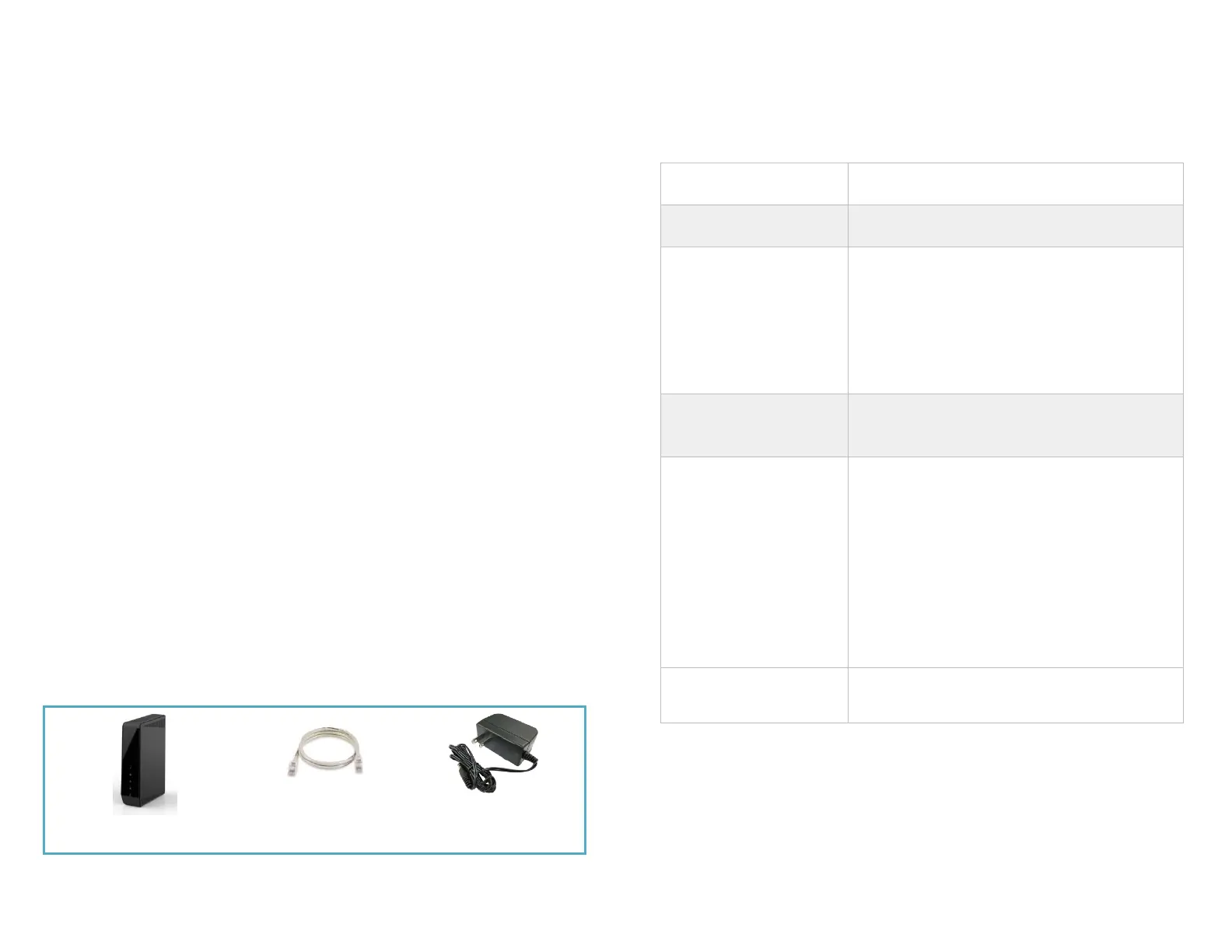
CONTENTS OF THE BOX
BASIC DG4244 INFORMATION
Example of Cable RF MAC
Address
Cable FW: 7.2.4GA
GW FW: V1.14.04.003
DOCSIS 3.1 / 3.0 / 2.0 / 1.1 /1.0
PacketCable 1.5 NCS
IEEE 802.11ax 2.4G 4x4 / 5G 4x4
Ethernet LAN1
10/100/1000/2500 Mbps
Ethernet LAN2-LAN4
10/100/1000 Mbps
Web User Interface
Access
http://192.168.0.1
Login: admin
Password: password
Advanced Web Interface
Login
http://CableModem_IP
Login: mso
Password: sercommdocsis
By default, it is disabled.
Can be enabled by SNMP:
httpIpStackInterfaces
. 1.3.6.1.4.1.915.1.1.1.1.1.5.1.0
httpsIpStackInterfaces
.1.3.6.1.4.1.915.1.1.1.1.1.6.1.0


 To Next Page
 Loading...