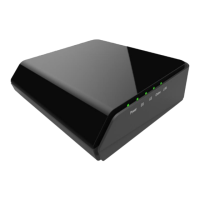
SAFETY NOTICE
Device Grounding:
Install the cable modem to include
grounding the coaxial cable to the earth as close as
practical to the building entrance per ANSI/NFPA 70 and
the National Electrical Code (NEC section 820.93,
Grounding of the Outer Conductive Shield of a Coaxial
Cable). The device is designed for IT power systems with
phase-to-phase voltage at 120V.
This unit requires a 100-240V, 50-60Hz power adapter. The
power adapter must be keyed for proper polarization and
must be fully inserted to contact the back of the power
connector port to ensure snug connection. Use only the
supplied power adapter.
Disconnecting the Device:
If the cable modem becomes
damaged or encounters some other abnormality,
disconnect the power adapter from the AC wall outlet
immediately.
Temperature and Altitude:
Install the device in a
location not to exceed the maximum operating
temperature of 104˚F (40˚C). Maximum operating altitude
is 5000 m (16,404 ft.).
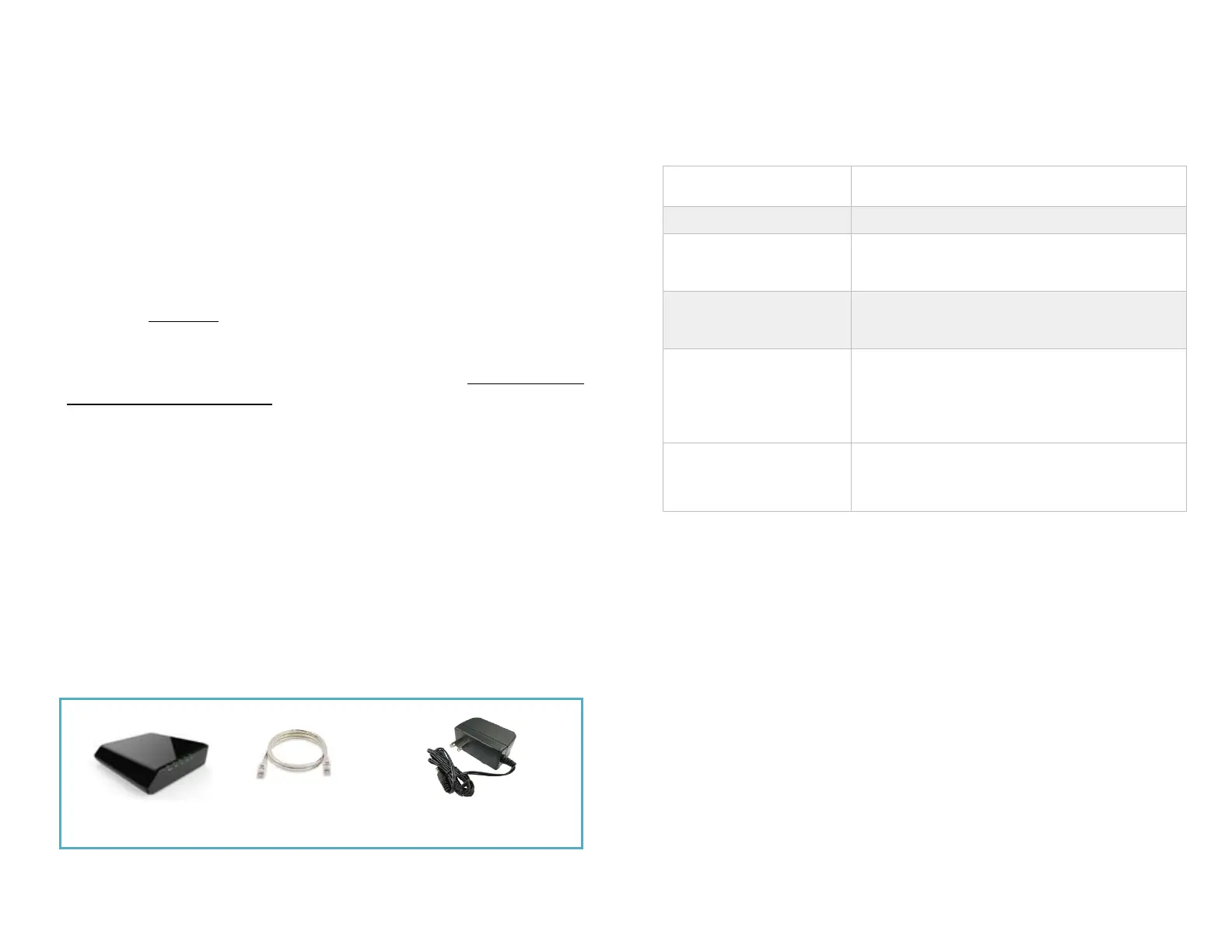
CONTENTS OF BOX
BASIC MODEM INFORMATION
PREPARING FOR INSTALLATION
Verify package contents, coaxial cables, and power outlet.
✓
Unpack the box and confirm the contents of the box.
✓
Verify the power outlet is working and is wired correctly.
✓
Place your cable modem within the proper distance from
the outlet.


 To Next Page
 Loading...