Need help?
Do you have a question about the Sercomm IP3442M and is the answer not in the manual?
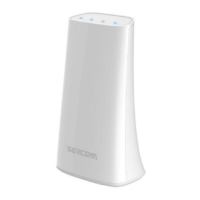
Details on the IP3442M's design to enhance WiFi connectivity and coverage, working seamlessly with most routers.
Covers easy setup options, support for 11ac WiFi, WPS functionality, and advanced security encryption modes.
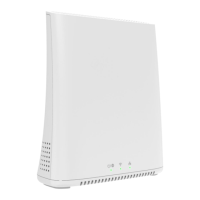
Explanation of Power/WAN, WiFi/WPS LEDs, and LAN LED statuses for monitoring network and device activity.
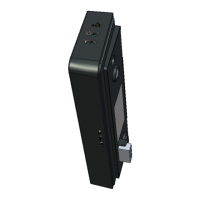
Details on LAN, WAN ports, USB port, DC Jack, and the function of the recessed reset button for rebooting or factory reset.
Instructions on using the WPS button for automatic, secure WiFi connection establishment with other devices.
Guide to setting up the IP3442M using a web browser, including connecting devices and accessing the configuration interface.
Important warnings regarding power adapter usage, electrical load capacity, installation environment, and placement.
Details FCC compliance, potential interference, and RF radiation exposure limits for safe operation.
 General
| Maximum Data Rate | 1200 Mbps |
|---|---|
| WAN Port | 1x 10/100/1000 Mbps |
| Antennas | 2x External |
| Wireless Standards | 802.11a/b/g/n/ac |
| Frequency Band | 2.4 GHz / 5 GHz |
| Ethernet Ports | 4 x 10/100/1000 Mbps |
| Security Features | WPA, WPA2 |

 To Next Page