4
Chapter 2
Initial Installation
This Chapter covers the software installation of the WiFi EasyMesh Router.
Requirements
Use a standard 10/100/1000 BaseT network (UTP) cable with RJ45 connector for Internet
connection.
Procedure
1. Choose an Installation Site
Select a suitable place to install the WiFi EasyMesh Router.
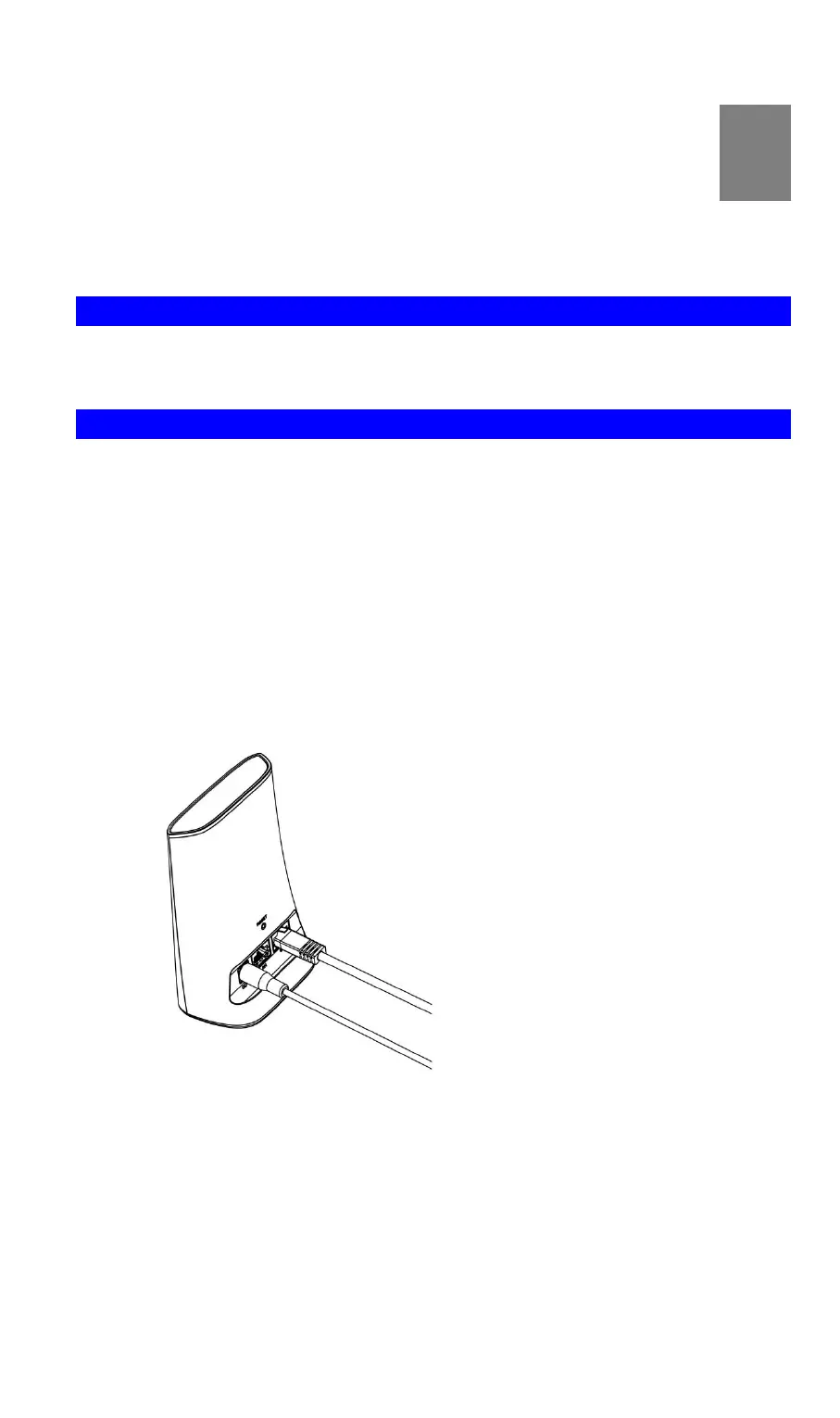
2. Connect WAN Cable
Use a standard Ethernet cable to connect the device to the WAN port on WiFi EasyMesh
Router. And the other side of Ethernet cable is connected to Home Router or ADSL mo-
dem for Internet connection.
3. Power Up
Connect the supplied power adapter to the WiFi EasyMesh Router. Use only the power
adapter provided. Using a different one may cause hardware damage.
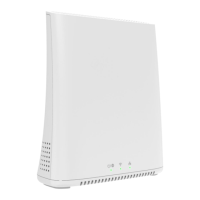
4. Check the LEDs
The Power LED should be ON.
The WiFi LED should be ON
The WAN LED should be ON.


 To Next Page