8
Chapter 3
Viewing Live Video
This Chapter provides basic information about viewing live video.
Overview
This Chapter has details of viewing live video using Internet Explorer.
Requirements
To view the live video stream generated by Battery Camera, you need to meet the following
requirements:
Windows XP, 32-bit Windows Vista/Windows 7.
Internet Explorer 7 or later, Firefox 3.0 or later.
Connecting to a Camera on your LAN
To establish a connection from your PC to Battery Camera:
1. Start Internet Explorer.
2. In the Address box, enter "HTTP://" and the IP Address of Battery Camera.
3. You will then be prompted for a username and password.
If using the default values, enter administrator for the name, and leave the
password blank.
Otherwise, enter the Administrator ID and Administrator Password set on the
Maintenance screen.
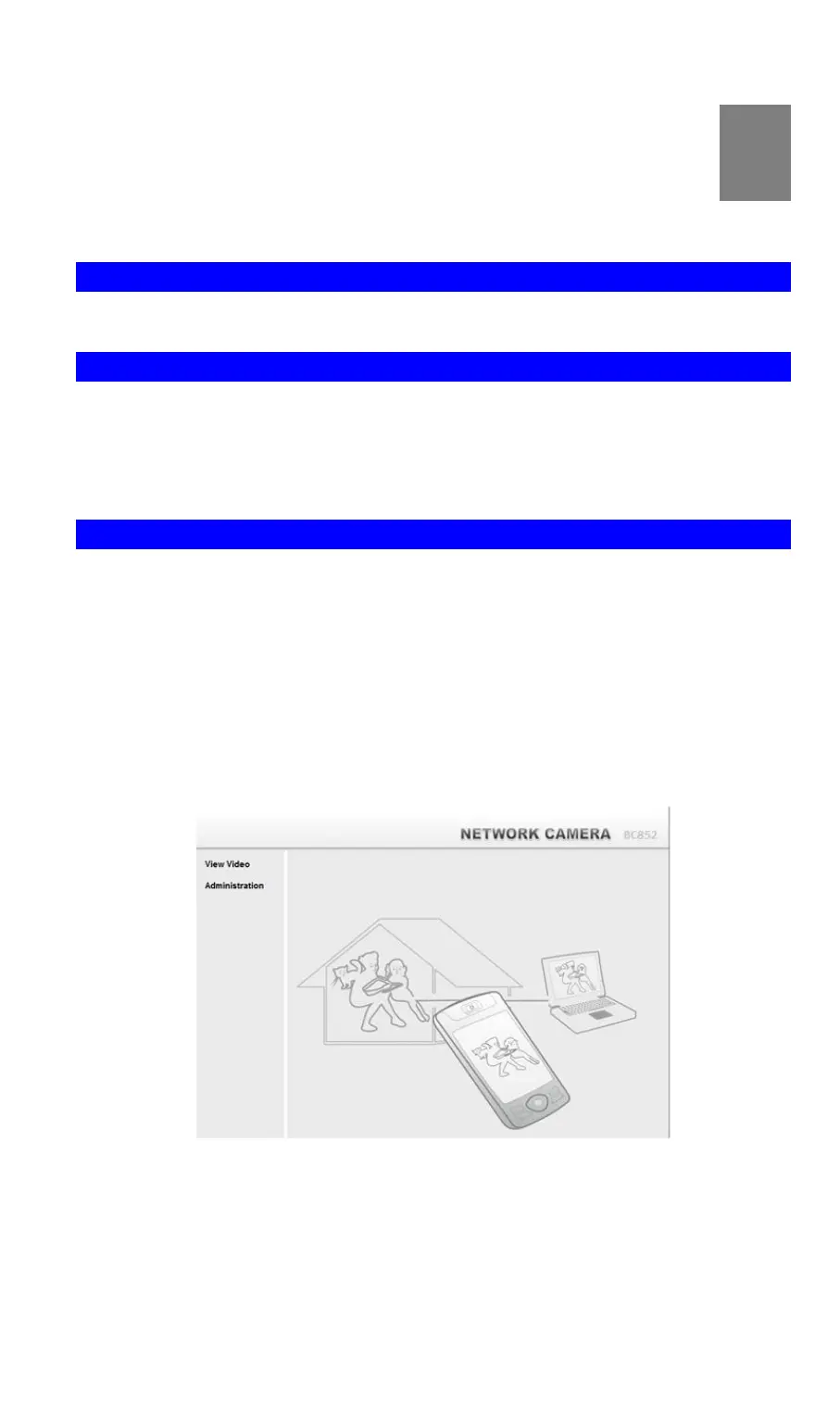
4. When you connect, the following screen will be displayed.
Figure 1: Home Screen
5. Click View Video.
6. If the Administrator has restricted access to known users, you will then be prompted for a
username and password.
Enter the name and password assigned to you by Battery Camera administrator.
F
CC ID:P27SCE2R0



 To Next Page