3
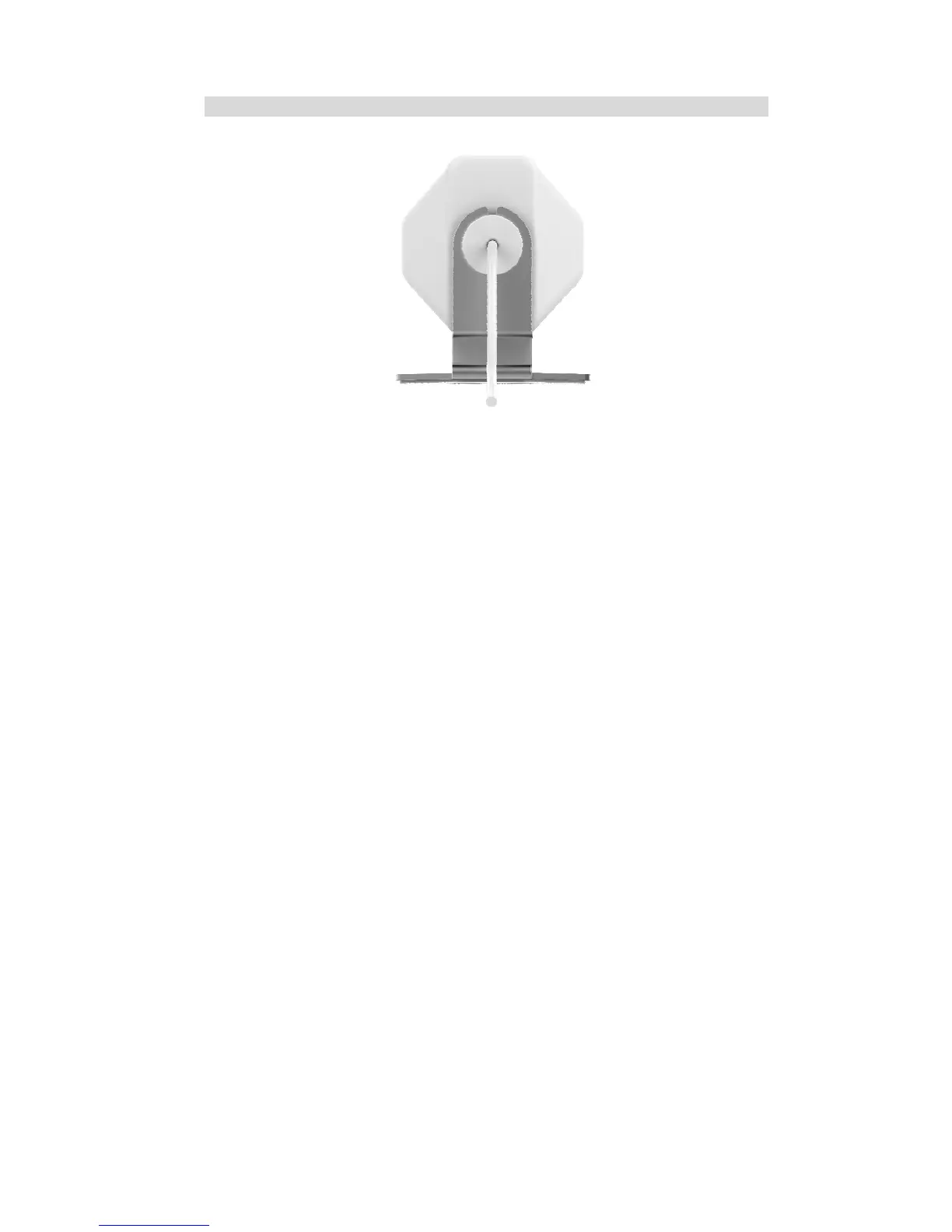
Rear - xCAM
Figure 2: Rear Panel
RJ-45 Jack
This RJ-45 connector is used for power connection when the camera
is under wireless mode. A customized PoE (Power over Ethernet)
splitter, as a Y-cable, is provided to allow connection to PC for
setup and pairing.
Reset Button
This button has two (2) functions:
• Reboot. When pressed and released, the xCAM will reboot
(restart).
• Clear All Data. This button can also be used to clear ALL data
and restore ALL settings to the factory default values.
To Clear All Data and restore the factory default values:
1. Power On.
2. Keep holding the Reset Button down for 8 seconds.
3. Release the Reset Button. The xCAM is now using the factory
default values.
Microphone
The built-in microphone is located on the rear of the device.


 To Next Page