2
Physical Details - xCAM
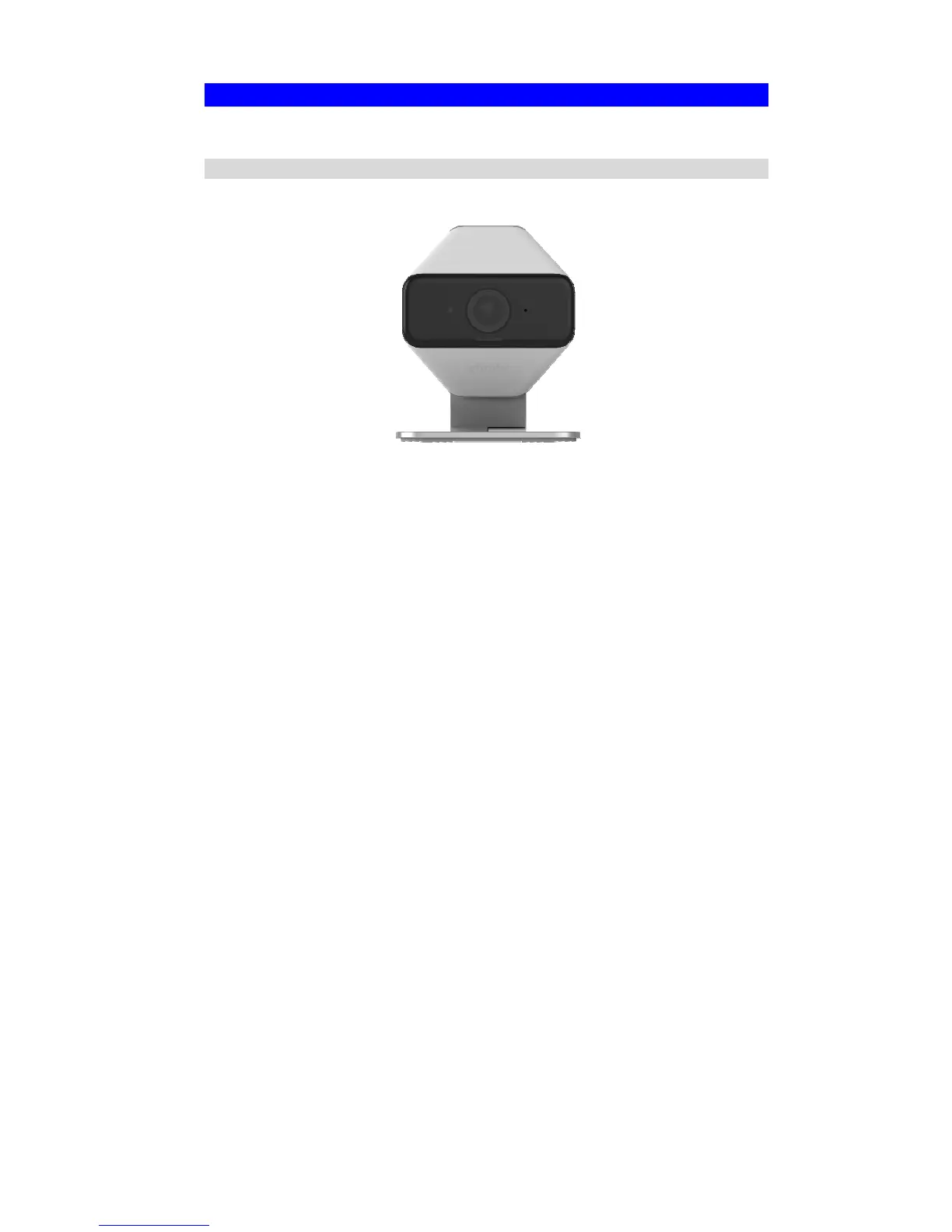
Front - xCAM
Figure 1: Front Panel
IR LEDs
IR LEDs provide illumination at night or in a dark environment.
Lens
No physical adjustment is required or possible for the lens, but you
should ensure that the lens cover remain clean. The image quality is
degraded if the lens cover is dirty or smudged.
POWER indicator
(Blue/Yellow)
On (Blue) - The xCAM is paired.
Flashing (Blue) - The xCAM is connected to router but not paired.
Flashing (Yellow) - The xCAM is not connected to XW3 or XW3 is
not connected to a router.


 To Next Page