Oaktree Products, Inc
800.347.1960
otp@oaktreeproducts.com
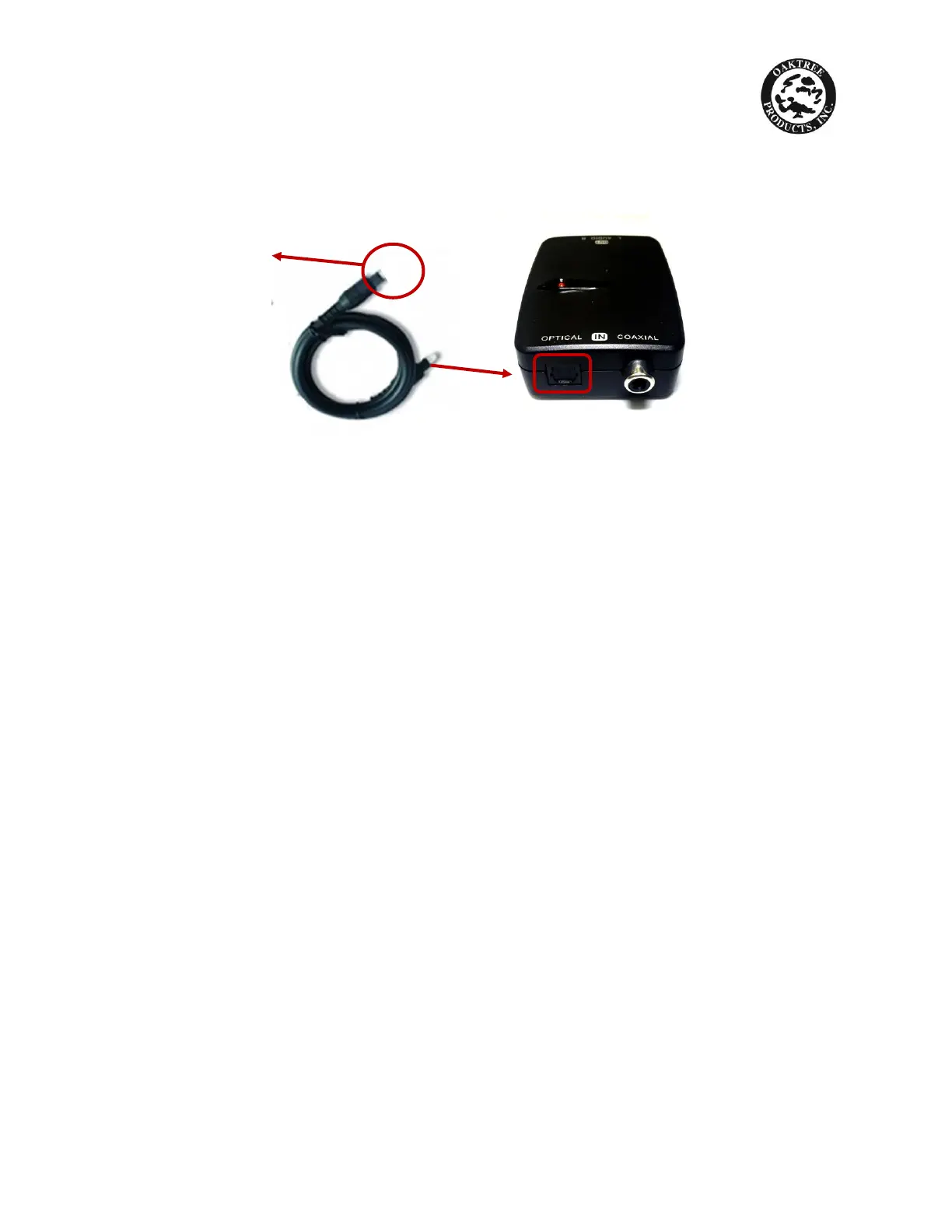
7. Connect one end of the Digital Optical Cord (packaged with the DAC-202) in
the black U-shaped optical cable port (not the coaxial port with protruding
silver one) located on the other end of the DAC-202
8. Plug the other end into the OPTICAL cable port located on the back of the TV
9. Connect the AC Adapter (packaged with DAC-202) to the DC IN port located
on the TV Digital Connector and plug the other end in a wall outlet.
YOU ARE NOW READY TO ENJOY YOUR TV LISTENING DEVICE
Other end plugs into OPTICAL
cable port in back of TV



 To Previous Page