BlueSnap Commands Version 4.81SIO, 1/20/2016 Page 3 of
27
Cedar Park, TX, USA • (512) 994-3630 • sales@serialio.com www.serialio.com
2. Introduction
Scope: This Command Set document is created to enable developers and integrators an
opportunity to create wireless networks using Bluetooth technology. The goal is to make the
transition to Bluetooth wireless networks as seamless and easy as possible. This document will
explain how to establish Bluetooth communications between Bluetooth enabled devices for
data applications.
Background: The BlueSnap evaluation board is designed to accommodate the Class1
Bluetooth radio modem serial modules with 2.4GHz RF ceramic chip antenna or external SMA
antenna Jack. The modules are Bluetooth ver. 2.0 compliant. The evaluation board enables
a stable platform environment to test serial RS-232 cable replacement over Bluetooth RF links
before going directly to an embedded printed circuit board design and layout.
Commands: This document describes the protocol used to control and configure Bluetooth
Serial Modules. The protocol is similar to the industry standard Hayes AT protocol used in
telephone modems due to the fact that both types of devices are connection oriented.
Appropriate commands have been provided to make the module perform the two core actions
of a Bluetooth device, which is make/break connections and Inquiry. Additional commands are
also provided to perform other functions. The serial radio modems can be configured,
commanded, and controlled through simple ASCII strings through the hardware serial UART or
over a remote Bluetooth RF connection .
Applications: The BlueSnap has RS-232, DB-9 and 0-3.3Vdc direct UART interfaces to the
module.
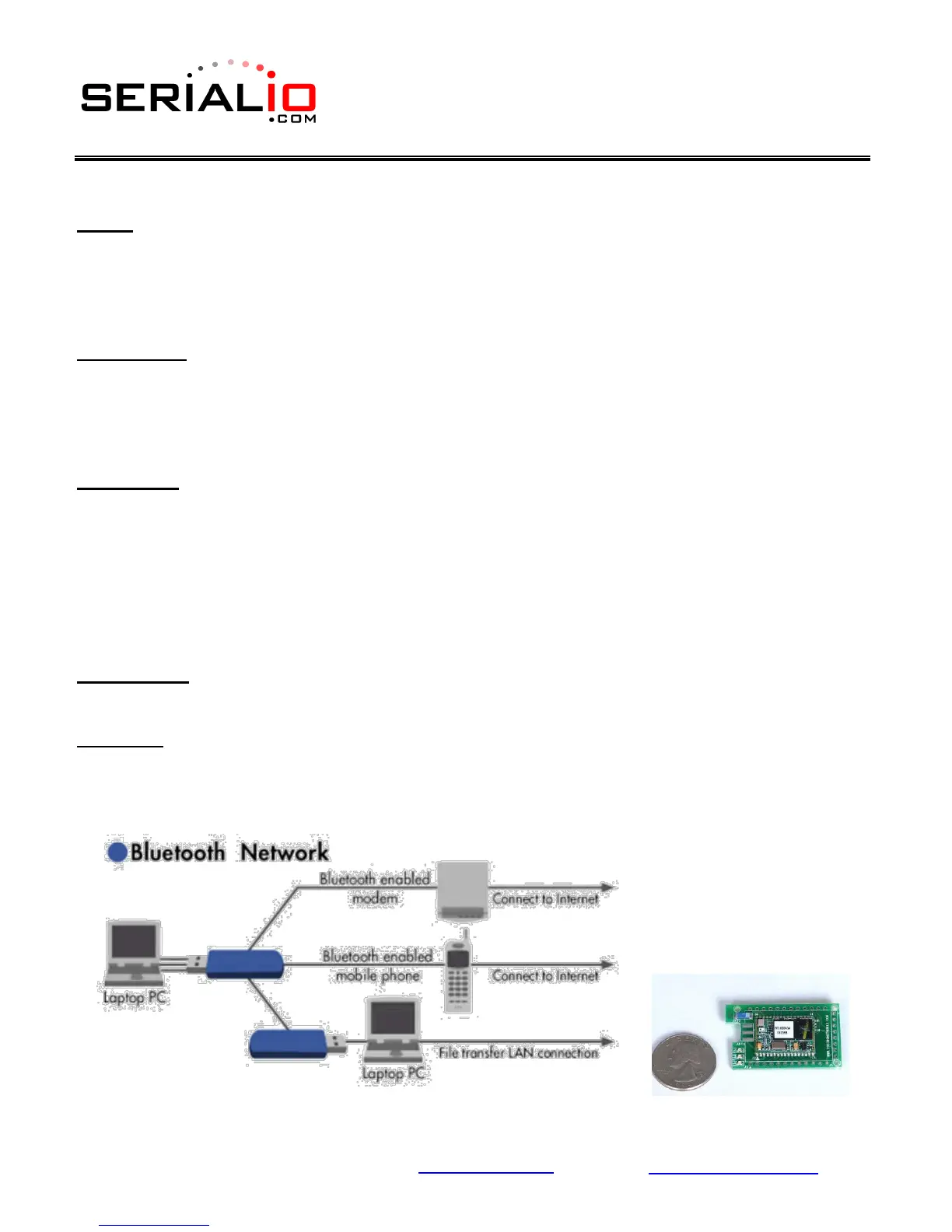
Pico-Nets: For applications that require more than point-to-point (2) devices communicating
simultaneously – this is called a pico-net. These applications require one of the Bluetooth
devices to manage all the network connections. The easiest implementation is using a
Personal Computer (PC) that manages this activity with MS Windows Bluetooth stack software
and USB Bluetooth Communicator plugged into the PC (see figure below).



 To Next Page