EasyManua.ls Logo

SERVIT 423PDW18D1 - User Manual

SERVIT 423PDW18D1
12 pages
Print Icon
To Next Page IconTo Next Page
Loading...
1
USER MANUAL
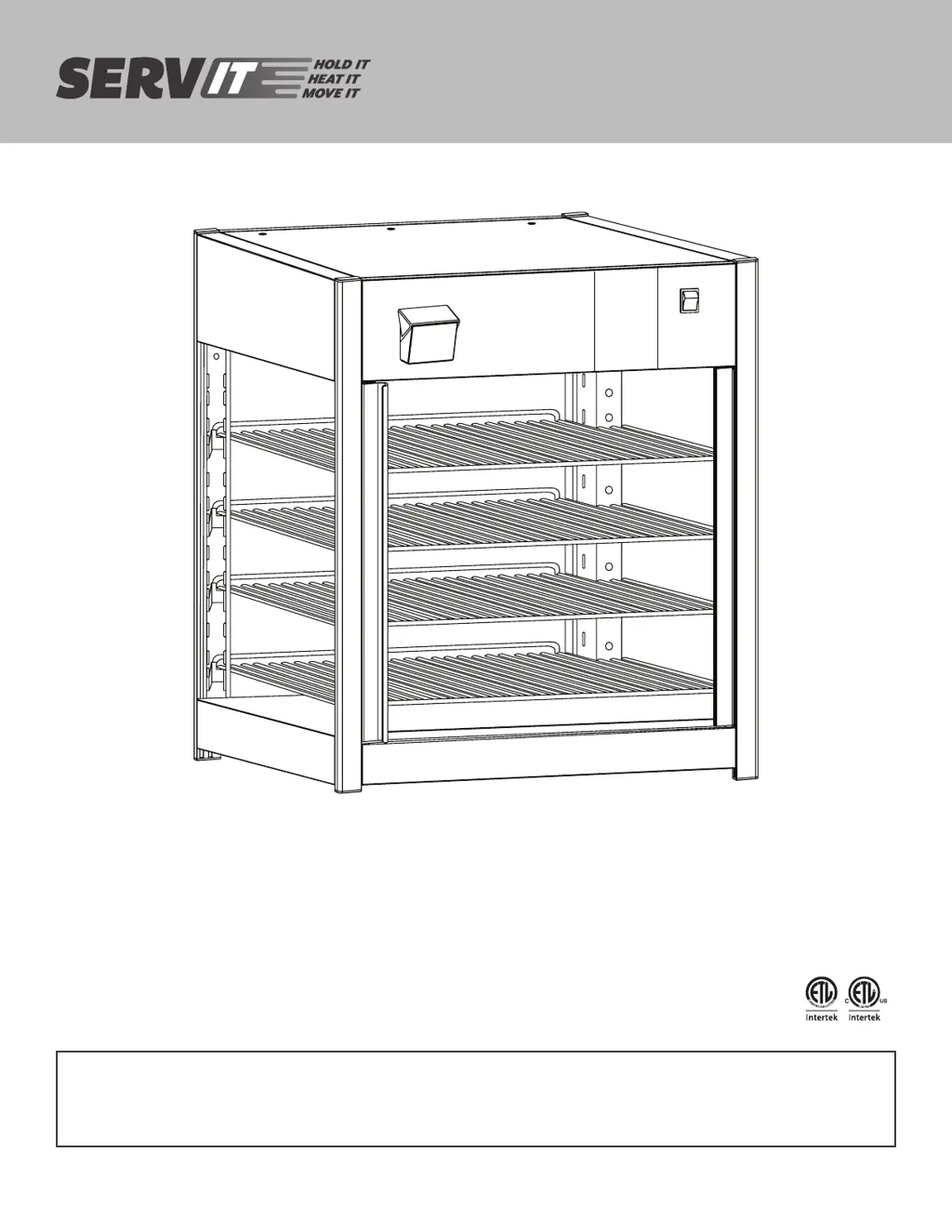
18" Humidified Rotang & Non-Rotang
Pizza/Pretzel Warmers
Models:
423PDW18D1, 423PDW18D2, 423PDW18D1P, 423PDW18D2P, 423PDW18D1S,
423PDW18D2S
10/2021
RETAIN THIS MANUAL FOR FUTURE REFERENCE.
UNIT MUST BE KEPT CLEAR OF COMBUSTIBLES AT ALL TIMES.

Questions and Answers

  • J
    James CampbellAug 10, 2025
    What to do if my SERVIT Food Warmer is not working?
    • C
      Cynthia DeanAug 10, 2025
      If your SERVIT Food Warmer isn't working, here's what you should check: * Ensure the unit is plugged into a proper power supply. * Make sure the unit is turned on using the on/off switch. * Check if the circuit breaker has tripped and reset it if necessary. * If the issue persists, it may be due to defective controls or a faulty thermostat/heating element.
  • R
    Ryan ChapmanAug 14, 2025
    Why is my SERVIT Food Warmer not hot enough?
    • S
      Steven PrestonAug 14, 2025
      If your SERVIT Food Warmer isn't heating sufficiently, consider the following: 1. Ensure the thermostat is properly set by dialing in the desired temperature. 2. Allow the unit 30 minutes to preheat and reach the operating temperature. 3. Check that the temperature setting isn't too low and adjust to a higher setting if needed. 4. Confirm that the door(s) are completely closed to maintain heat.
  • J
    Jason ColemanAug 19, 2025
    What to do if my SERVIT Food Warmer is too hot?
    • S
      Shannon AlvarezAug 19, 2025
      If your SERVIT Food Warmer is overheating, try the following: * Reduce the temperature setting to a lower level. * If the problem persists, it may be due to the unit being connected to an incorrect power supply or a defective thermostat or heating element.
  • W
    William WallsAug 25, 2025
    How to prevent my SERVIT Food Warmer from drying out the product?
    • I
      idrakeAug 26, 2025
      To prevent your SERVIT Food Warmer from drying out the product, ensure that the door(s) are completely closed. Also, check the water tank and fill it up if it's empty.
  • B
    baileybenjaminAug 30, 2025
    Why has the rotating display stopped on my SERVIT 423PDW18D1?
    • M
      Michael HollandAug 30, 2025
      If the rotating display on your SERVIT Food Warmer has stopped, the cause may be motor damage or the door(s) are not completely closed. You should replace the motor or close the door(s) completely and check the magnetic door(s) sensor(s).
  • G
    greenjohnSep 3, 2025
    How to fix the lighting inside my SERVIT 423PDW18D1?
    • L
      Lisa AlexanderSep 3, 2025
      If there is no lighting in the interior of your SERVIT Food Warmer, first inspect the power source and ensure the power cord is undamaged. If the unit is receiving power, the LED lights may have failed and need to be replaced.

SERVIT 423PDW18D1 Specifications

General IconGeneral
CategoryFood Warmer
Frequency50/60Hz
MaterialStainless Steel
Temperature Range30-90°C
Capacity4 pans