CDHD2
Operator Panel (HMI) 23
3 Operator Panel – Command Mode
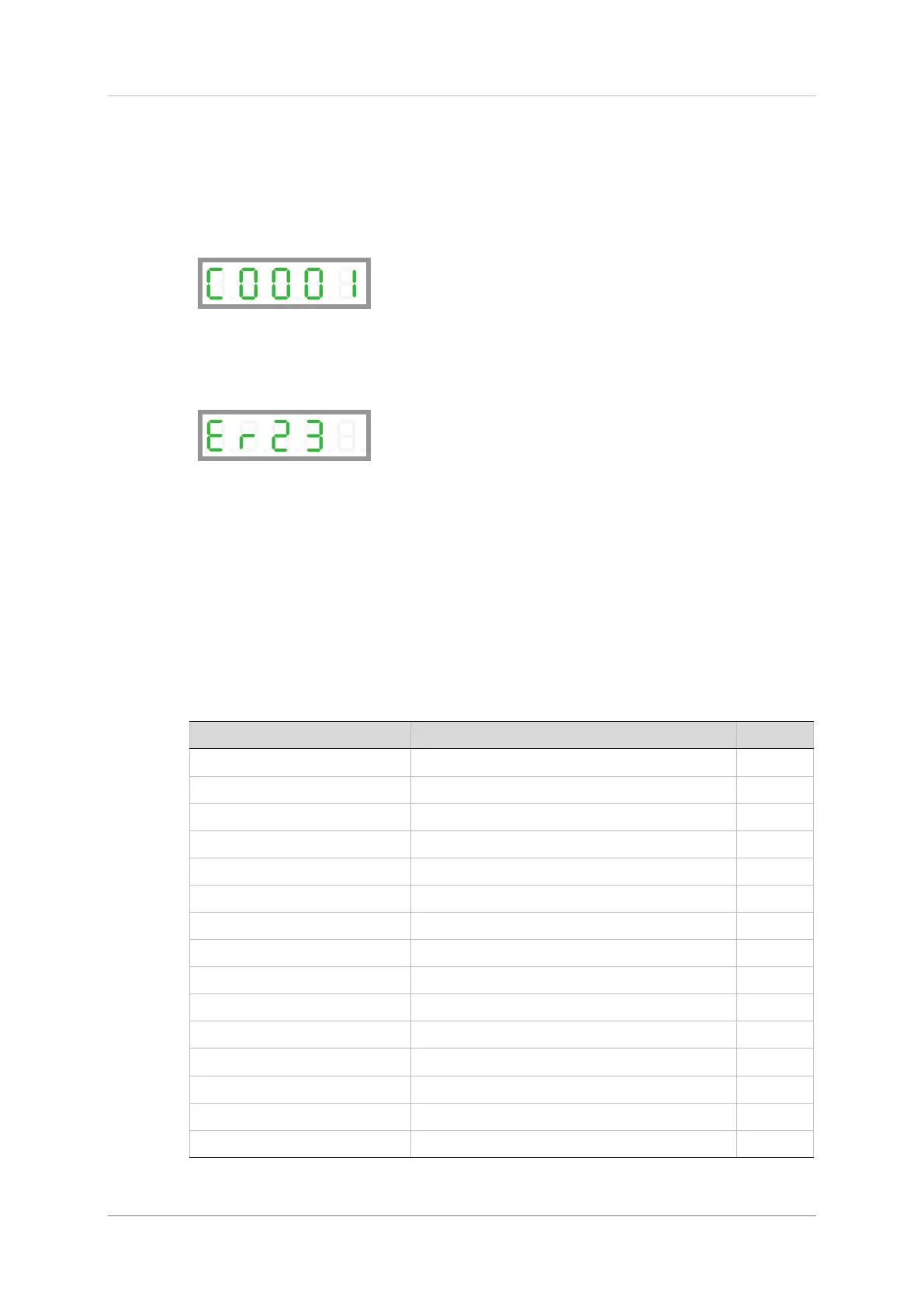
The Command mode is indicated by the character C in digit 5.
In Command mode, the panel is used to issue commands to the drive.
If an invalid command argument is entered, an error message code will be displayed.
Error messages resulting from parameter manipulation are indicated by Er followed by a
two or three digit error code.
For the full list of error message codes, refer to Error Messages in the CDHD2 User Manual.
HMI Command Codes
Command codes are shown in the table below.
The sequences for entering the commands are presented in the sections that follow.
When selecting/entering a command, 0 often flashes once in digit 1. This is standard
behavior of the panel, indicating a value can be entered.
Table 3-1. Command Codes
Initiate Drive-based Autotuning
Analog Input 1 Zero Command
Sine/Cosine Calibration Command


 To Next Page
 Loading...