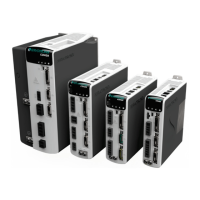
CDHD2
24 Operator Panel (HMI)
Autotuning
Initiate Drive-based Autotuning
Make sure the drive is disabled, and has no faults
Select: C0000
Press: Shift
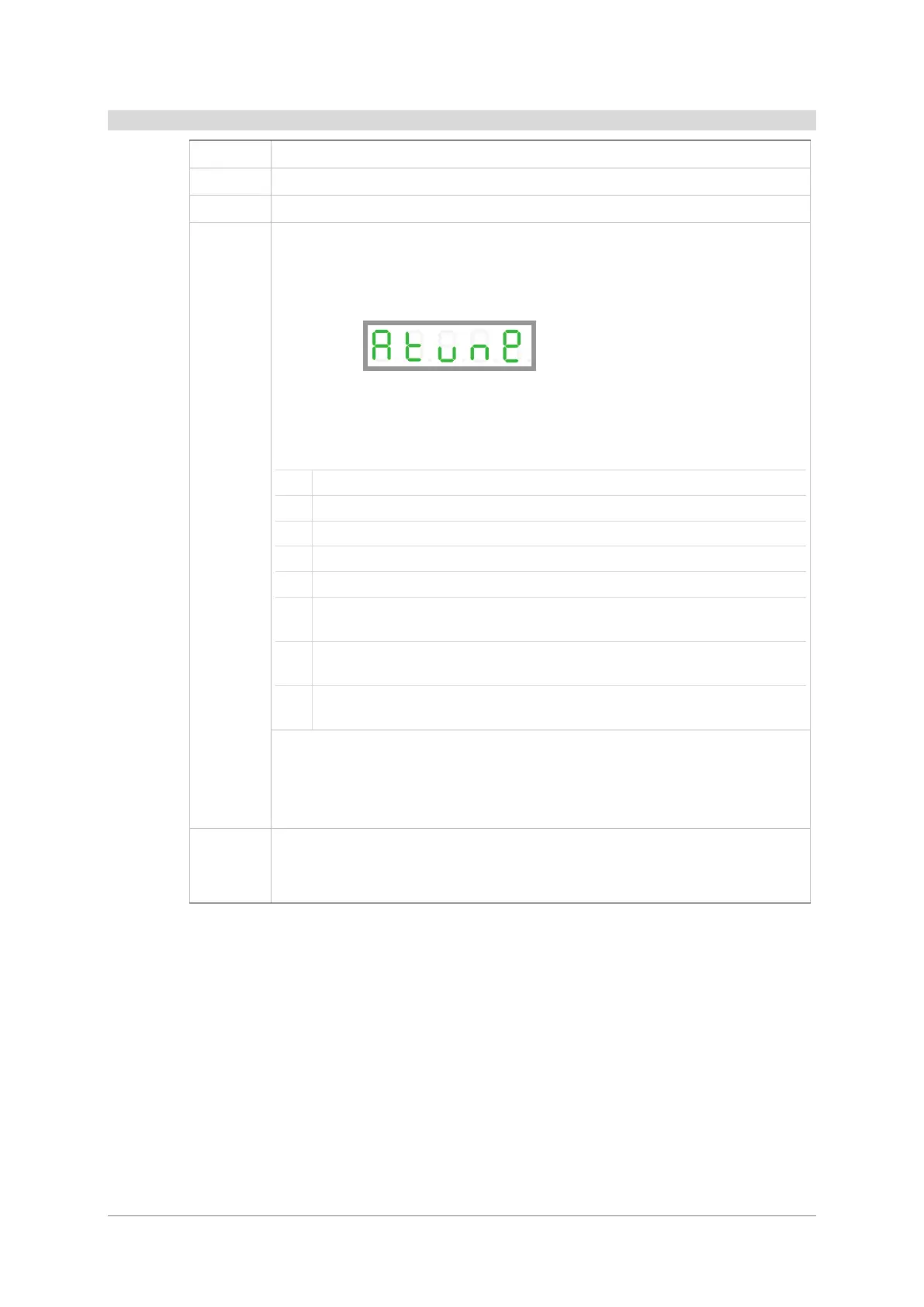
Display: Atune
Press: Shift
Display: Flashing 0. in digit 1
Insert a value that represents the autotuning options:
Internal Motion Generator – Express, drive-based
Internal Motion Generator – Advanced, drive-based
Internal Motion Generator – Advanced, for vertical applications, drive-based
External Motion Generator – Express, controller-based
External Motion Generator – Advanced, controller-based
External Motion Generator – Advanced, for vertical application, controller-
based
External Motion Generator – Advanced, with command smoothing,
controller-based
External Motion Generator – Advanced, with command smoothing for vertical
application, controller-based
Display: Autotuning progress in % number (DP1 is lit)
Done: done
A warning will be displayed as S#
A fault will be displayed as F# flashing


 To Next Page
 Loading...