EasyManua.ls Logo

Servotronix CDHD2 - Operator Panel - Monitoring Mode; HMI Monitor Codes

Servotronix CDHD2
44 pages
Print Icon
To Next Page IconTo Next Page
To Previous Page IconTo Previous Page
Loading...
CDHD2
32 Operator Panel (HMI)
4 Operator Panel – Monitoring Mode
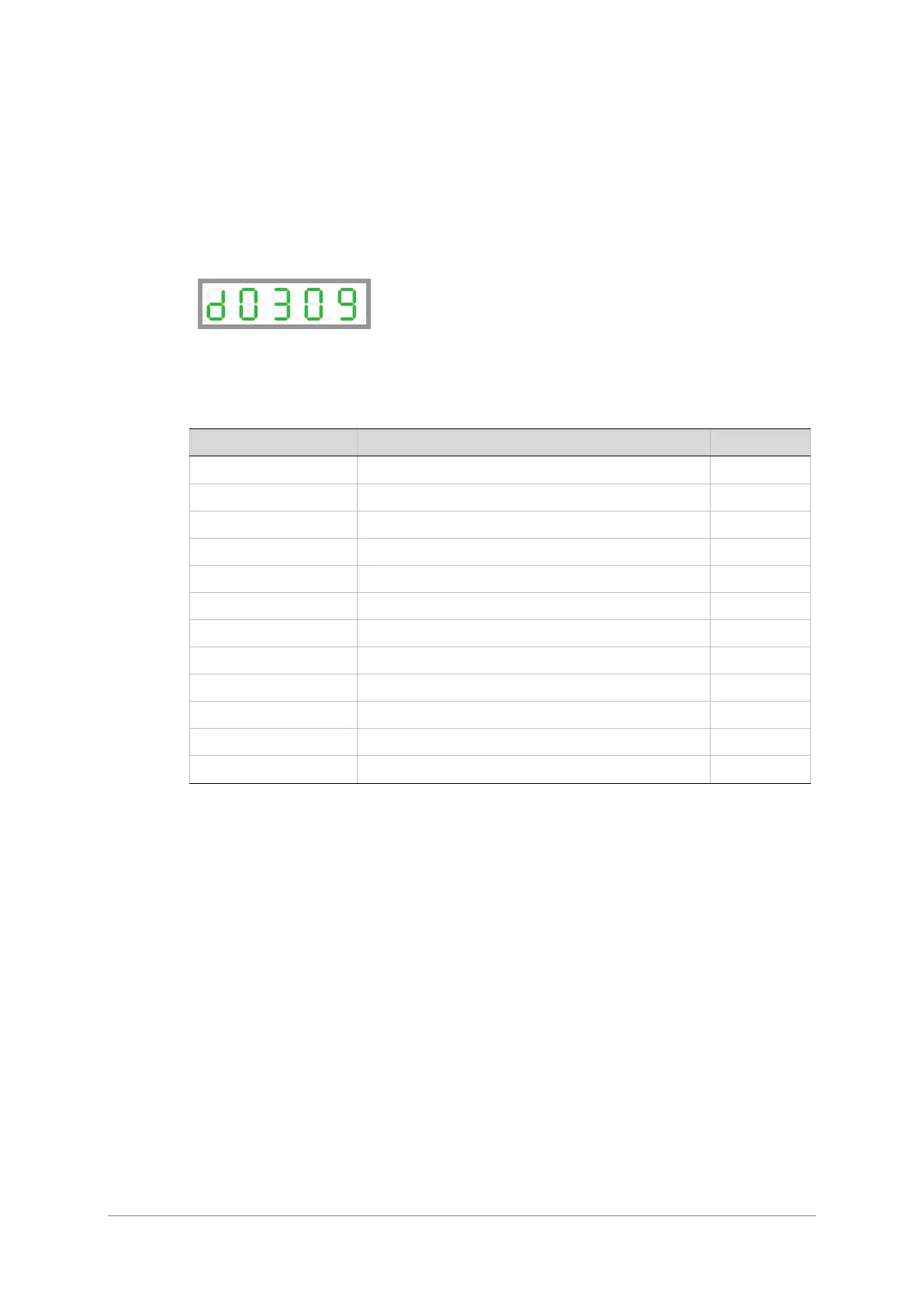
The Monitoring mode is indicated by the character d in digit 5.
In Monitoring mode, the panel is used to read drive variables, such as speed, position, and
current, inputs and outputs.
HMI Monitor Codes
Table 4-1. Monitor Codes
Command - VarCom
Description
Code
V
Actual speed, in rpm
d0000
PFB
Actual position, in degrees
d0001
PFB
Actual position, in revolutions
d0002
I
Current, in amperes
d0003
IN
Digital inputs 1 through 10
d0004
IN
Digital input 11
d0005
OUT
Digital outputs 1 through 7
d0006
Not Applicable
CAN statusword
d0007
Not Applicable
CAN controlword
d0008
ANIN1
Analog input 1
d0009
ANIN2
Analog input 2
d0010
HWPEXT
Hardware position-external
d0011