CDHD2
Operator Panel (HMI) 39
5 Operator Panel – Faults & Info Mode
The Faults & Info mode is indicated by the character F in digit 5.
HMI Fault Codes
If one or more faults occurs while the digital display is in Status, Commands or Monitoring
mode, the Faults mode “hijacks” the display, and the code of the most recent fault is
displayed.
When faults occur simultaneously, the display shows the code of the fault with the highest
priority.
To resume work, after clearing the fault/s, you must select a different display mode.
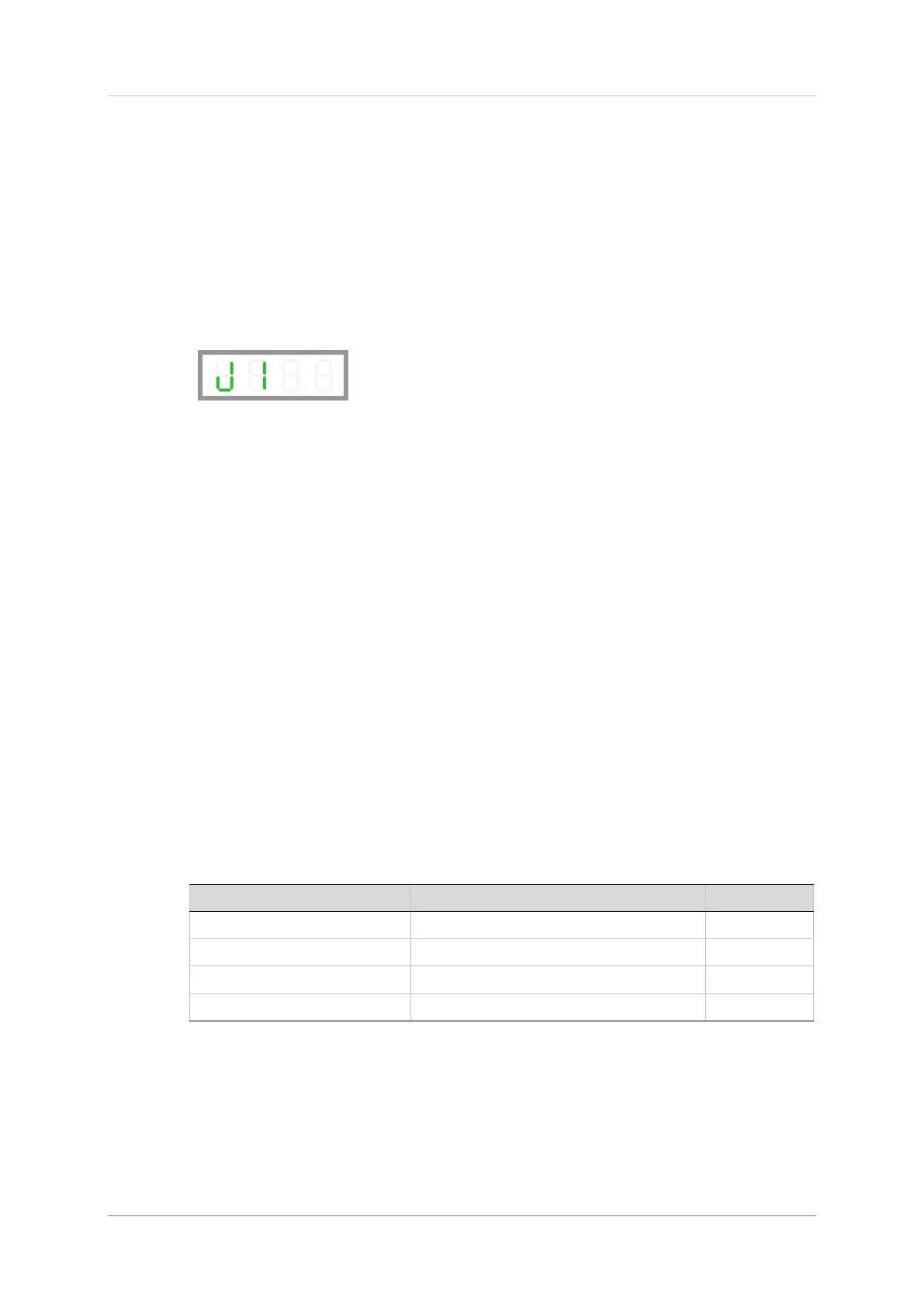
When the digital display is in Fault mode, the fault codes are displayed as a string, in
digits 4, 3, 2 and 1 as needed, and do not flash.
If a fault remains in effect, and a different display mode is selected, the fault code characters
will be displayed sequentially in digit 4, with flashing.
For the full list of Fault codes, refer to Digital Display – Fault Codes in the CDHD2 User
Manual.
HMI Info Codes
The Faults & Info mode is also used to display faults history, warning history, and drive
information.
Info codes are shown in the table below.
The sequences for entering codes and viewing information are presented in the sections that
follow.
Table 5-1. Info Codes


 To Next Page
 Loading...