CDHD2
8 Operator Panel (HMI)
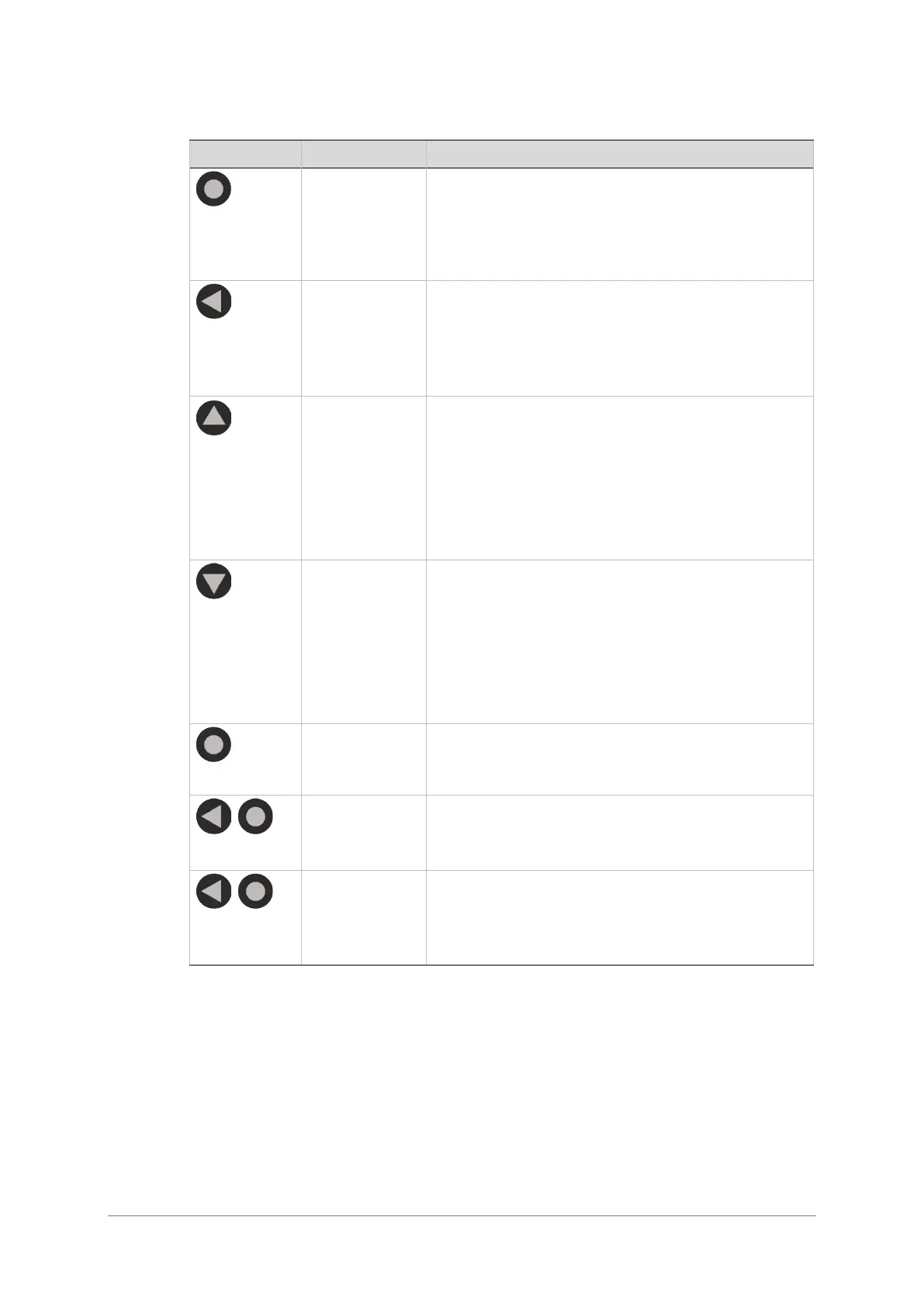
Table 1-2. Operator Panel Control Keys
Switches to next panel display mode (Status >
Parameter > Command > Monitor > Fault >
Status).
While editing, cancels the edited value and returns
Moves the cursor one digit to the left.
Press short: Shows the value of the currently
selected parameter, and enables editing and
setting of the parameter value.
Press long: Applies parameter number or value
Press once: Navigates up to next parameter.
Press continuously: Quickly scrolls through
ascending parameter indices. Speed of scrolling
increases the longer the key is pressed.
Value:
Increases value by one increment
Press once: Navigates down to next parameter.
Press continuously: Quickly scrolls through
descending parameter indices. Speed of scrolling
increases the longer the key is pressed.
Value:
Decreases value by one increment
Scrolls to next panel display mode.
While editing, cancels the edited value and moves
to next panel mode.
Applies parameter value and executes CONFIG.
>> done
Very long press (>2 seconds)
Executes CONFIG after one second, then executes
SAVE after two seconds.


 To Next Page
 Loading...