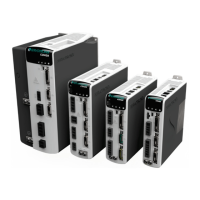
CDHD2
Operator Panel (HMI) 9
Operator Panel Modes
Use the Mode button to scroll through the five digital display modes.
The operator panel has five modes.
Table 1-3. Operator Panel Modes
Mode for displaying drive status, operating mode, warnings and
motor movement.
Refer to Operator Panel – Status Mode.
Also refer to Digital Display – Warning Codes in the CDHD2 User
Mode for reading and writing values of drive parameters.
Refer to the VarCom Reference Manual.
Mode for executing drive commands.
Refer to Operator Panel – Command Mode.
Mode for displaying drive and system variables, such as actual
speed, position, input and output states.
Refer to Operator Panel – Monitoring Mode.
Mode for displaying fault codes and system information.
Refer to Operator Panel – Faults & Info Mode.
The drive remembers the last selected setting or value in each mode.
If one or more faults occurs while in Status, Commands or Monitoring mode, the digital
display automatically switches to Faults mode, and the most recent fault number is displayed.
To resume working, a different display mode must be selected.
While in Parameters mode, an incorrect value will cause an error code to be displayed, but
the digital display will not switch modes.
Operator Panel – Status Mode
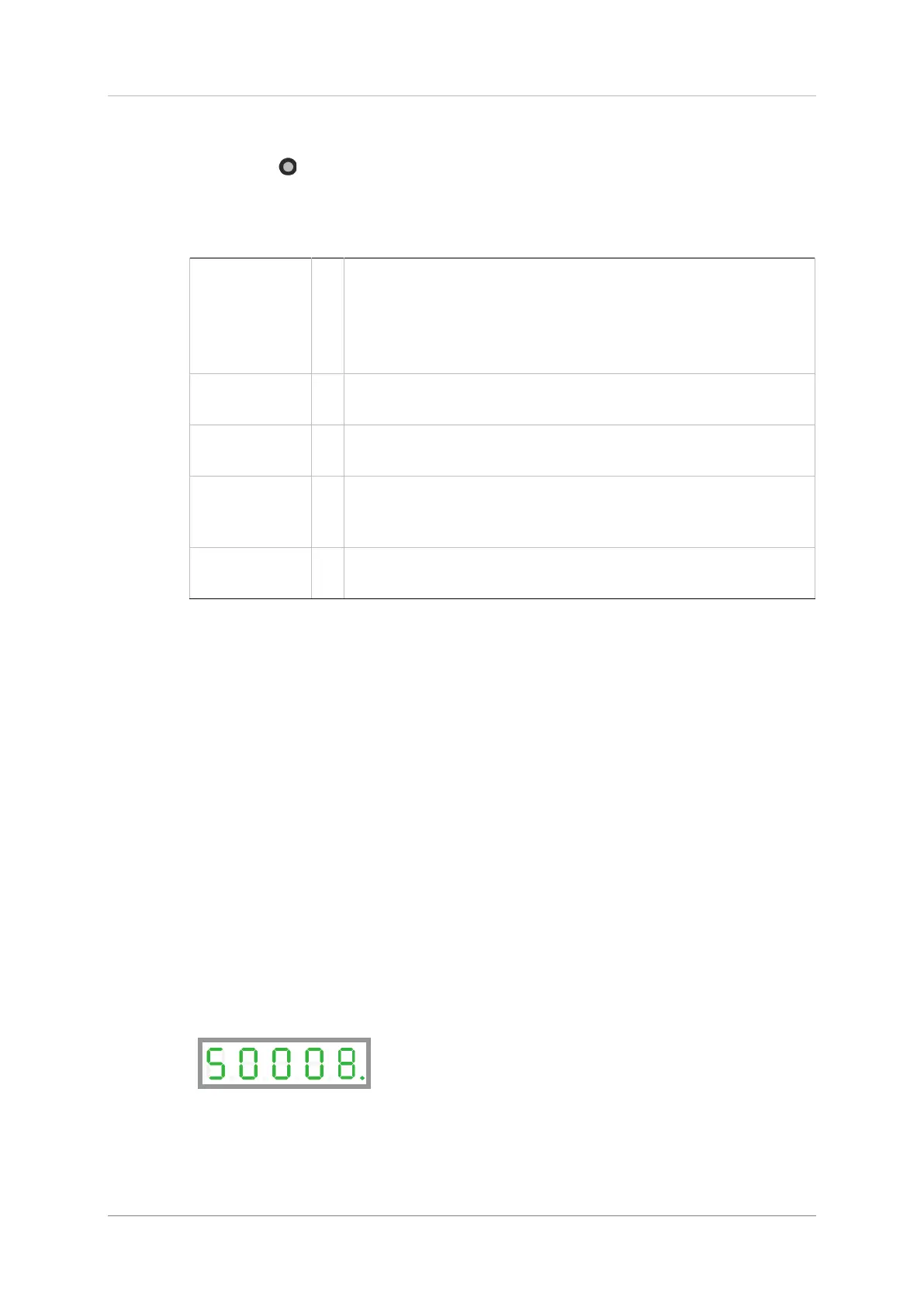
The Status mode is indicated by the character S in digit 5.
In Status mode, the digital display indicates the state of the drive, the drive operating mode,
drive enabled/disabled status, warnings, and motor movement.
The drive always powers up in Status mode, and indicating the operating mode in effect.
While the operating mode is displayed, DP1 is lit if the drive is enabled; DP1 is off if the drive
is disabled.


 To Next Page
 Loading...