SAVE AND RECALL PRESETS
Select between the 6 available on board presets by pressing
the PRESET footswitch. Once a preset is selected, all the
parameters saved before are recalled. You can now change any
of these parameters, switch to another preset or save any
changes. If you switch to a new preset without saving, the
preset parameters will stay like before.
To save a preset, change one or more of the parameters and
press and hold the PRESET footswitch whithin 2 seconds. The
preset LED will flash to confirm that the preset has been
saved. The following parameters can be saved: Level, tone,
gain, boost level, boost ON/OFF, Expression pedal/CV control
Live Mode (Preset 6): On preset 6 the parameters matches the
current knob positions.
NOTE: The GLAM uses a digital microcontroller to control
analog signals. That means when a new preset is recalled,
the actual physical knobs and switches stay as they were and
their positions may or may not match with the stored parame-
ters.
PRESET SWITCH ACTIONS:
Short push: Preset UP
Long push < 2,5s: Preset DOWN
Long push > 2,5s: Save preset
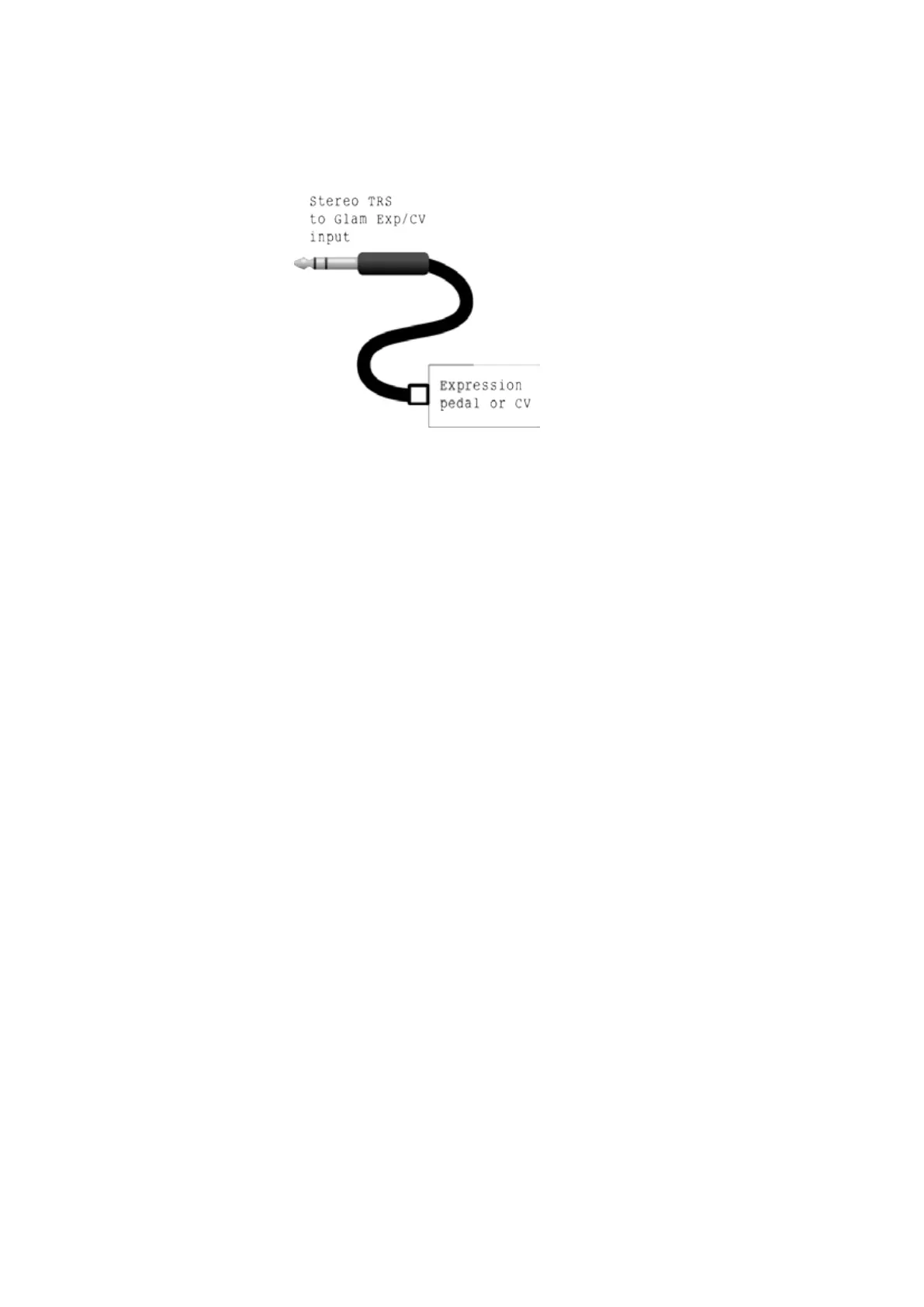
Connect an Expression pedal or CV generator to the
EXP.PEDAL/CV input. ONLY use an Stereo TRS jack for this
connection.


 To Next Page
 Loading...