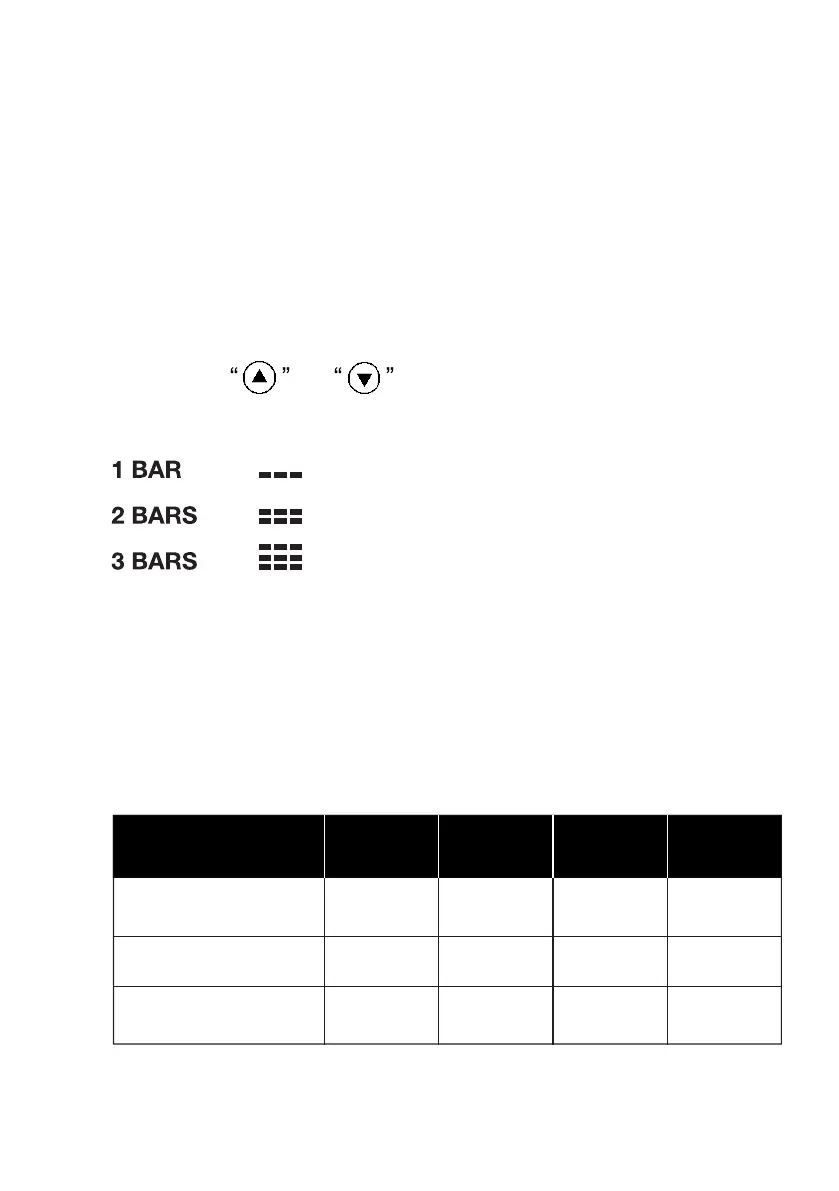
5.5 SETTING THE BATTERY PROTECTION
● The device is preset with a high battery protection level.
● To enter the menu, switch the refrigerator on by pressing
the ON/OFF button.
● Press the SET button to access the battery protection level
settings. The current setting will start to flash on the display.
● Press the or button to scroll through the three“ ” “ ”
different settings.
● Without having to press any other button to confirm, the
display will automatically save the setting and exit
programming mode.
5.6 BATTERY PROTECTION LEVEL
L
Cut-out 12V
9.6 10.9 21.3 22.7
10.4 11.7 22.8 24.2
11.1 12.4 24.3 25.7
M
H
Battery protection
(SWITCH POSITION)
Cut-in 12V Cut-out 24V Cut-in 24V
09



 To Next Page