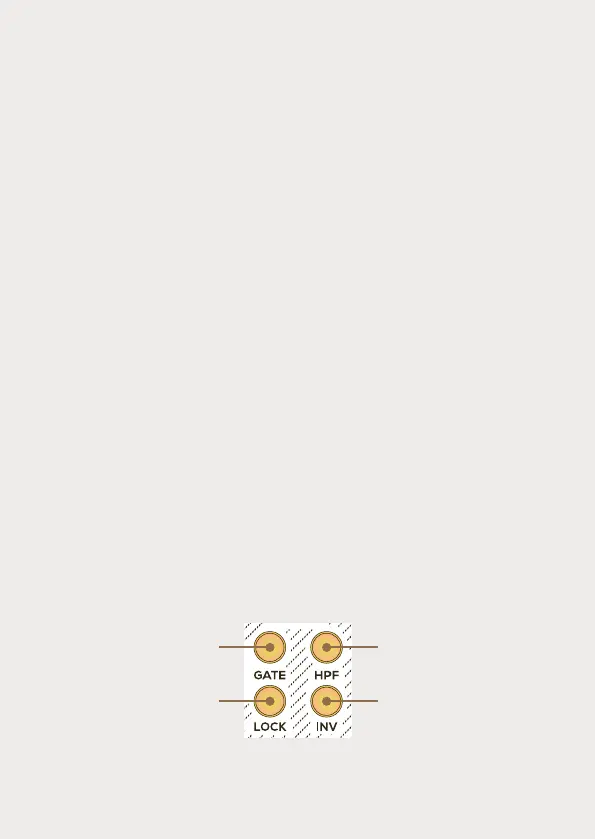
Store & Recall
This feature allows to capture a snapshot of the panel and subse-
quently recall all the stored settings. To save the settings, press and
hold the Store/Recall button [G] for a couple of seconds. To recall the
stored parameters, simply perform a short press on the button. The
button remains illuminated until all the parameters have been
successfully recalled. Each time a parameter is unlocked, the button
[G] blinks once.
Select Bus
The Battering Ram has a non-volatile memory of 16 presets which
can be saved and loaded thanks to the Select Bus protocol. The
Battering Ram handles the Select Bus protocol as a receiver. A Select
Bus transmitter like the Harlequin’s Context, is needed in order to
save or load presets. For more information about the Select Bus
protocol, check the support section of our website.
Advanced Parameters
To access the advanced parameters menu, press and hold the Lock
and Inv [L&M] buttons for 5 seconds. The Store/Recall button [G]
blinks and a bouncing animation occurs on the Level LEDs [B].
Range of the Pitch
potentiometer:
2 octaves, C1 to C3,
button is off
5 octaves, C0 to C5,
button is on
Polarity of the
inverted envelope :
Positive, button is off
Negative, button is on
Set the amplitude of
the Envelope output:
0 to 5v, button is off
0 to 8v, button is on
Select Bus activation:
Button On/Off means
Select Bus On/Off


 To Next Page