- 4 -
Start to use device with simple SMS command
STEP1: Connect the sensors output to each input port and define the input port type as NO or NC
*NC246
Then input port 2,4,6 are defined as NC input type and others will kept as NO type.
If you setup to *NC0, then All input port is NO type.
STEP2: Arm or Disarm the input port (Only Numbers in the device memory can do this)
@#ARM00100100
From the right to left, the first is Input1 and the last is Input8,If preset to zero,then that input
port will be disarmed (disabled),when preset to “1”,then input port is armed (enabled)
So :
@#ARM11111111 All input port is enabled (Armed)
@#ARM00000000 All input port is disabled (Disarmed)
STEP3: How to read the Device data Log?
@#LOG10 (10 is the data Log numbers you want to read through SMS)
(Maximum 100 records can be read back,4 records in every SMS.So if you input 100, then
device will send back 25 Text SMS message)
STEP4: How to read the device status and parameters?
@#STATUS?
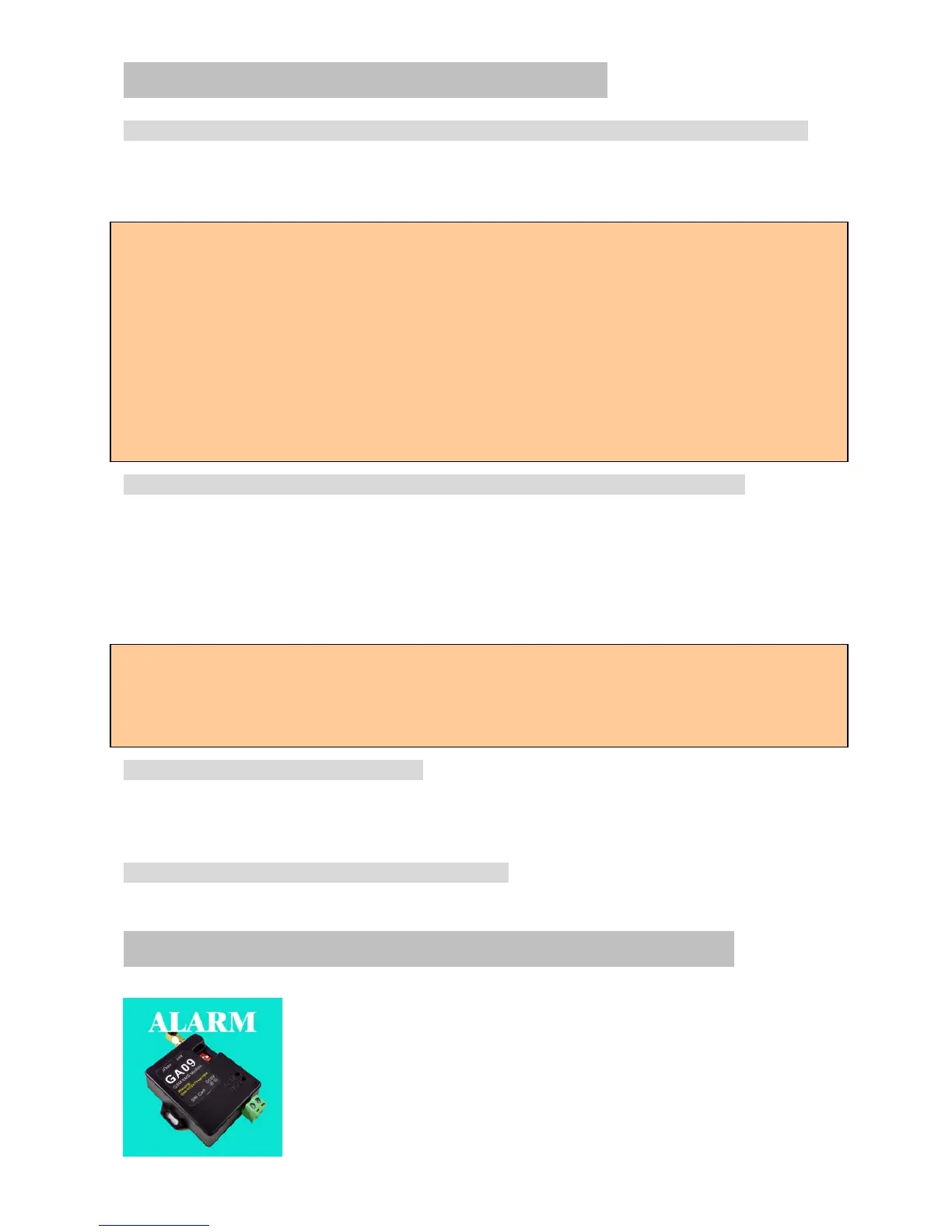
Install our App from Apple App store or google play store
Search the keyword “GA09” , you will find the right APP
Icon,and then press to install it
NO PORT: Connect two wires of your NO type device output or cable into terminal block wire &
GND.It does not matter which one is first. This port is a “Normally Open” port and checks if there
is any short-circuit between terminal 5 & 6.
NC PORT: Connect two wires of your NC type device output or cable into terminal block wire &
GND. It does not matter which one is first. This port is a “Normally Closed” port and checks if
there is any open-circuit between terminal 7 & 8.
Device provides required voltage by itself. Do not apply any external power on these terminal
blocks which might cause damages. Also make sure that your external device does not apply any
voltage, or sink or sank any currents. Your external device should only provide a relay output or
short or open circuit.
Sometimes,we only want disarm the device temporarily for some minutes, then Use the Alarm
phone number to call the device number and hang up after one or two ring back tone,then alarm will
be disabled for 10 minute. Keep the ring until the device reject your calling,then alarm will be
disabled for 60 minutes.


 To Next Page