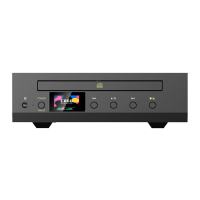
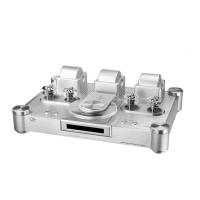
Touch Screen Operation
User can control multiple functions by sliding, clicking or long pressing.
Click: Go to the next menu or confirm.
Right slide: Swipe right to return to the previous menu.
1. Power on: press and hold power button for 2-3 seconds, then device power on.
2. Power off: Press and hold power button for 2-3 seconds, then device power off.
Operation Instructions
2. Next : Short press to jump to next song. Long press to fast forward in currently playing
song.
3. Play & pause buttons : short press to play or pause playback.
Previous / Next / Play & Pause
1. Previous : Short press to jump to previous song or to beginning of current song. Long
press for fast rewind in currently playing song.
Stop / Eject
1. Make sure device is set to CD Source mode.
2.
disk.
Press the [ ] button on the device to stop the playback, press it again to eject the
Power ON/OFF and Screen OFF
3. Screen off: Press the power button to turn the screen on or off.
CD Playback Mode
Press the [CD] button to switch directly to CD Playback mode.
Volume Control
Press the [VOLUME +/- ] buttons on machine to increase or decrease the volume.


 To Next Page