11
RE P
RA N DOM
MU T E
IN P UT VO L UME
DI M MER
-
RC 3 R
AM P
CD
NE T
PO W ER
1
2
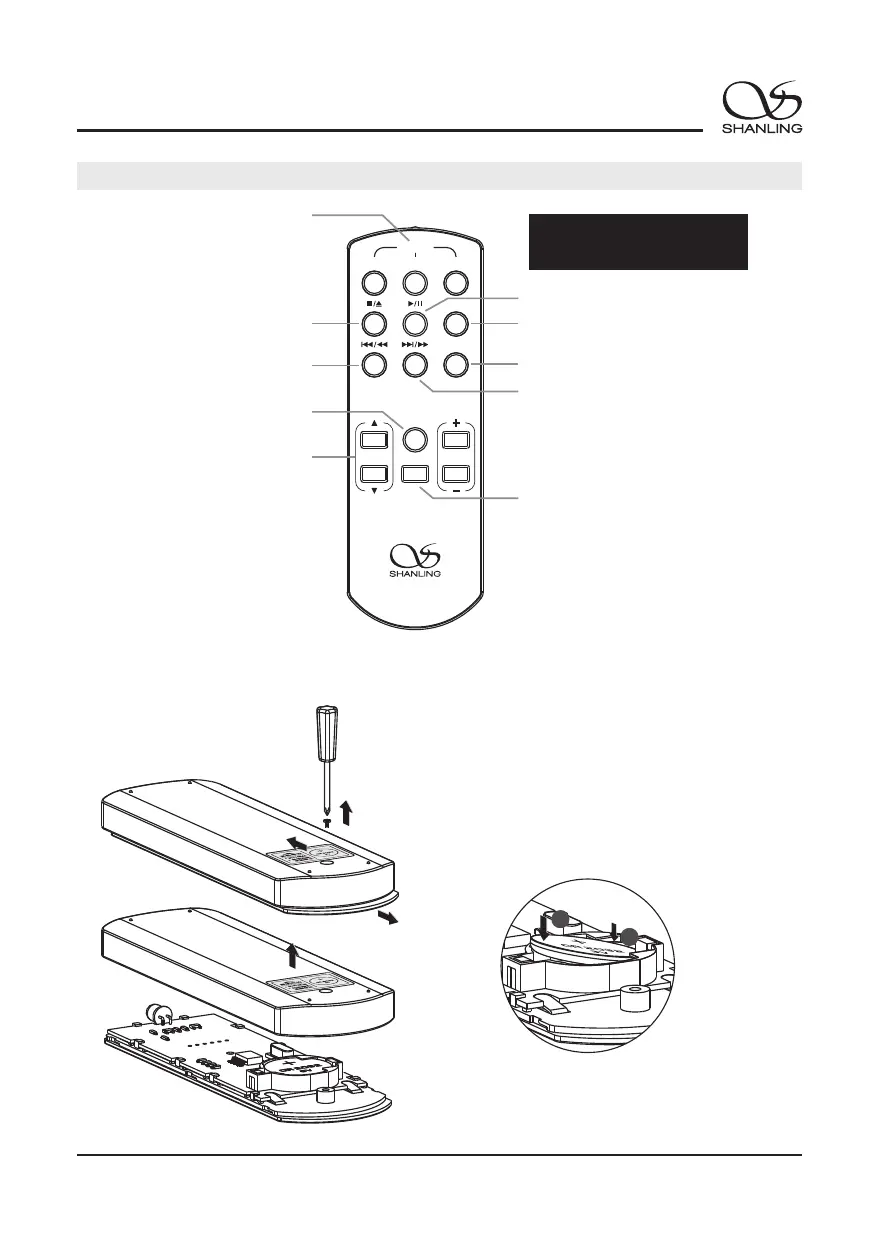
Remote Control Diagram
Universal remote can be used
with different components.
Switch to the matching setting.
Press the CD button to
use remote.
Long press CD button to
switch into standby mode.
Stop
Short press: Previous track
Long press: Rewind
Mute
Switch input
Play/Pause
Repeat
Random
Short press: Next track
Long press: Forward
Note:
1. Use remote within 10m distance and less
than 30 degree angle.
2. Some buttons on universal remote server
no functions with EC3.
Unscrew
Note:
1. When changing battery, insert right side first.
2. Then press in left side.
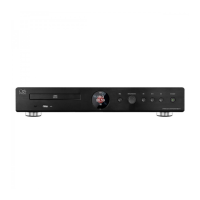
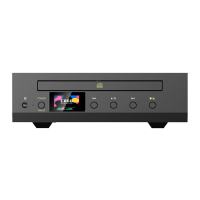
EC3
Stereo CD Player
Screen On/Off


 To Next Page