14
EC3
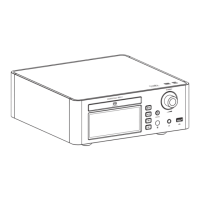
Stereo CD Player
Mute Playback
1. Press the [MUTE] button to mute playback. Display will show " ".
2. Press the [MUTE] button again to resume playback.
APP Control
Scan code to download
the Eddict Player app
1. Press the [ ] knob to enter the settings
menu.
2. Go to Bluetooth settings and turn on Bluetooth.
3. Turn on the SyncLink function in the settings
menu.
" "
4. Insert USB drive and switch source to the USB Drive input.
5. On your phone, open Eddict player app, go to SyncLink function and turn on Client mode. Select
"Shanling EC3" form list of available devices.
6. Click on Scan Music to scan for music files on the USB Drive." "
7. Now you can control music playback on your EC3.
/ MENU
Eddict Player


 To Next Page