9
A B
C D
FULL FACE/OPEN FACE
FULL FACE/OPEN FACE
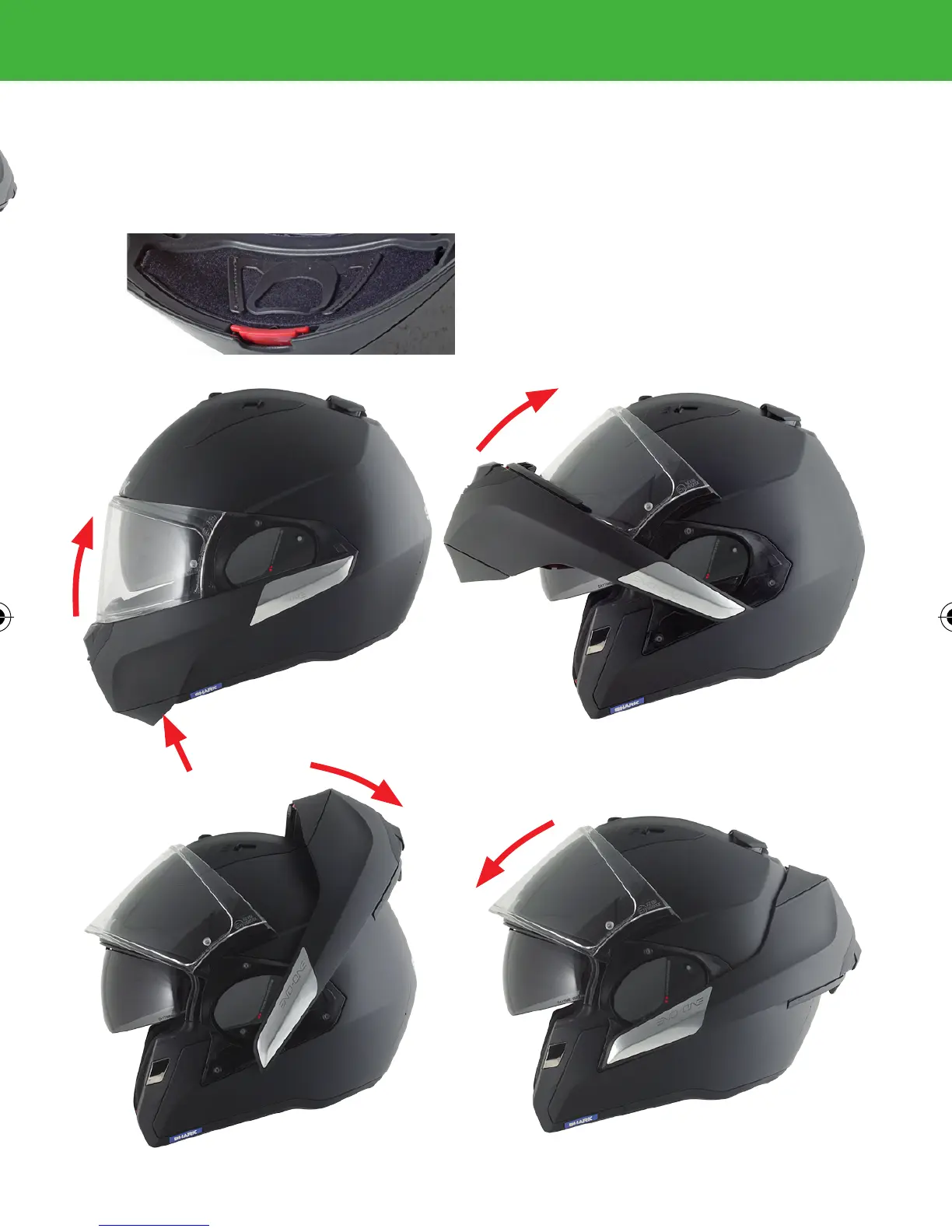
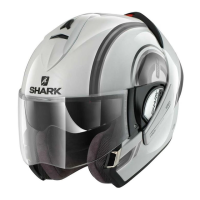
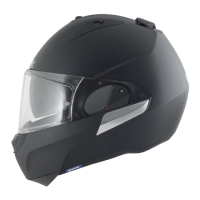
Switch your helmet from a full face to an open
face configuration, in a simple way, by keeping
the helmet on your head. The chin cover must be
retract:
Press the red button on the chin protection
(Fig.A) and the screen will slightly go up auto-
matically (AUTO-UP). Once done, push the chin
protection forward and lift it up.
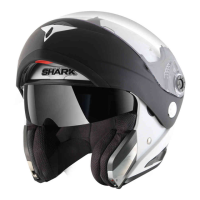
If you guide it well, the chin protection will
push the screen until the top position and
will move until the back of the helmet (Fig.
B,C). Put your screen in lower position,
now you have an open face helmet with a
protection screen (Fig. D).


 To Next Page