VERSATILE FLOOR-TO-CEILING CLEANING
@sharkcleaning
2
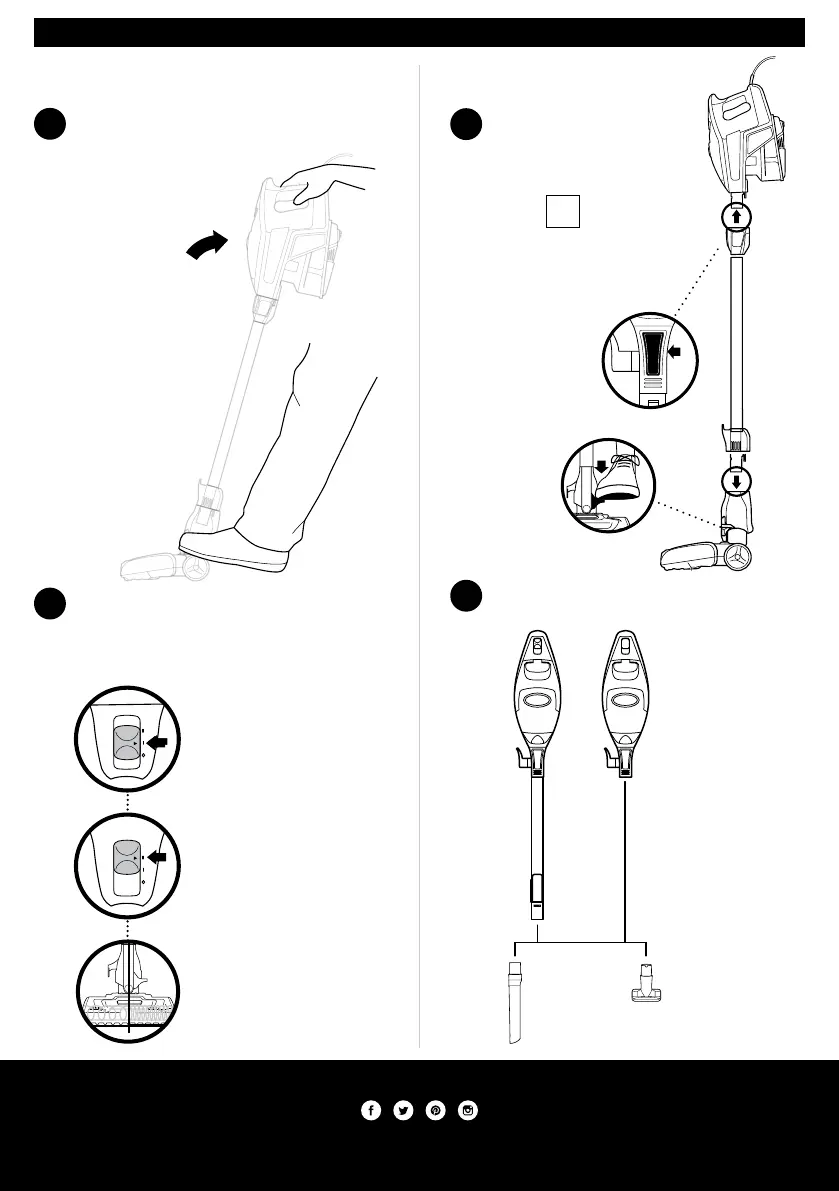
Choose Setting
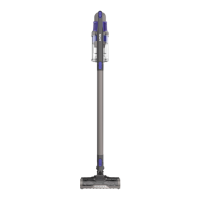
The Rocket
®
DeluxePro Ultra-Light has a 2-speed Power
slider switch on the handle. Slide the Power switch to
appropriate speed setting (I or II) and start cleaning.
1
Plug In Vacuum
Then place your foot
gently on the floor nozzle
and tilt the handle back.
FLOOR CLEANING ABOVE-FLOOR CLEANING
NOTE: For deep cleaning per
ASTM F 608 (embedded dirt in
carpets) please set to High Pile
Carpets (II).
Setting II
High Pile Carpets
The brushroll spins faster
to pick up debris below the
surface ofyour carpets.
Setting I
Bare Floor, Area Rugs
The brushroll spins slowly
to clean bare floors and
delicate arearugs.
Press the Release button
on the top of the wand
to disconnect it from the
handheld vacuum.
1
Stand the vacuum upright.
Step on the foot pedal
and pull the wand up to
disconnect it from the
motorized floor nozzle.
2
Attach desired cleaning accessory.
NOTE: Use Setting I
for all above-floor
accessories.
OR
Floor Nozzle
Release
Wand Release
For questions or to register your product, visit us online at sharkclean.com
©2018 SHARK and ROCKET are registered trademarks of SharkNinja Operating LLC.
DUST-AWAY is a trademark of SharkNinja Operating LLC.



 To Previous Page