EasyManua.ls Logo

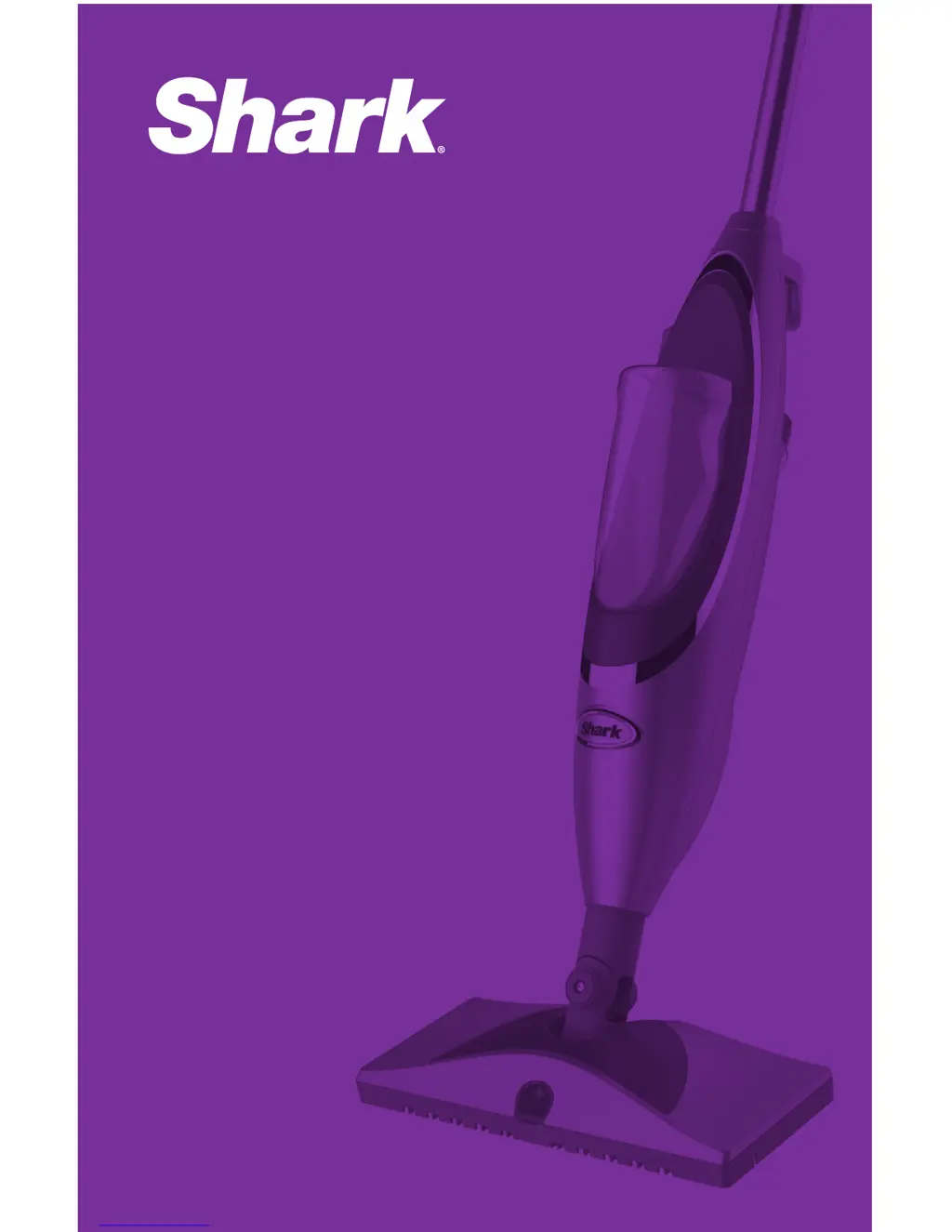
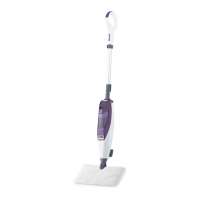
Shark sk460 - User Manual

Shark sk460
40 pages
Print Icon
To Next Page IconTo Next Page
Loading...
series série serie
SK460
WWW.SHARKCLEAN.COM
OWNER’S GUIDE
MANUEL DU
PROPRIÉTAIRE
GUÍA DEL USUARIO

Questions and Answers

  • R
    Robin CunninghamAug 16, 2025
    What to do if my Shark sk460 Vacuum Cleaner won't turn on?
    • Y
      Yvonne DavisAug 16, 2025
      First, ensure the power cord is firmly inserted into both the unit's power cord receptacle and the electrical outlet. If it still doesn't turn on, check your fuse or breaker. If the issue persists, it may require professional assistance.
  • A
    Alicia PhamAug 18, 2025
    Why is my Shark sk460 Vacuum Cleaner hard to push?
    • J
      James BeckAug 18, 2025
      If your Shark Vacuum Cleaner is hard to push, ensure the cleaning pad is correctly attached. Also, check if the cleaning pad is excessively dirty and replace it with a clean one if needed.
  • N
    Nicholas HarrisonAug 21, 2025
    Why is my Shark sk460 Vacuum Cleaner not spraying?
    • S
      sotochristopherAug 22, 2025
      There are several reasons why your Shark Vacuum Cleaner might not be spraying. First, ensure that batteries are properly inserted or replace them with new ones. Check that the Cleanser Bottle is fully inserted until you hear a click and that it contains enough cleaning solution. Also, there may be air in the system. Try holding down the spray button for 5 to 10 seconds. If the spray nozzle is clogged, it may require cleaning.
  • M
    moralesthomasAug 25, 2025
    How to fix a Shark sk460 Vacuum Cleaner that leaves water on the floor?
    • T
      Tracy RosalesAug 26, 2025
      To prevent your Shark Vacuum Cleaner from leaving water on the floor: avoid leaving the appliance on the floor with a damp cleaning pad. If you are using tap water, switch to distilled water. Also, ensure that the cap is securely placed on the water tank.
  • E
    Erica BradleyAug 27, 2025
    Why does my Shark Vacuum Cleaner leave white spots on the floor?
    • B
      Brian WhiteAug 28, 2025
      If your Shark Vacuum Cleaner leaves white spots, check if the cleaning pad is soaked. Unplug the unit and replace the cleaning pad if necessary. Also, ensure that the cleaning pad is correctly attached.
  • C
    Christine HubbardAug 31, 2025
    How to resolve cloudy, spotty, or streaky floors after cleaning with my Shark sk460?
    • W
      Wendy WilliamsAug 31, 2025
      If floors appear cloudy, spotty, or streaky after cleaning with your Shark Vacuum Cleaner, the cleaning pad may be dirty, so change it. The mop may have been left in one spot for too long. This may be leftover from past cleaners used on the floor surface, so use the mop a few more times again with a clean pad and see if the cloudiness is removed.
  • M
    Mrs. Debra WhiteSep 3, 2025
    What to do if I cannot select a steam setting on my Shark Vacuum Cleaner?
    • K
      Kathryn JohnstonSep 3, 2025
      If you cannot select a steam setting and the blue light is flashing on your Shark Vacuum Cleaner, unplug the power cord and re-plug it into another electrical wall outlet to reset the Standby mode. Also, ensure the water tank is filled and press the Steam Control button to select a steam setting.
  • S
    Sabrina TaylorSep 5, 2025
    What to do if my Shark sk460 Vacuum Cleaner is not making steam?
    • M
      Meghan WardSep 5, 2025
      If your Shark Vacuum Cleaner isn't producing steam, first check if the water tank has enough water; if not, refill it. Also, make sure the water intake tube isn't stuck at the top of the tank; push it down to the bottom if necessary.
  • M
    Miguel MolinaSep 9, 2025
    What to do if my Shark sk460 Vacuum Cleaner is squirting foam?
    • R
      richard92Sep 9, 2025
      If your Shark Vacuum Cleaner is squirting foam, ensure the Cleanser Bottle is firmly inserted into the unit until you hear a click. Also, there may be air in the system; hold down the spray button for 5 to 10 seconds to flush it.
  • M
    megan19Sep 12, 2025
    What should I do if the cleanser bottle fell out of my Shark Vacuum Cleaner?
    • M
      Mary MartinezSep 12, 2025
      The unit is not meant to be turned upside down. When upside-down, the Cleanser Bottle is at risk for falling out of its cradle. Please do not turn the unit upside-down. If it is necessary to turn the unit upside-down, remove the Cleanser Bottle first. Also, ensure the bottle is fully inserted until you hear a click.

Summary

IMPORTANT SAFETY INSTRUCTIONS

General Usage Precautions

Covers basic safety, reading instructions, and steam dangers.

Electrical Safety

Addresses polarized plug, shock hazards, and cord safety.

Appliance Operation Limits

Details restrictions on usage, materials, and stationary placement.

Cleaning and Maintenance Safety

Covers safe cleaning, pad changes, and storage.

Battery Safety

Provides guidance on battery handling, types, and leak precautions.

Floor Surface Warnings

Alerts users about suitable floor types and potential damage.

TECHNICAL SPECIFICATIONS

Model Numbers Covered

Lists the specific model numbers included in this manual.

Voltage and Power

Details the electrical specifications of the appliance.

Trademarks

Lists the registered trademarks associated with the product.

Getting Started

Product Components

Identifies and illustrates the various parts of the Shark® Professional Steam & Spray™ Mop.

ASSEMBLY

Step-by-Step Assembly Instructions

Provides detailed steps for assembling the steam mop unit.

Pad Attachment

Explains how to properly attach the cleaning pads to the mop head.

Important Usage and Safety Notes

Highlights critical usage rules like unplugging and using specific cleansers.

Using Your Professional Steam & Spray Mop

Cleaning Your Hard Floors

Guides users on how to clean hard floors effectively with the mop.

Filling the Water Tank

Details the process of filling the water tank with water, recommending distilled water.

Important Floor Surface Warnings

Warns against using the mop on certain floor types and advises testing.

Floor Preparation

Advises sweeping or vacuuming floors before use.

Selecting Your Steam Setting

Steam Setting Options

Explains the three steam settings: SaniFiber™, MOP, and SCRUB.

Cleaning Technique

Describes the recommended forward and backward motion for cleaning.

Stopping Steam

Instructions on how to stop steam production by pressing the Steam Control button.

Important Pad Warning

Warns against leaving the mop with a damp pad on the floor.

Using the Steam Energized Cleanser

Cleanser Bottle Installation

Guides on inserting the cleanser bottle and ensuring proper seating.

Applying Cleaning Solution

Explains how to use the spray button to apply the cleaning solution.

Care and Maintenance

Frequently Asked Questions

Addresses common issues like foam, cloudy floors, and residue from previous cleaners.

General Tips

Provides general tips for optimal use, including pad changes and water tank filling.

After Use and Storage

Instructions for stopping steam, unplugging, and storing the mop.

Cleaning the Spray Nozzle

Details how to clean a clogged spray nozzle.

Decalcifying Your Steam Mop

Recommends using distilled water to prevent mineral buildup.

CARE FOR YOUR WASHABLE CLEANING PAD

Washing Instructions

Advises on washing the cleaning pad separately with liquid detergent.

Thread Trimming

Guides on carefully cutting loose threads on the cleaning pad.

ORDERING REPLACEMENT PARTS

Parts and Accessories Availability

Provides information on how to order replacement parts and accessories.

Steam Settings Guide

Troubleshooting Guide: Initial Issues

Mop Power and Steam Problems

Addresses issues with the mop not turning on or not producing steam.

Steam Setting and Spray Issues

Covers problems with selecting settings, foam from the nozzle, or no spray.

Cleanser Bottle and Floor Spots

Solutions for the cleanser bottle falling out or leaving white spots on the floor.

Troubleshooting Guide: Performance and Handling

Water Leakage and Floor Appearance

Addresses issues with the mop leaving water or floors appearing streaky.

Mop Maneuverability

Solutions for the mop being hard to push.

Handle Removal

Instructions for removing the mop handle for returns.

ONE (1) YEAR LIMITED WARRANTY

Warranty Coverage and Exclusions

Details what the one-year limited warranty covers and its limitations.

Returning the Appliance for Service

Explains the process and requirements for returning the appliance for warranty service.

Important Shipping Instructions

Advises on how to pack and ship the item for warranty claims.

Product Registration

Registering Your Product

Explains the benefits and process of registering the Shark® product.

Shark sk460 Specifications

General IconGeneral
BrandShark
Modelsk460
CategoryVacuum Cleaner
LanguageEnglish

Related product manuals