2 WAYS TO CLEAN
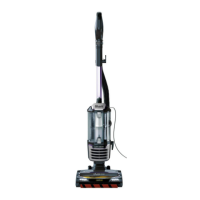
FLOOR CLEANING
ABOVE-FLOOR CLEANING
For questions or to register your product, contact us at 1-800-798-7398 or visit us online at sharkclean.com
@sharkcleaning
OR
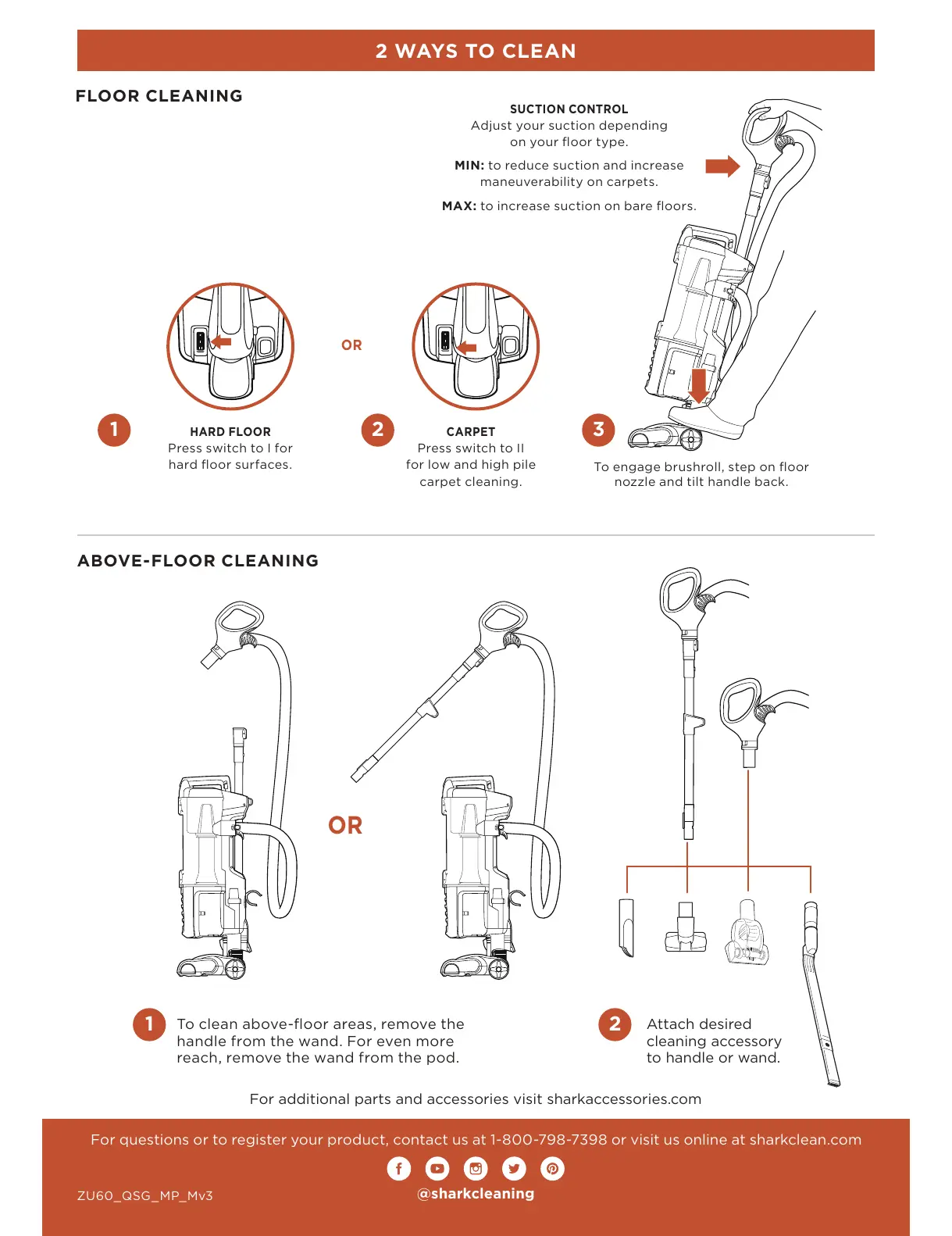
HARD FLOOR
Press switch to I for
hard floor surfaces.
CARPET
Press switch to II
for low and high pile
carpet cleaning.
SUCTION CONTROL
Adjust your suction depending
on your floor type.
MIN: to reduce suction and increase
maneuverability on carpets.
MAX: to increase suction on bare floors.
Attach desired
cleaning accessory
to handle or wand.
For additional parts and accessories visit sharkaccessories.com
OR
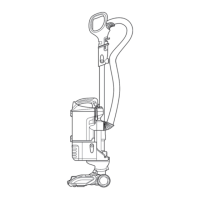
To clean above-floor areas, remove the
handle from the wand. For even more
reach, remove the wand from the pod.
1
1 2
2 3
To engage brushroll, step on floor
nozzle and tilt handle back.
ZU60_QSG_MP_Mv3






 To Previous Page