sharkclean.comsharkclean.com
USING THE SHARK ION™ ROBOT
PAIRING THE ROBOT WITH A SMART PHONE
Register your robot.
You are now ready to
schedule cleaning days and
times for your robot.
Your phone will automatically
connect to your robot.
You will be notified when
your robot is connected.
Give your robot a name,
then tap Continue button.
Connect your phone to the
robot's Wi-Fi Network. The
network's name will start with
SHARK_RV-.
USING THE SHARK ION™ ROBOT
5 ft.
3 ft.
3 ft.
CORDS AND OBSTRUCTIONS
DOORWAY THRESHOLDS
LOW-CLEARANCE FURNITURE
RETURNING TO DOCK
Smart Sensor Technology
Robot Traps Robot Friendly
Smart Sensor technology allows your robot to navigate around obstructions as it cleans.
During your first few cleanings, you may need to make some small adjustments to optimize
your robot’s performance.
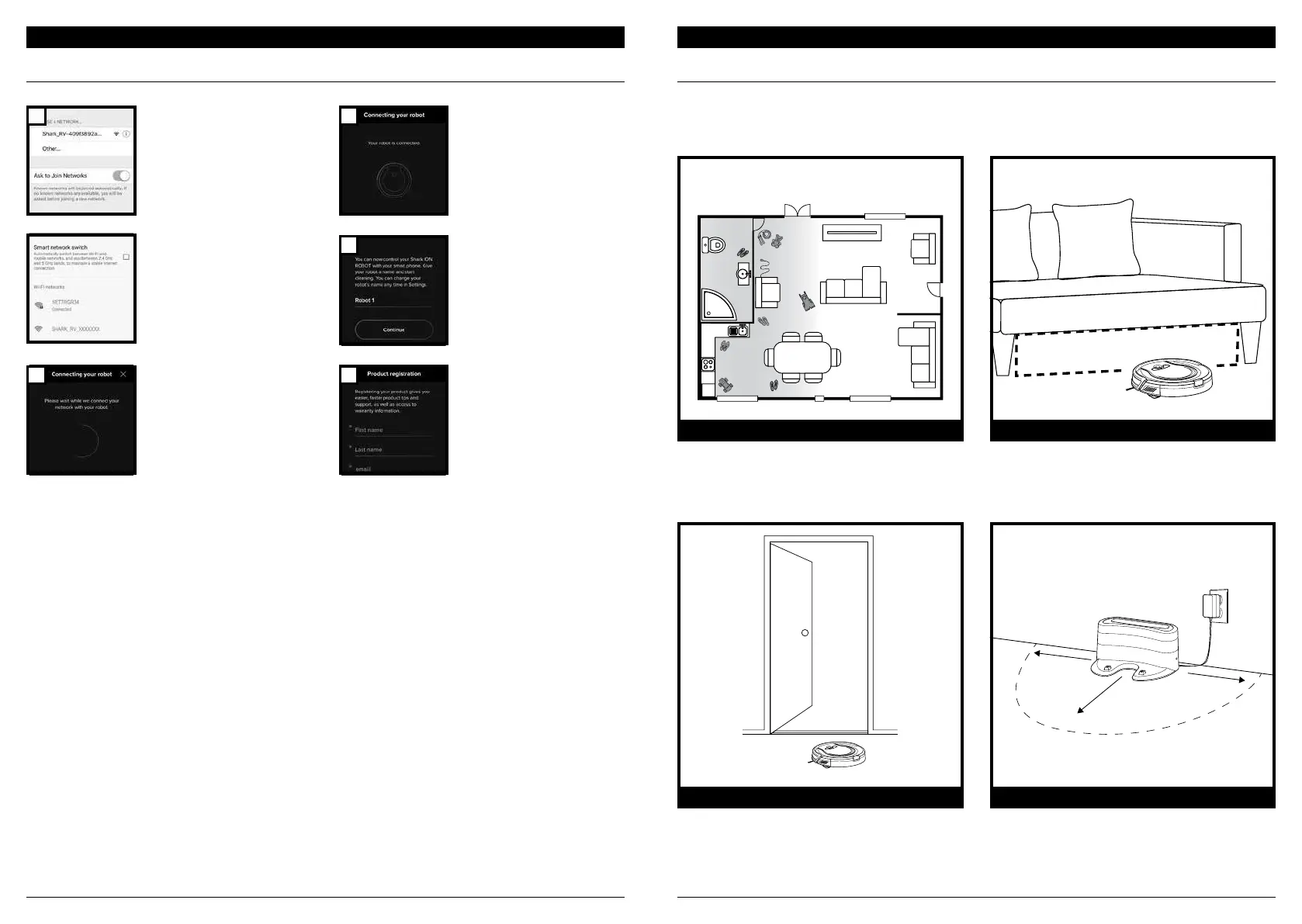
Before cleaning, clear away cords and other
obstructions or block o the area with the included
BotBoundary™ strips.
Your robot may have some trouble clearing some
high thresholds. Block o high thresholds with
BotBoundary strips.
To prevent your robot from becoming trapped,
use furniture risers or BotBoundary strips.
Make sure the dock is set up as shown. If your
robot roams too far, it could have trouble finding
the dock. It may be helpful to block o part of your
home with BotBoundary strips, or to add a second
dock (available at sharkaccessories.com)
1
2
3
4
5


 To Next Page