5
5. Connecting to the PC
1.Plugthemouse’sUSBconnectorintoanavailableUSBportonyourPC.
2.Theoperatingsystemwillautomaticallyrecognizethemouseandinstallallneededdrivers.
3.Ifyourmouseisnotrecognized,disconnectitandtryadifferentUSBportonyourPC.
6. Installing the software
1.Beforeinstallingtheincludedsoftware,removeallotherinstalledmousesoftwarefromyoursystem.
2.PuttheincludedToolsCDintoyourCD/DVDdrive.
3.OpentheCD/DVDdrive’sfolder(e.g.D:\).
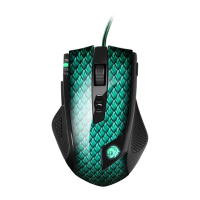
4. Start“Drakonia.exe“andfollowtheinstructionsoftheinstallationwizard.
5.Aftercompletingtheinstallationprocessthefollowingiconwillappearinthetaskbar:



 To Next Page