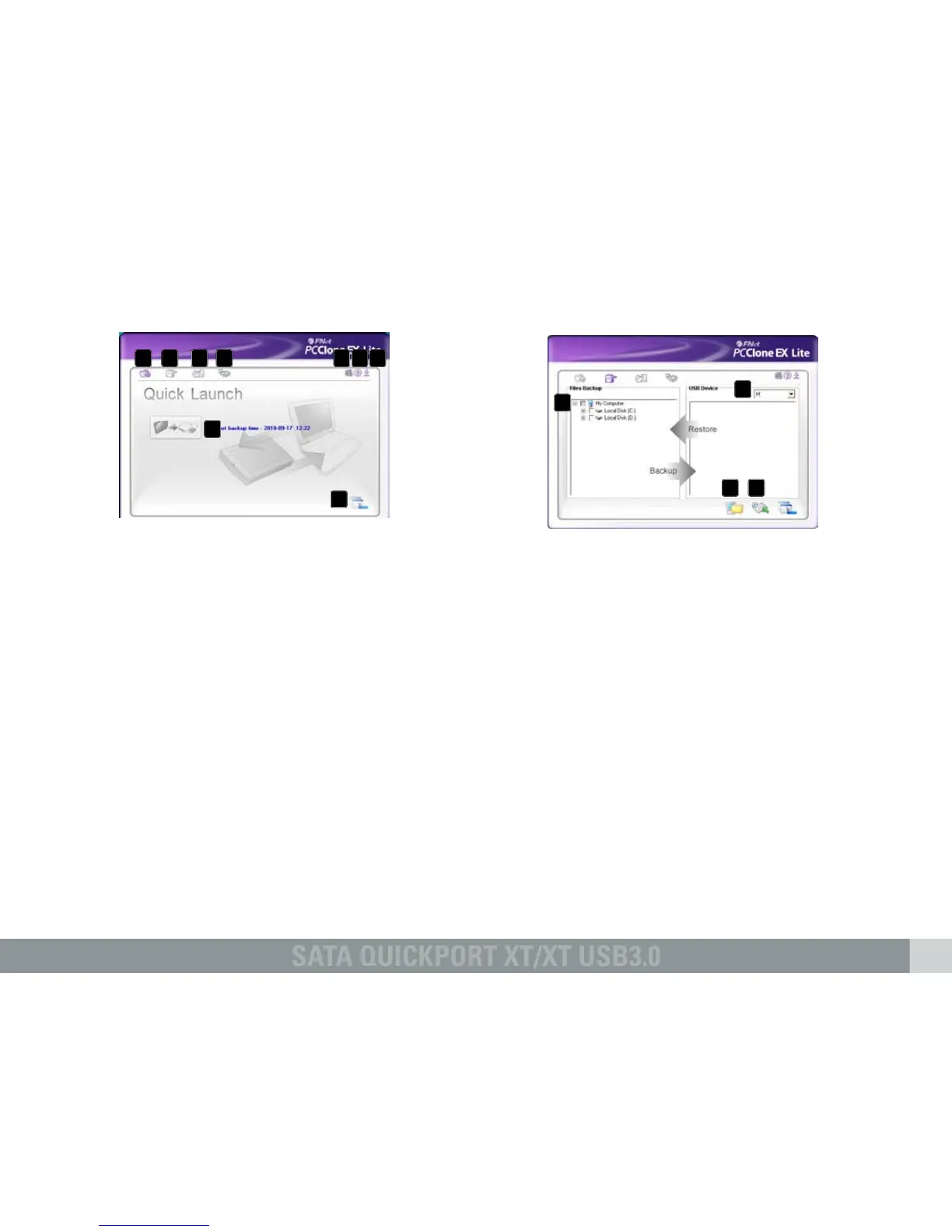
2.2 Quick Launch
A – Quick Launch (6.2)
B – Files Backup (6.3)
C – File Manager (6.4)
D – Setup (6.5)
E – Shows you information about the
software (see above 6.1).
F – Starts the help program of the backup
software (see above 6.1)
G – Minimize the program window.
To completely quit the program see above
6.1.
H – Start the data backup by clicking this
button.
2.3 Files Backup
A – All folders of your system are displayed
here.
Choose the folders that shall be copied
during a backup, by ticking the respective
checkbox(es).
B – Select the external target device from the
dropdown menu.
C – Start the backup by clicking the button.
D – Restore already existing backup files from
the external (backup) drive, by clicking this
button.
Note:
The backup files are copied to the (hidden)
folder “Fnet” on the target device. This folder
must not be deleted!
A
A
B
B
C
C
D
D E F G
G
H



 To Next Page