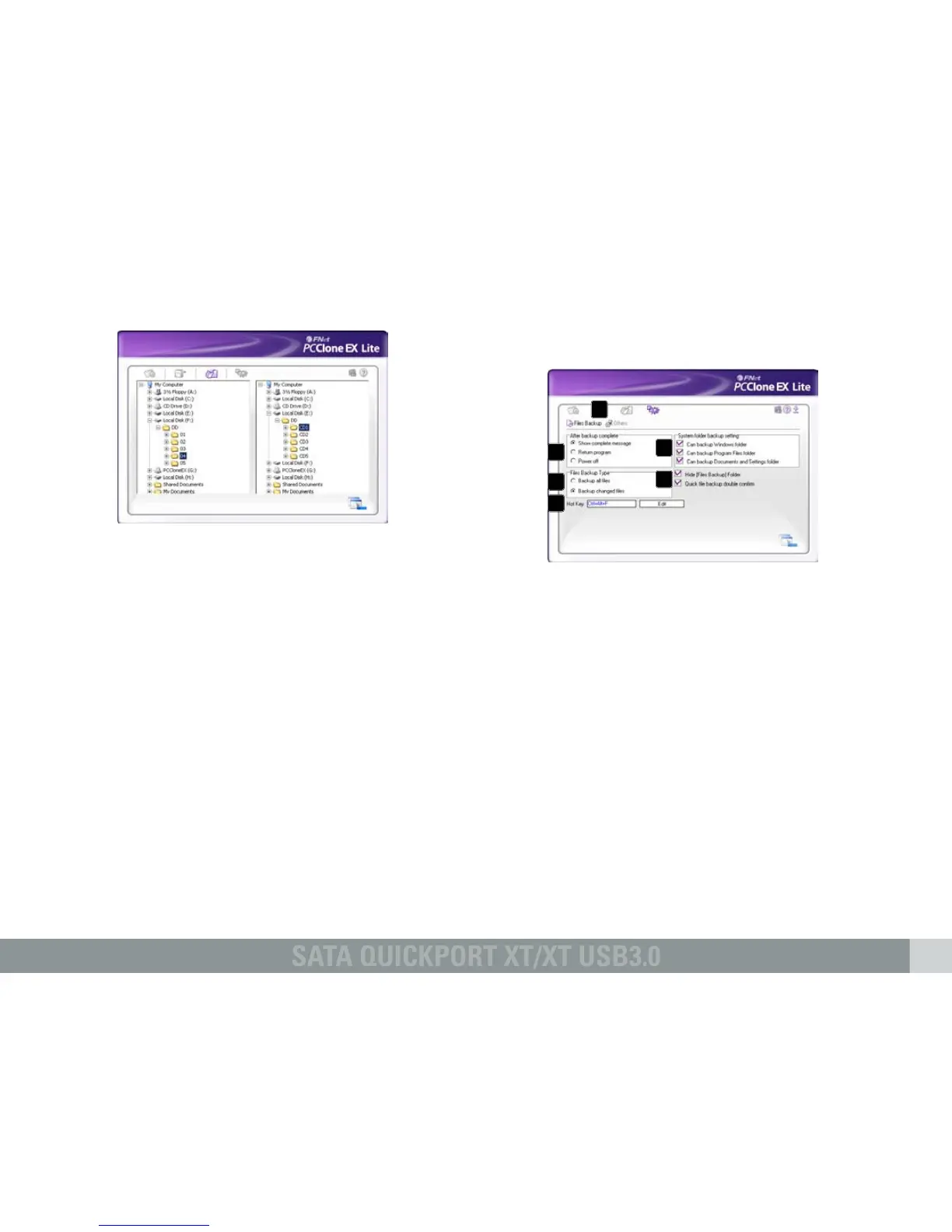
2.4 File manager
The File Manager makes it easy to govern your
local folders/files and supports similar
functions as known from the Windows Explorer.
2.5 Setup
2.5.1 Files Backup
A – Select between the windows “Files
Backup“ (6.5.1) and “Others“ (6.5.2).
B – Decide what shall happen after the backup
has been completed: “Show complete
message” will show a summary of the
backup; “Return program” returns to the
program; “Power off” will shut down your
system.
C – Choose whether all or only changed files
shall be secured.
D – Determine a hot key to start the backup.
E – Select which system folders shall be
included into the backup.
F – Determine whether the Files Backup folder
shall be hidden and if the quick file backup
shall be double confirmed or not.
A
B
C
D
E
F



 To Next Page