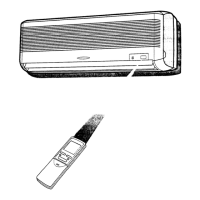
Press On/Off button to start or stop operation.
to switch On or Off the display on the main unit.
odelsm
to switch
BLOW
the fan will con tinue to bl ow after the un it is stopped to remove
BLOW
BLOW
the function is not operated.
senses the room temperature automatically to select a suitable running method
for room comfort.
TURBO
hen TURBO mode is selected W
BLOW
BLOW



 To Next Page