EasyManua.ls Logo

Sharp Aquos 2T-C50BG1I - User Manual

Sharp Aquos 2T-C50BG1I
81 pages
Print Icon
To Next Page IconTo Next Page
Loading...
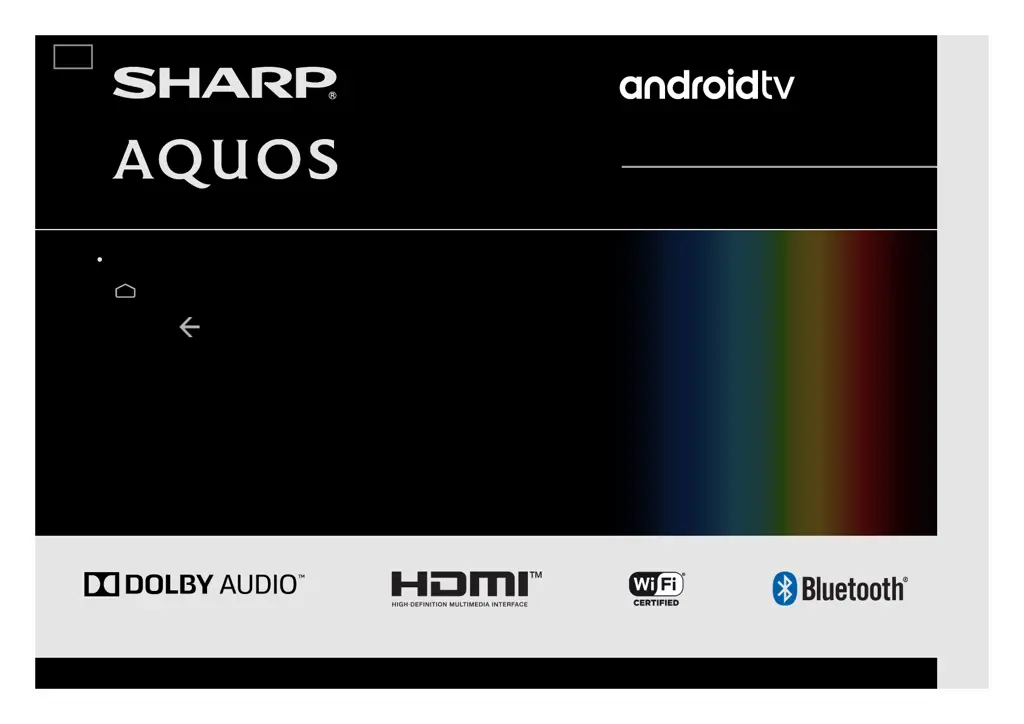
LED BACKLIGHT TV / MONITOR
OPERATION MANUAL
Please choose your favourite page from the content.
If you want to close the operation manual, press the
(HOME) button.
Also, if you want to return to the previously displayed page,
press the (Back) button.
ENGLISH | 中文(台灣) | 中文(香港) | FRANÇAIS | PORTUGUÊS | РУССКИЙ | 中文 | INDONESIA | ภาษาไทย | TIẾNG VIỆT | ﻲﺑرﻋ | АҒЫЛШЫН | O'ZBEK TILIDA
>>

Table of Contents

Questions and Answers

  • A
    Andrew ThompsonAug 5, 2025
    What to do if there is no picture on my Sharp Aquos 2T-C50BG1I?
    • J
      Jessica MedinaAug 5, 2025
      If your Sharp TV shows no picture, try the following: * Ensure the AC cord is connected. * Verify you've pressed the power button on the remote. * Check if the power has been turned on. * If using a PC, confirm the display output mode is set to external monitor.
  • A
    Alexis BaileyAug 9, 2025
    Why is there no sound on my Sharp TV?
    • S
      Sharon TorresAug 10, 2025
      If there is no sound on your Sharp TV, consider the following: * Check if the connection to the device is correct. * Make sure the volume isn't too low and check the audio output of any connected external equipment. * If using an HDMI cable with external equipment, you may need to configure the audio to be output through the HDMI cable. * If using a PC, verify the audio output is configured correctly, including checking the audio output settings and output audio format in Sound Properties.
  • L
    linda47Aug 14, 2025
    What to do if my Sharp Aquos 2T-C50BG1I TV unit cannot be operated?
    • C
      Chad BookerAug 14, 2025
      If your Sharp TV unit cannot be operated, it might be due to external influences like lightning or static electricity. In this case, turn off the power of the TV or unplug the AC cord, wait 1 or 2 minutes, and then plug it back in. Also, ensure that the program you are viewing provides HD images.
  • A
    Anne PattersonAug 18, 2025
    What to do if the remote control unit does not operate my Sharp TV?
    • Z
      zmataAug 18, 2025
      If the remote control unit is not operating your Sharp TV, check the following: * Replace the batteries with new ones if they are worn out. * Ensure you are not using the remote control under strong or fluorescent lighting. * Make sure a fluorescent light isn't illuminated near the remote control sensor. * Confirm that the equipment to be operated by the remote control unit is set correctly.
  • R
    Regina WilliamsAug 22, 2025
    Why is my Sharp Aquos 2T-C50BG1I power turned off?
    • S
      Sharon WheelerAug 22, 2025
      If your Sharp TV's power is turned off, first check the power control settings to see if the sleep timer is set. Also, make sure that the vents are not blocked; if they are, remove any objects or clean the vents.
  • L
    Lisa NelsonAug 27, 2025
    What to do if software updates via Over-The-Air (OTA) is not successful on Sharp Aquos 2T-C50BG1I?
    • P
      Penny BakerAug 27, 2025
      If software updates via Over-The-Air (OTA) are not successful on your Sharp TV, ensure your internet connection is working. If the TV is connected to the internet but no connection is available, disconnect the internet from your TV and then reconnect it.
  • A
    Angela StricklandAug 30, 2025
    How to fix Chromecast built-in image/ audio that cannot be output to my Sharp Aquos 2T-C50BG1I TV?
    • T
      tyler26Aug 30, 2025
      To fix Chromecast built-in image/audio output issues on your Sharp TV, check if your smartphone or tablet is connected to the same Wi-Fi network as the TV.

Summary

Welcome, Safety, and Care

Electrical Safety and Warning Symbols

Details on electrical safety, fire/shock risks, and explanations of cautionary symbols.

Safe Usage and Handling Precautions

Precautions for safe placement, ventilation, handling, and transporting the television.

TV Hardware and Controls

Remote Control Button Functions

Explanation of the functions for each numbered button on the remote control unit.

Setup, Connectivity, and Apps

Connecting to Wi-Fi and LAN

Guidelines for establishing internet connections via Wi-Fi or wired LAN.

Troubleshooting and Specifications

Troubleshooting: Power, Operation, and Picture

Solutions for common issues such as no power, unit unresponsiveness, picture problems, and color misalignment.

Troubleshooting: Sound, Connectivity, and Errors

Solutions for sound issues, Chromecast connectivity, software update failures, and error messages.

Sharp Aquos 2T-C50BG1I Specifications

General IconGeneral
Smart TVYes
Operating SystemAndroid TV
HDMI Ports3
USB Ports2
Wi-FiYes
BluetoothYes
Sound Output20W
Screen Size50 inches
Resolution3840 x 2160 (4K UHD)
Display TypeLED
HDRYes

Related product manuals