EasyManua.ls Logo

Sharp AQUOS 4T-C70CK3X - User Manual

Sharp AQUOS 4T-C70CK3X
47 pages
Print Icon
To Next Page IconTo Next Page
Loading...
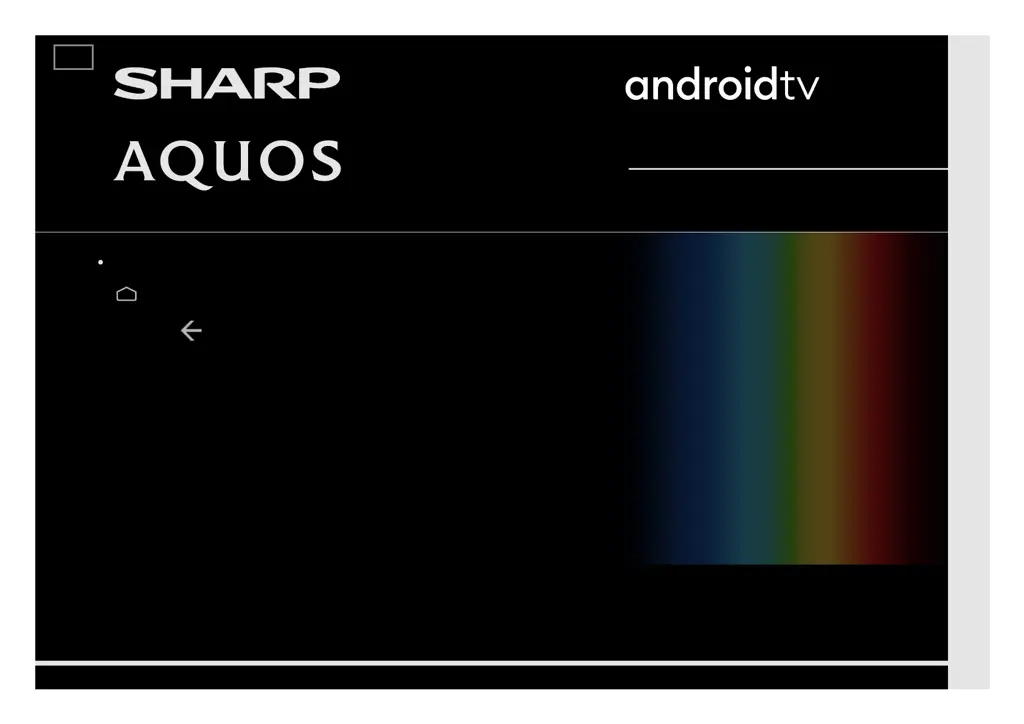
LED BACKLIGHT TV / MONITOR
OPERATION MANUAL
Please choose your favourite page from the content.
If you want to close the operation manual, press the
(HOME) button.
Also, if you want to return to the previously displayed page,
press the (Back) button.
ENGLISH | 中文(台灣) | 中文(香港) | 中文 | FRANÇAIS | PORTUGUÊS | INDONESIA | ภาษาไทย | TIẾNG VIỆT | ﻲﺑرﻋ | РУССКИЙ | АҒЫЛШЫН | O'ZBEK TILIDA
>>

Table of Contents

Questions and Answers

  • L
    Lori GonzalezAug 10, 2025
    What to do if my Sharp AQUOS 4T-C70CK3X UHD TV has no sound?
    • M
      Mr. Thomas Holloway DDSAug 10, 2025
      If your Sharp UHD TV has no sound, first, ensure the device connection is correct and check the audio output of the connected external equipment. Also, verify that the volume isn't too low and that you haven't accidentally muted the TV using the remote. If external equipment is connected via HDMI, configure the audio to output through the HDMI cable in your PC's Sound Properties. The TV supports PCM and Dolby Digital audio formats; other formats won't output sound.
  • C
    clementsjohnAug 20, 2025
    Why does my Sharp UHD TV say 'incompatible audio signal'?
    • P
      Pamela ClarkeAug 20, 2025
      This message appears when your Sharp UHD TV receives an audio format other than PCM or Dolby Digital. To resolve this, set the audio output format of connected external HDMI equipment to PCM or Dolby Digital. Check the audio output of the connected external equipment. Refer to the operation manual of the external equipment for setting details.
  • G
    gibbsjohnAug 30, 2025
    What to do if my Sharp AQUOS 4T-C70CK3X UHD TV says 'No broadcast now'?
    • P
      Paige DavisAug 30, 2025
      If your Sharp UHD TV displays 'No broadcast now', check the antenna cable and ensure the antenna is correctly set up. Also, verify the broadcast time in the program guide.

Summary

Get Started

Remote Control Unit Overview

Explains the functions of buttons and indicators on the remote control unit for TV operation.

Initial Setup and Software Updates

Guides users through initial TV setup, software updates, and system configuration.

TV and Channel Settings

Channel Tuning and Auto Updates

Explains manual channel tuning, auto channel updates, and related scan settings.

Connection;External Devices

Network and Internet Setup

Guides on connecting the TV to the internet using LAN or Wi-Fi for online services.

USB Device Connection and Playback

Details connecting USB memory devices and hard drives for media playback.

Smart Apps

Google Assistant, Play Store, and Account

Guides on using Google Assistant, downloading apps from Play Store, and account settings.

Appendix

General Troubleshooting Guide

Provides solutions for common TV operational problems like no power, remote issues, and picture quality.

Error Messages and Sound Troubleshooting

Addresses specific error messages and troubleshooting for sound output issues.

Sharp AQUOS 4T-C70CK3X Specifications

General IconGeneral
BrandSharp
ModelAQUOS 4T-C70CK3X
CategoryUHD TV
LanguageEnglish

Related product manuals