EasyManua.ls Logo

Sharp AQUOS 4T-C80CL1X - User Manual

Sharp AQUOS 4T-C80CL1X
47 pages
Print Icon
To Next Page IconTo Next Page
Loading...
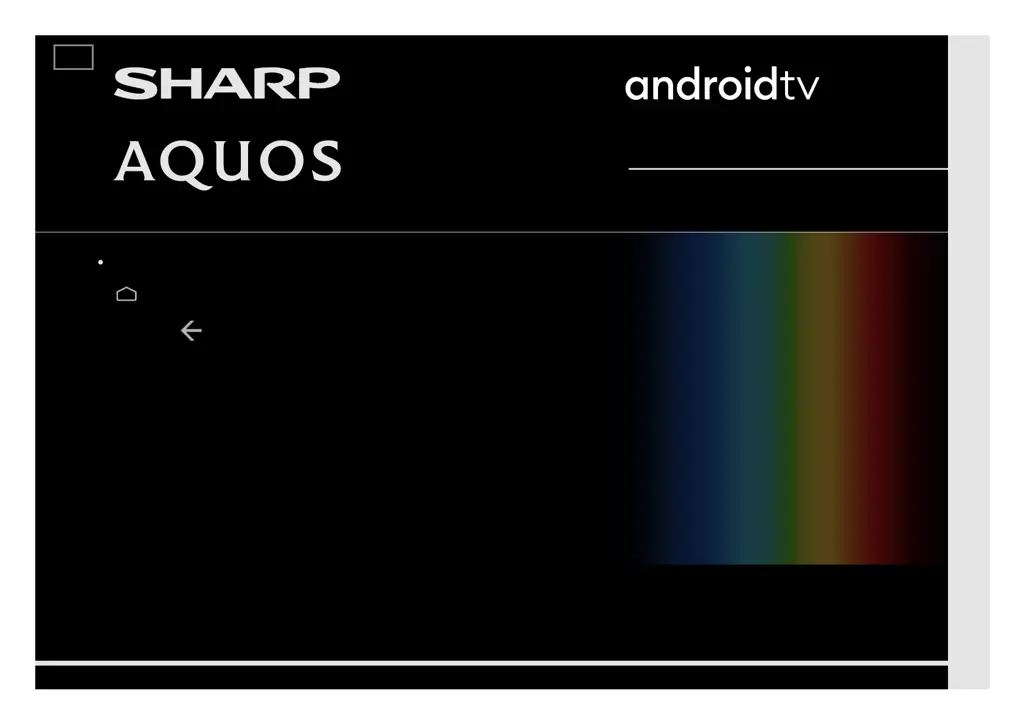
LED BACKLIGHT TV / MONITOR
OPERATION MANUAL
Please choose your favourite page from the content.
If you want to close the operation manual, press the
(HOME) button.
Also, if you want to return to the previously displayed page,
press the (Back) button.
ENGLISH | 中文(台灣) | 中文(香港) | 中文 | FRANÇAIS | PORTUGUÊS | INDONESIA | ภาษาไทย | TIẾNG VIỆT | ﻲﺑرﻋ | РУССКИЙ | АҒЫЛШЫН | O'ZBEK TILIDA
>>

Table of Contents

Questions and Answers

  • C
    Cheryl CraigAug 11, 2025
    What to do if my Sharp AQUOS 4T-C80CL1X UHD TV has no sound?
    • P
      pthorntonAug 12, 2025
      If your Sharp UHD TV has no sound, first, ensure the device connection is correct and check the audio output of the connected external equipment. Also, verify that the volume isn't too low and that you haven't accidentally muted the TV using the remote. If external equipment is connected via HDMI, configure the audio to output through the HDMI cable in your PC's Sound Properties. The TV supports PCM and Dolby Digital audio formats; other formats won't output sound.
  • A
    andres70Aug 21, 2025
    Why does my Sharp AQUOS 4T-C80CL1X UHD TV say 'incompatible audio signal'?
    • A
      Aaron GriffinAug 21, 2025
      This message appears when your Sharp UHD TV receives an audio format other than PCM or Dolby Digital. To resolve this, set the audio output format of connected external HDMI equipment to PCM or Dolby Digital. Check the audio output of the connected external equipment. Refer to the operation manual of the external equipment for setting details.
  • G
    Gregory MatthewsAug 31, 2025
    What to do if my Sharp UHD TV says 'No broadcast now'?
    • J
      Jennifer SmithAug 31, 2025
      If your Sharp UHD TV displays 'No broadcast now', check the antenna cable and ensure the antenna is correctly set up. Also, verify the broadcast time in the program guide.

Sharp AQUOS 4T-C80CL1X Specifications

General IconGeneral
Screen Size80 inches
Resolution3840 x 2160
Display TechnologyLCD
Smart TVYes
Operating SystemAndroid TV
Audio Output20W (10W x 2)
Backlight SystemDirect LED
HDMI Ports4
USB Ports2
HDRHDR10, HLG
BluetoothYes
Wi-FiYes
HDR SupportHDR10, HLG

Related product manuals