EasyManua.ls Logo

Sharp Aquos LC 32HT3U - User Manual

Sharp Aquos LC 32HT3U
29 pages
Print Icon
To Next Page IconTo Next Page
Loading...
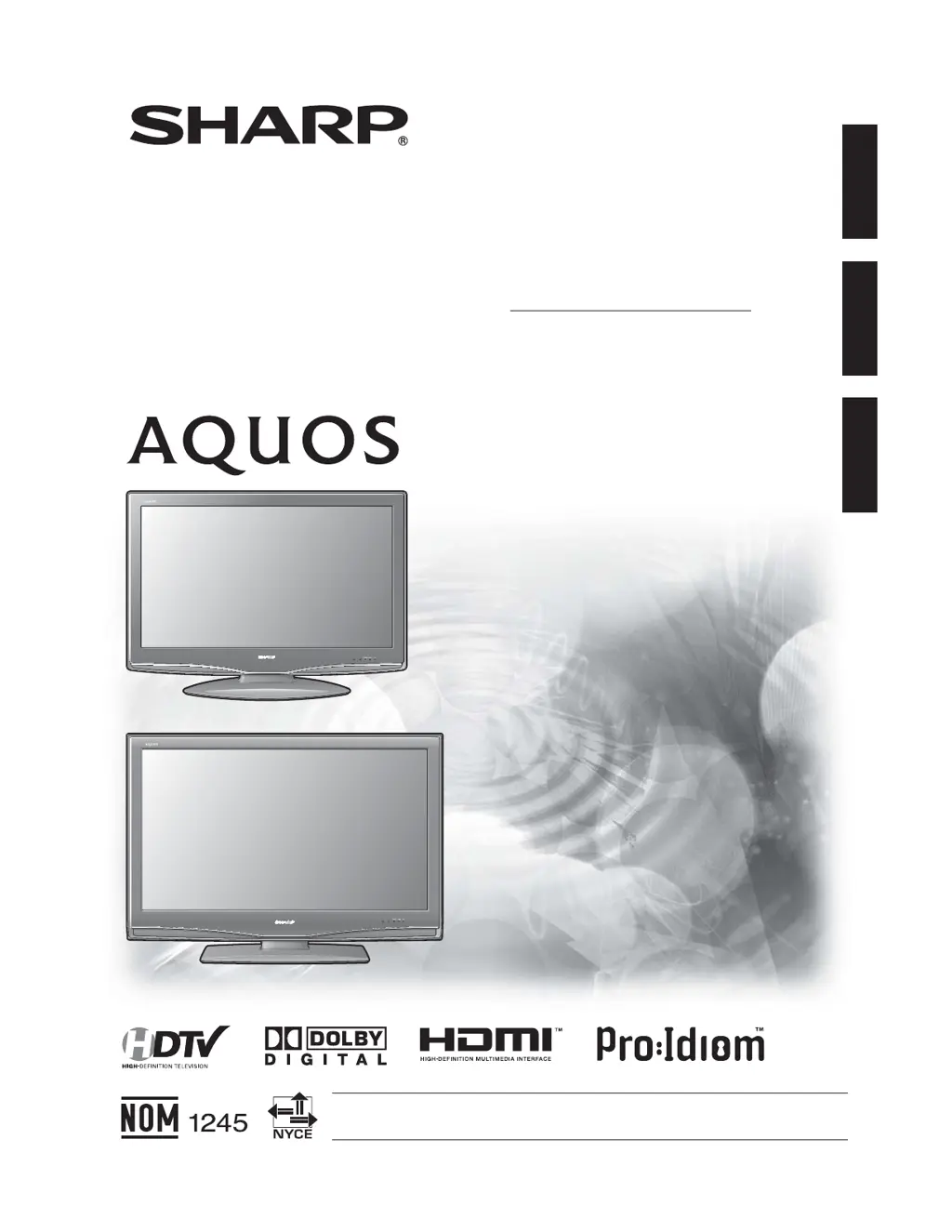
OPERATION MANUAL
MODE D'EMPLOI
MANUAL DE OPERACIÓN
LIQUID CRYSTAL TELEVISION
TÉLÉVISEUR ACL
TELEVISOR CON PANTALLA
DE CRISTAL LÍQUIDO
LC-32HT3U
LC-37HT3U
LC-42HT3U
ENGLISH FRANÇAIS ESPAÑOL
IMPORTANT : Please read this operation manual before starting operating the equipment.
IMPORTANTE : Lea este manual de operación antes de comenzar a operar el equipo.
LC-32HT3U
LC-37HT3U
LC-42HT3U

Questions and Answers

  • D
    Derrick JenkinsAug 13, 2025
    What to do if my Sharp Aquos LC 32HT3U has no power?
    • E
      emarshAug 13, 2025
      First, check if you have pressed the TV POWER button on the remote. If the indicator light on the TV doesn't come on, try pressing the POWER button directly on the TV. Also, ensure the AC power cord is properly connected and that the power is turned on.
  • V
    Vanessa WilliamsAug 17, 2025
    Why does my Sharp LCD TV remote control not operate?
    • K
      Kimberly LucasAug 17, 2025
      Make sure the FUNCTION is set to the TV position. Check that the batteries are inserted correctly, aligning the polarity (e, f). If the batteries are old, replace them with new ones. Strong or fluorescent lighting near the TV or remote control sensor can also interfere with the remote's operation.
  • A
    Aaron MorenoAug 20, 2025
    What to do if my Sharp Aquos LC 32HT3U suddenly turns off?
    • L
      liuruthAug 20, 2025
      Check if the sleep timer is activated. Review the power control settings. If the unit's internal temperature has increased, remove any obstructions blocking the vents or clean the vents to improve airflow.
  • B
    Bonnie WhiteAug 25, 2025
    What to do if my Sharp Aquos LC 32HT3U has no picture?
    • C
      Christopher ColeAug 26, 2025
      Verify that all connections to other components are correct. Ensure the correct input signal source is selected after making connections and that the appropriate input is chosen. Also, check the picture adjustments and confirm that 'On' is not selected in 'Audio Only'. Finally, make sure a compatible signal is being input.
  • R
    Renee LongAug 28, 2025
    How to fix no sound on Sharp LCD TV?
    • J
      Jeffrey LewisAug 28, 2025
      First, check if the volume is set too low. Then, verify if 'Variable' is selected in 'Output Select'. Also, ensure that you haven't accidentally pressed the MUTE button on the remote control.
  • J
    Jessica WhiteSep 1, 2025
    Why is the picture cut off on my Sharp Aquos LC 32HT3U LCD TV?
    • K
      Kimberly PierceSep 1, 2025
      Check if the image position is correct. Also, verify that screen mode adjustments, such as picture size, are set correctly.
  • E
    Ernest HuffSep 5, 2025
    Why does my Sharp LCD TV have strange colors?
    • R
      Robert Snow DDSSep 5, 2025
      Try adjusting the picture tone. If the room is too bright, the picture may appear dark, so adjust the room lighting. Check the input signal setting as well.
  • S
    Samuel ScottSep 8, 2025
    Why does my Sharp Aquos LC 32HT3U sometimes make a cracking sound?
    • A
      Amy MaysSep 9, 2025
      This sound occurs when the cabinet slightly expands and contracts due to temperature changes. This does not affect the TV's performance.

Summary

Important Information and Safety

General Safety Warnings

Crucial safety instructions regarding electrical shock, moisture, and product handling.

Regulatory Compliance and Trademarks

FCC Declaration and Information

Details FCC compliance, responsible party, and testing information.

Important Safety Instructions

General Handling and Electrical Safety

Covers essential safety guidelines for product use, handling, and electrical precautions.

Detailed Safety Precautions

Environmental and Usage Safety

Focuses on safe placement, ventilation, heat, and panel handling.

Safety Installation and Maintenance

Antenna Grounding and Fire Prevention

Details antenna grounding, fire prevention measures, and cable placement.

General Notes and Accessories

Remote Control Information

Notes on optional remote controls and their availability.

Supplied and Optional Accessories

Included Accessories

Lists the accessories provided with the TV for different models.

Part Names: TV Front Panel

Front Panel Controls and Indicators

Identifies buttons, sensors, and status indicators on the TV's front panel.

Part Names: TV Rear (Models LC-32 HT3 U;LC-37 HT3 U)

Rear Terminals and Connections

Details the various input/output terminals on the rear of specific TV models.

Part Names: TV Rear (Model LC-42 HT3 U)

Rear Terminals and Connections

Details the various input/output terminals on the rear of the LC-42HT3U model.

Part Names: Remote Control Unit

Remote Control Button Functions

Explains the purpose and operation of each button on the remote control.

Part Names: Remote Replicator

Remote Replicator Operation

Details the functions and indicators of the optional remote replicator.

Preparation: Attaching the Stand

Stand Assembly Instructions

Provides detailed steps for assembling and attaching the TV stand.

Preparation: Stand Attachment (LC-42 HT3 U)

Stand Assembly for LC-42 HT3 U

Specific instructions for attaching the stand to the LC-42HT3U model.

Preparation: TV Setup and Connections

Setting the TV and Connecting PPV Box

Guidance on connecting the TV, antenna, and PPV terminal box.

Preparation: Antenna Connections

Connecting Different Antenna Types

Explains how to connect various antenna cable types for optimal reception.

Preparation: Power Operations

Turning TV On and Off

Instructions for powering the TV on, off, and understanding status indicators.

Appendix: Physical Setup

Removing the TV Stand

Instructions for detaching the TV stand, often for wall mounting.

Appendix: Troubleshooting

Common TV Problems and Solutions

Provides solutions for issues like no power, no picture, or no sound.

Appendix: Specifications

Detailed TV Technical Specifications

Lists comprehensive technical data including panel, power, weight, and dimensions.

Appendix: Software Information

Software License and Acknowledgements

Details on software composition, licenses, and included open-source components.

Service and Warranty Information

Calling for Service Assistance

Contact information and procedure for obtaining technical support and service.

Canadian Limited Warranty

Warranty Terms for Canada

Details the warranty terms and conditions specific to Canada.

Dimensional Drawings: LC-32 HT3 U & LC-37 HT3 U

Dimensions for LC-32 HT3 U

Provides detailed physical dimensions for the LC-32HT3U model.

Dimensional Drawings: LC-42 HT3 U

Dimensions for LC-42 HT3 U

Provides detailed physical dimensions for the LC-42HT3U model.

Sharp Aquos LC 32HT3U Specifications

General IconGeneral
BrandSharp
ModelAquos LC 32HT3U
CategoryLCD TV
LanguageEnglish

Related product manuals